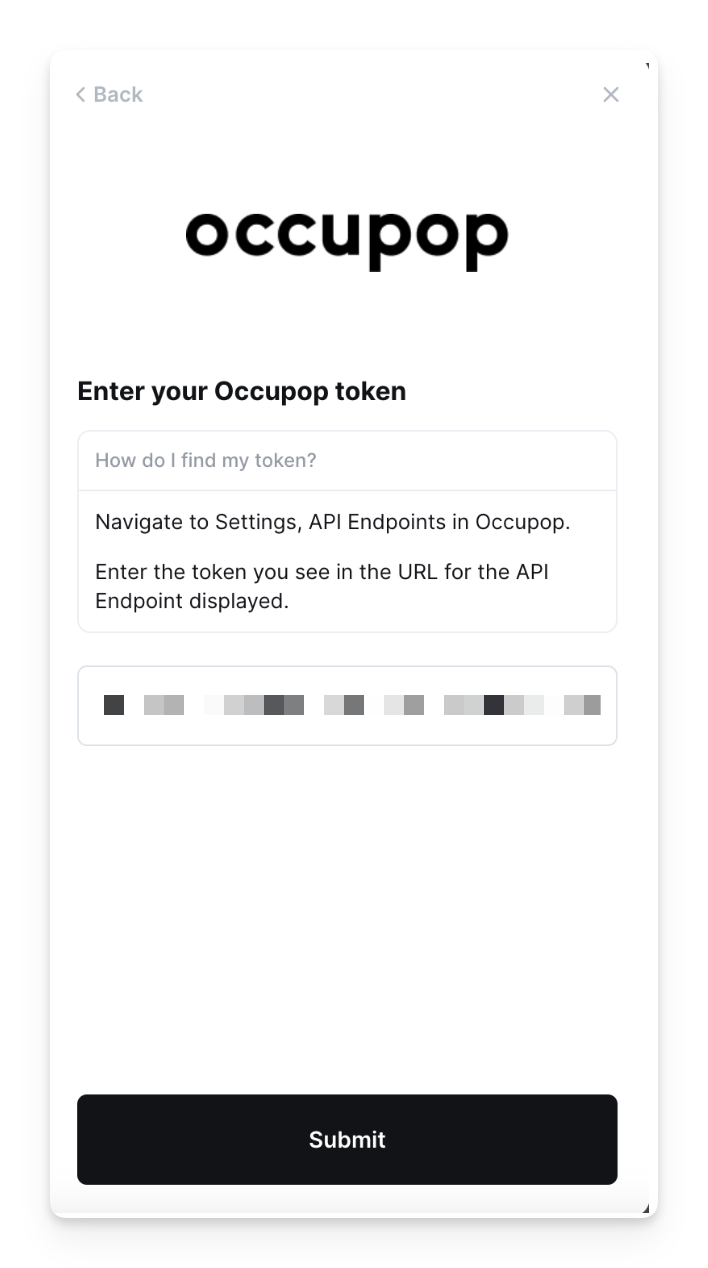
Occupop - How do I link my account?
Last updated: May 28, 2025
Overview
To authenticate Occupop, you will need to provide an API Key. This guide will walk you through finding or creating those credentials within Occupop.
Instructions
Step 1: Retrieve your API Key
In your Occupop account, go to Settings > API Endpoints
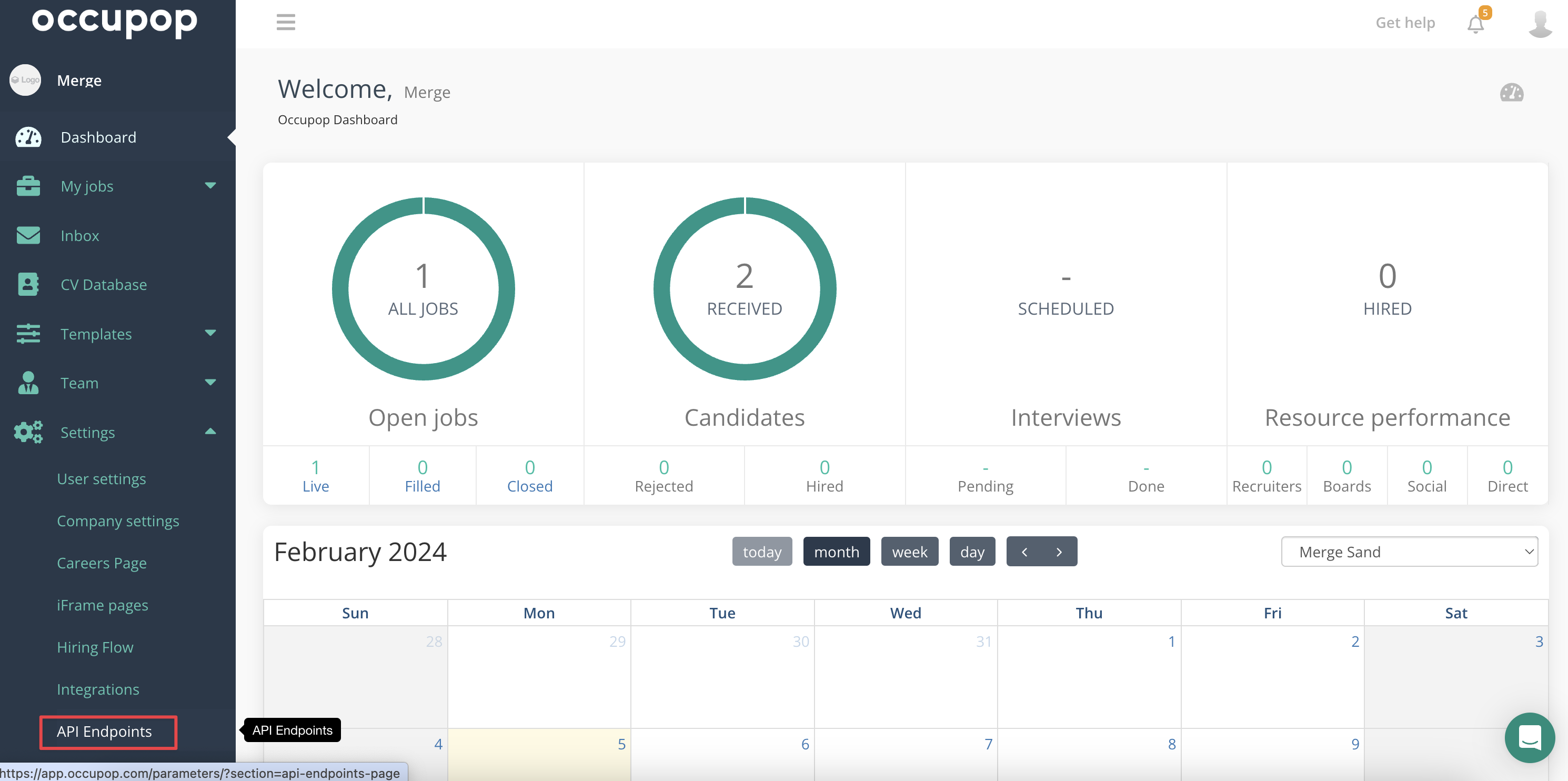
Copy the API Key from the provided URL (This should be a random string of letters and numbers; see example below)
Step 2: Enter your API Key
In the linking flow, select Occupop
Enter your API Key from the previous step
Click submit