Bullhorn Recruitment Cloud - How do I link my account?
Last updated: October 20, 2025
Overview
This guide explains how to connect your Bullhorn Recruitment Cloud account using OAuth authentication.
Instructions
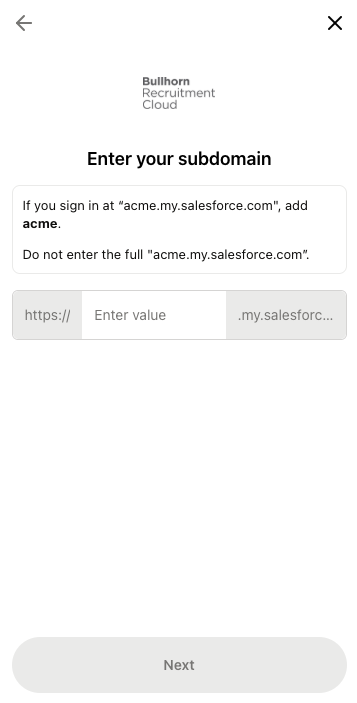
Login to your Bullhorn Recruitment Account account and note your subdomain
For example, if you sign in at
acme.my.salesforce.com, enter acme.
Enter the subdomain in the linking flow and click Next
The subdomain is the text between
https://and.my.salesforce.comin your login URL.
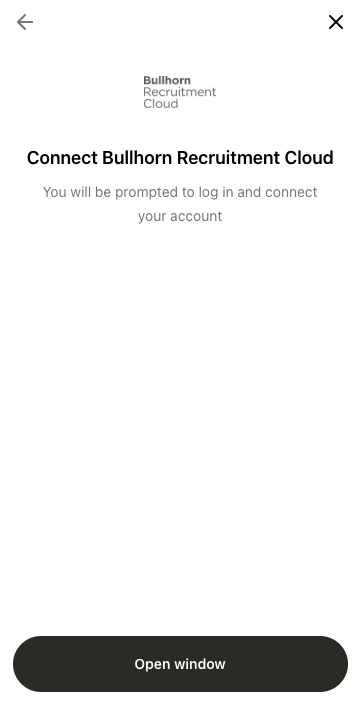
Select Open window in the next screen. A new window will appear, prompting you to login to Bullhorn Recruitment Cloud to connect your account
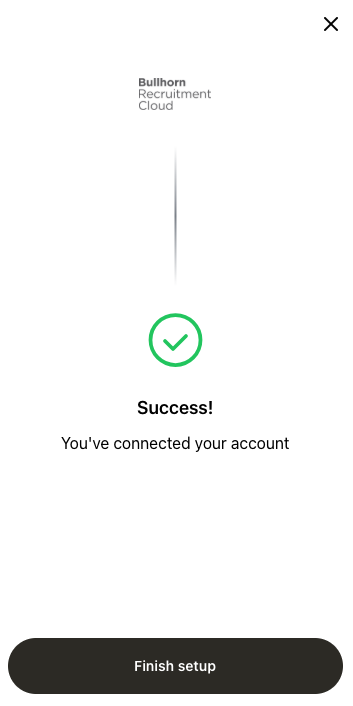
After logging in, you will be automatically redirected back to the linking flow and should see the below success screen