AgileATS - How do I link my account?
Last updated: October 30, 2026
Overview
To authenticate AgileATS, you will need to provide the following information:
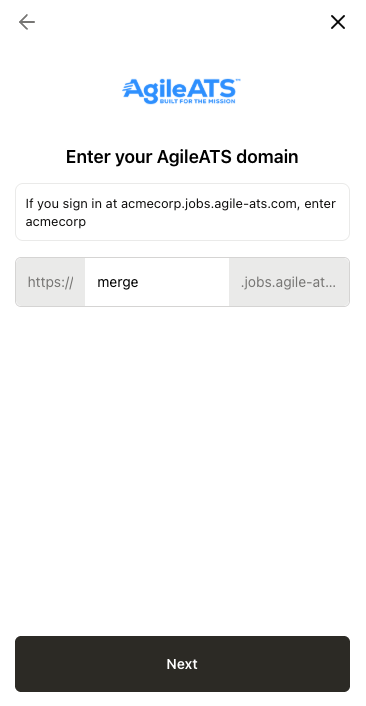
AgileATS domain
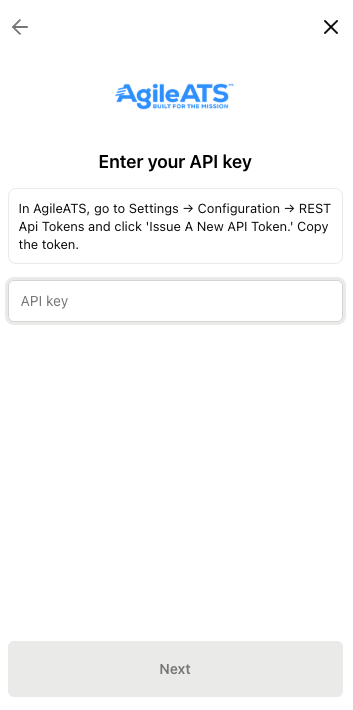
API token
Prerequisites
Please ensure you have Admin permissions in your company's AgileATS instance, or that someone has shared their access with you. Admin access is required to view the API documentation and to issue API tokens.
Instructions
Step 1: Find your domain
Log in to AgileATS.
Click the Settings gear icon in the top navigation bar.
In the left-hand Configuration menu, click API Tokens.
Find the API Documentation section near the bottom and click Show.
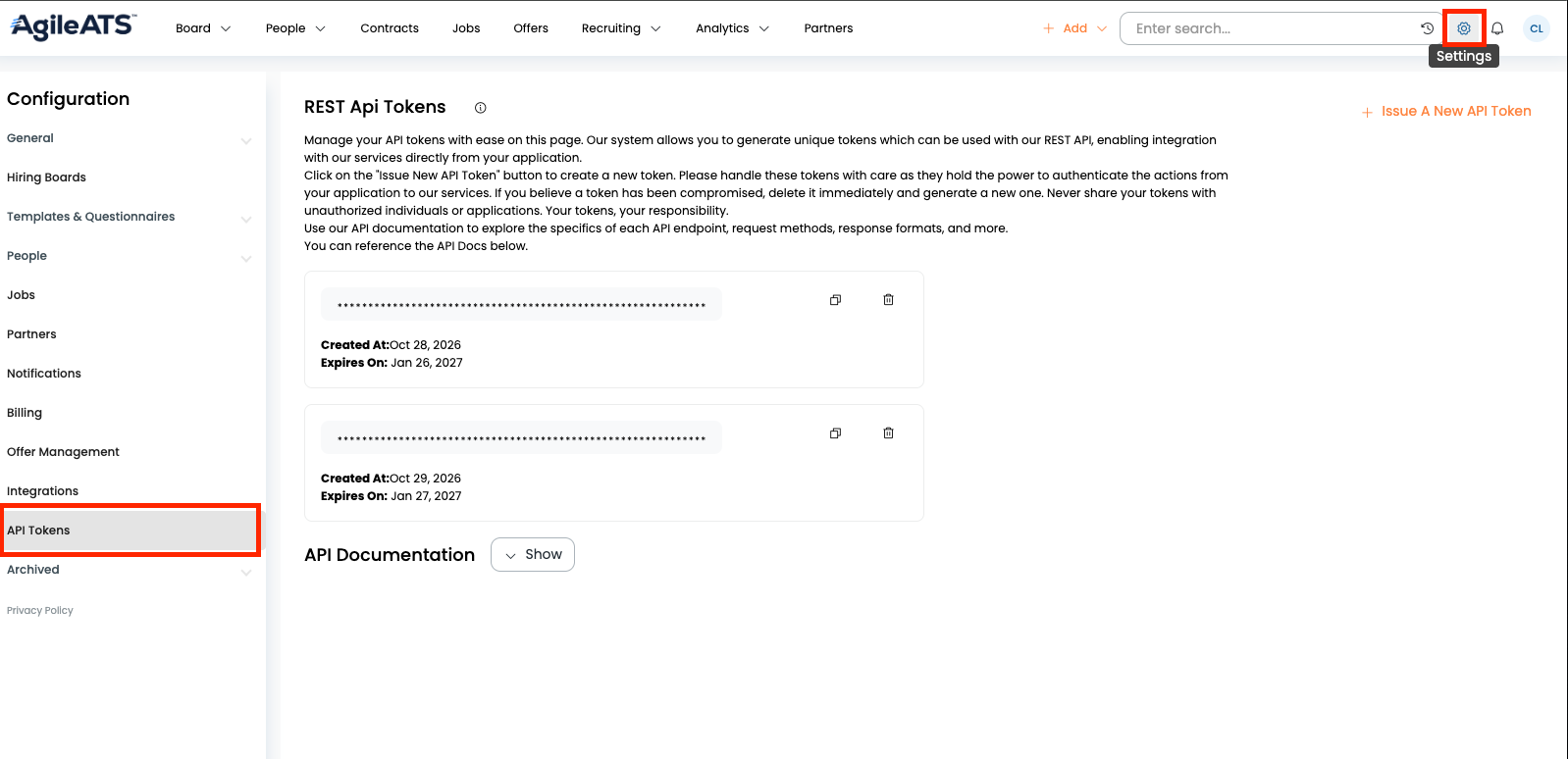
Under Base URL, copy the URL shown for your tenant. Your AgileATS domain is the identifier at the start of that URL.
For example, if the base URL is
https://merge.jobs.agile-ats.com/, your domain is merge.Copy only the domain (for example, merge), not the full URL.
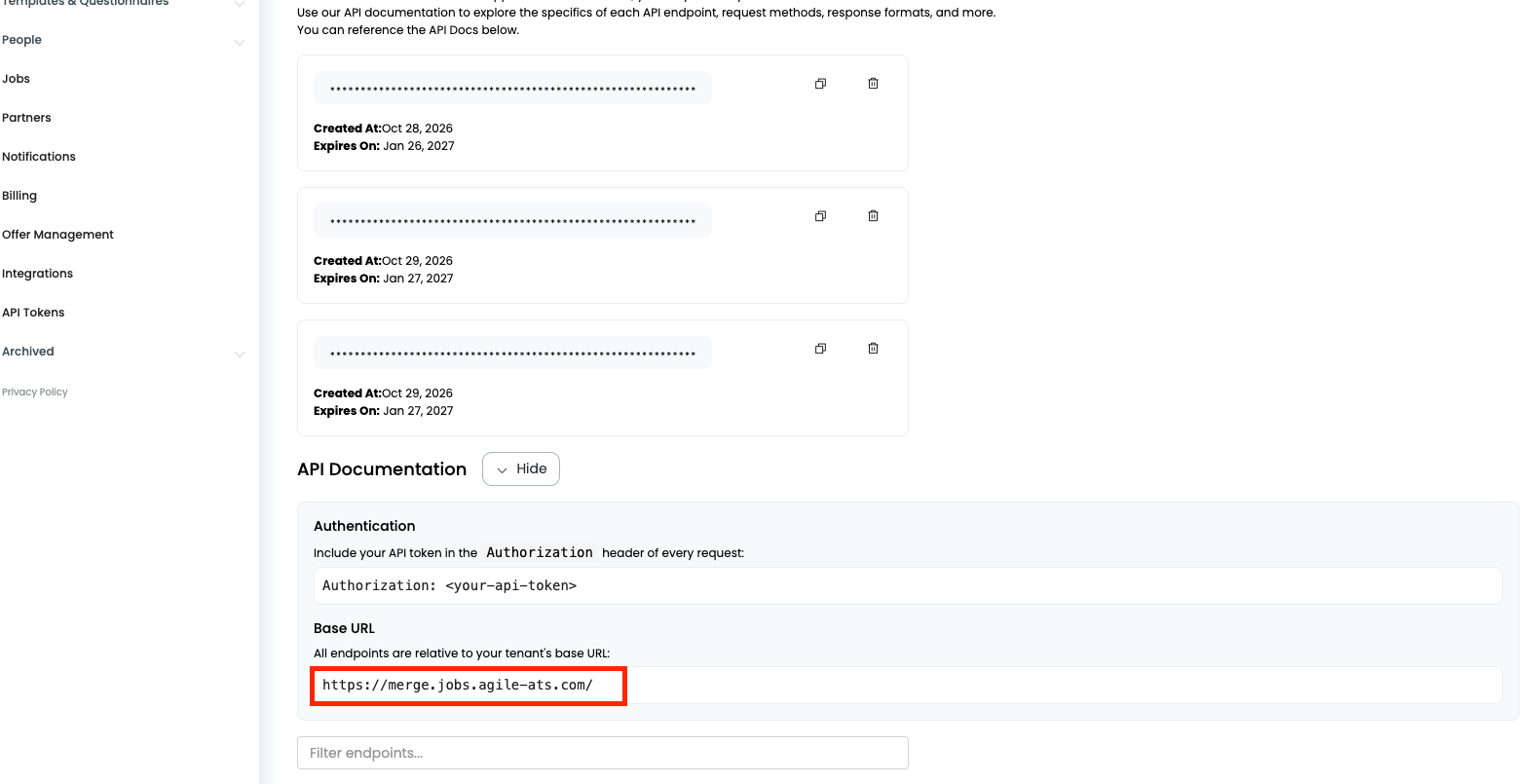
Step 2: Generate an API Token
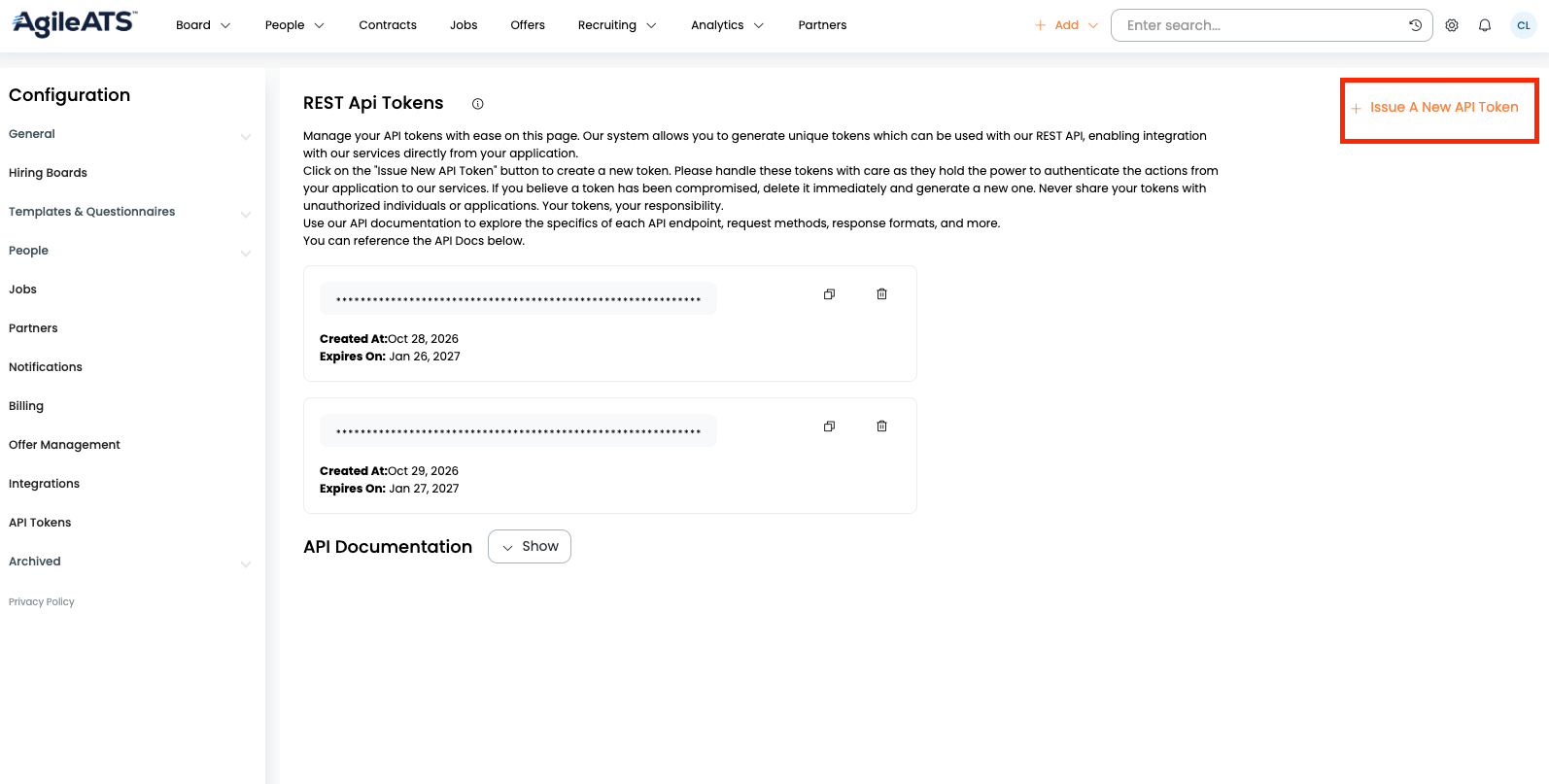
Still on the REST Api Tokens page, click Issue A New API Token to generate a token.
After the token is generated, click the copy icon to Copy Token to Clipboard.
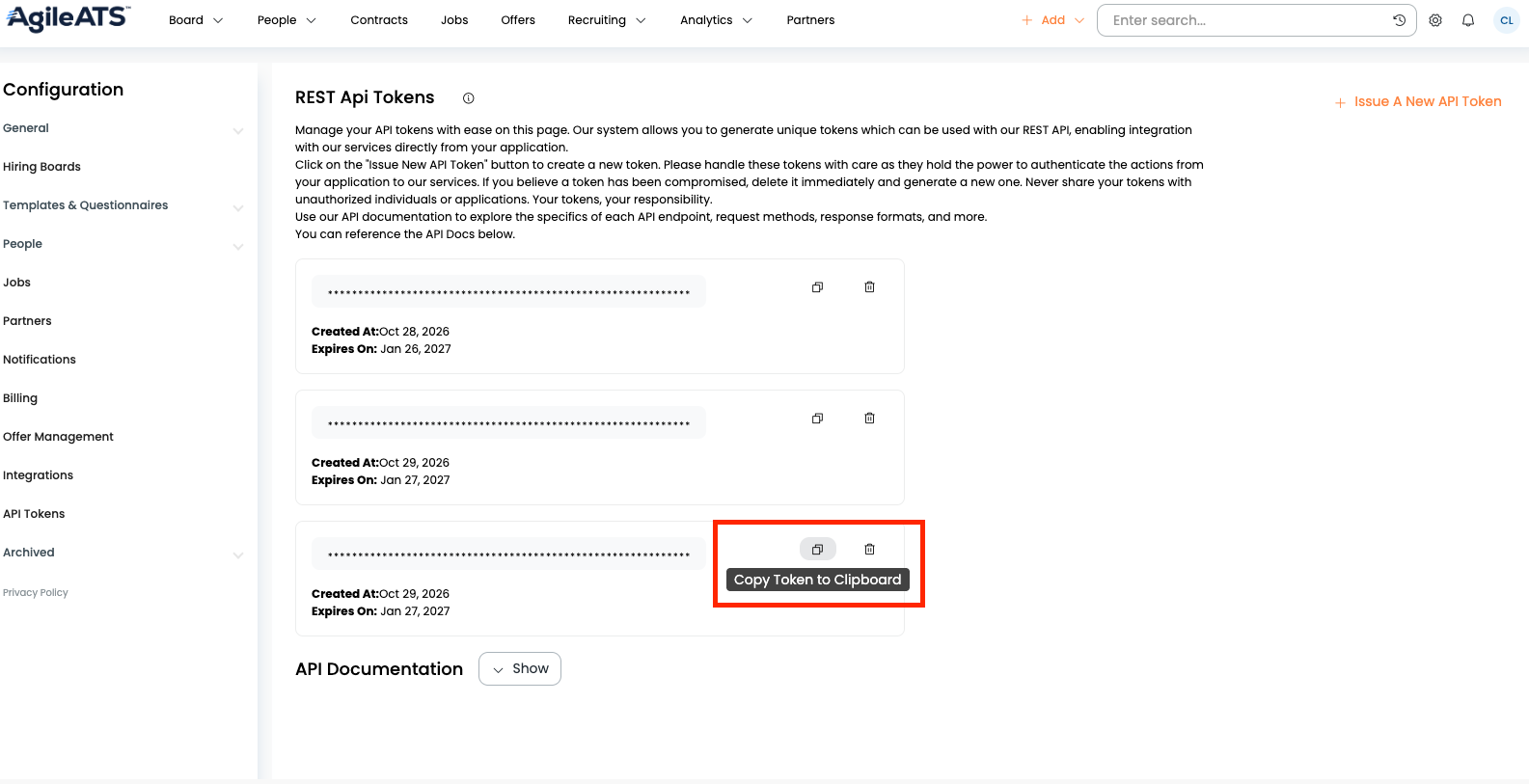
AgileATS API tokens expire every 3 months. You can see the expiry under Expires On for each token. When a token expires, generate a new token and relink the account to restore the connection.
Step 3: Enter your credentials to finish linking
Return to the linking flow and enter your AgileATS domain and API token to complete the connection.