TalentLyft - How do I link my account?
Last updated: May 28, 2025
Overview
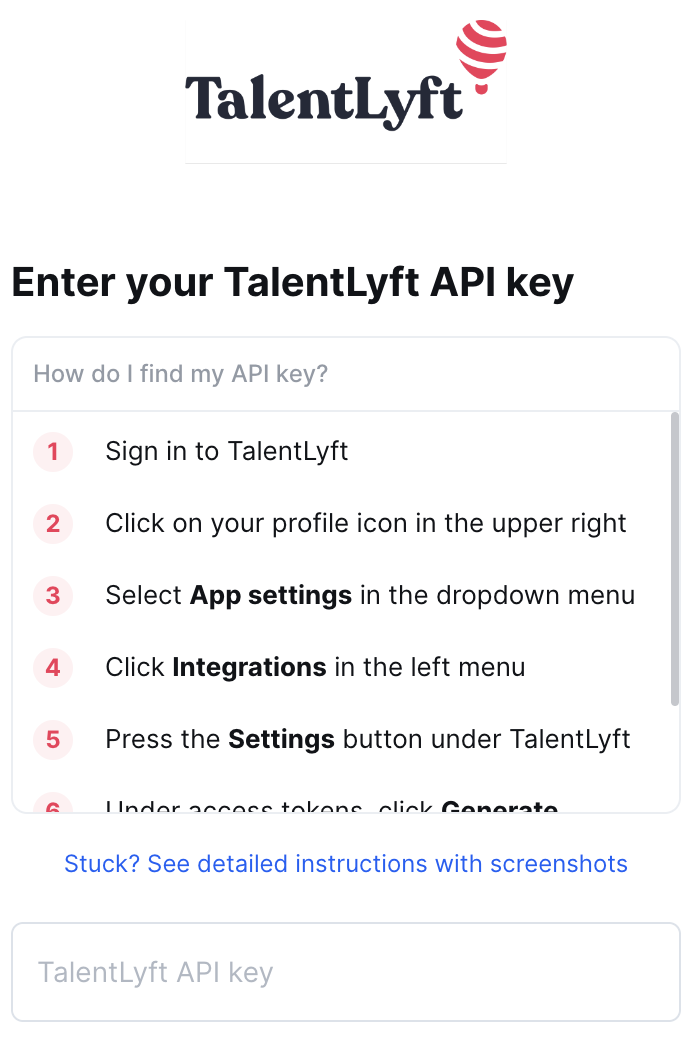
This guide will walk you through creating an API key within TalentLyft and entering it in the linking flow.
Instructions
Step 1: Generate your API key
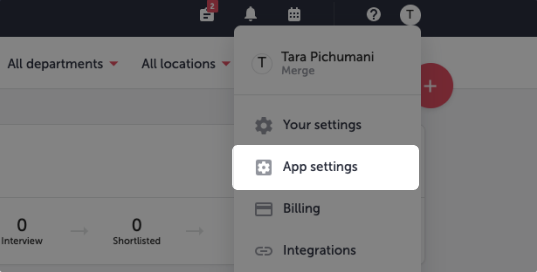
Log into TalentLyft. Click on the Profile icon in the top right corner, then click on App settings
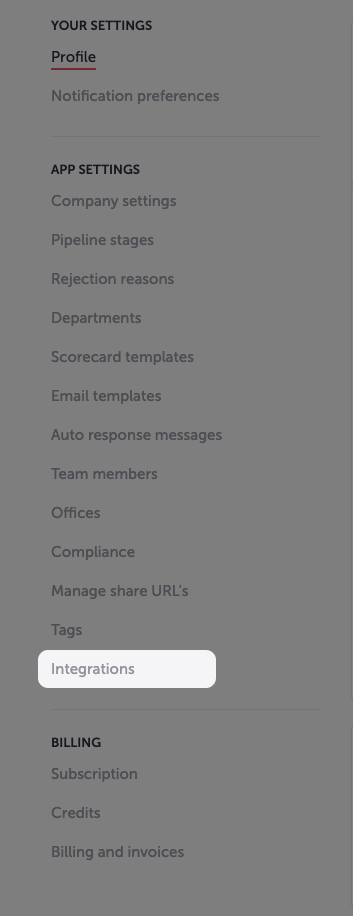
Under App Settings on the left navigation bar, click on Integrations
Under Integrations, find TalentLyft and click on Settings
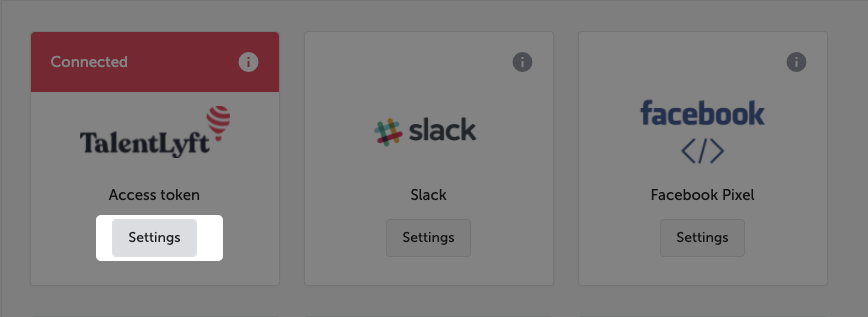
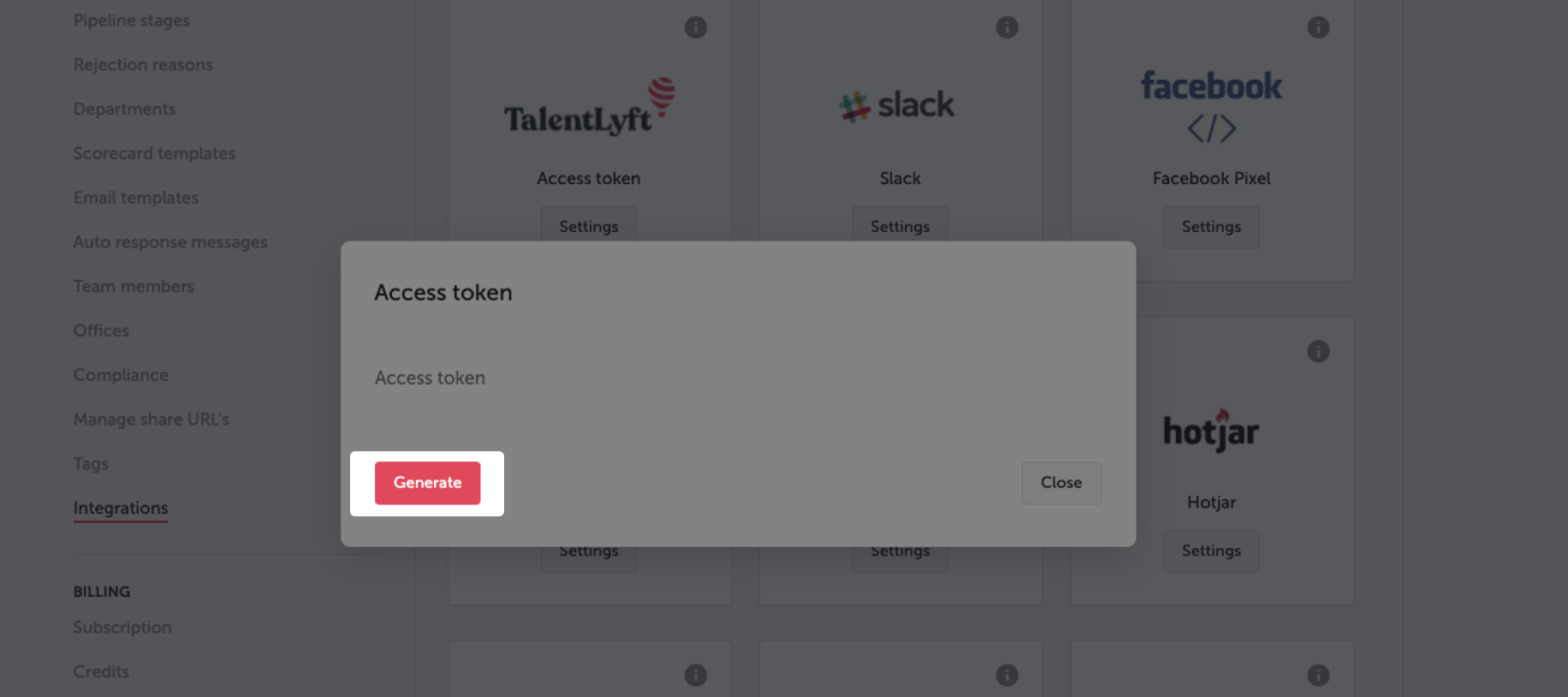
Under Access token, click Generate
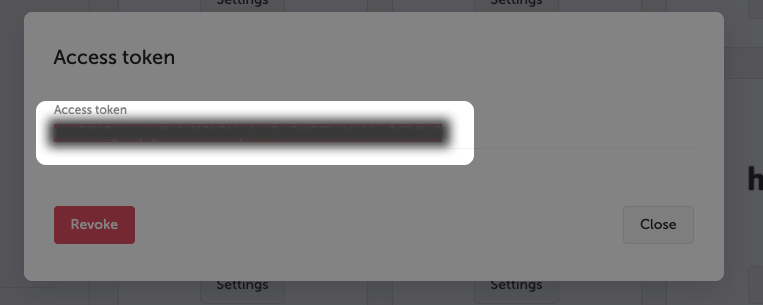
Copy the token that was generated
Paste the token into the linking flow