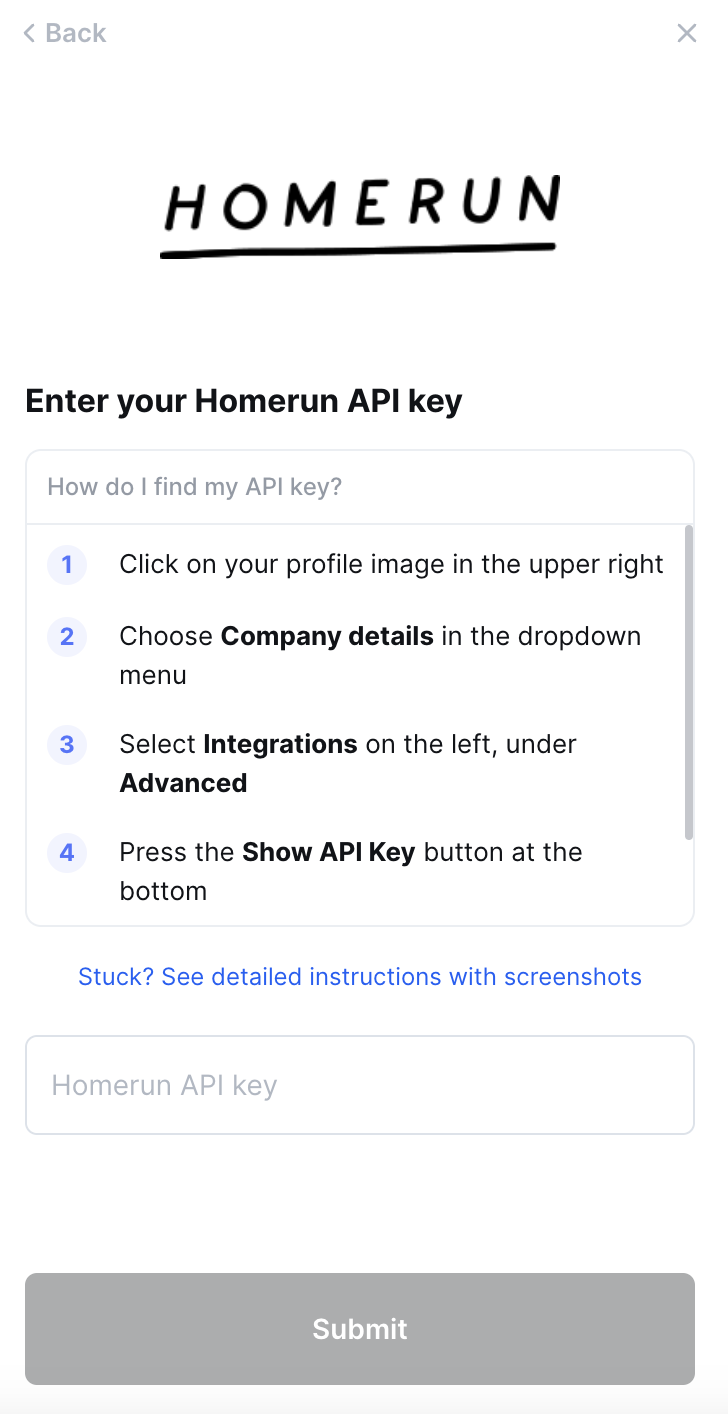
Homerun - How do I link my account?
Last updated: May 28, 2025
Overview
To authenticate Homerun, you will need to provide the following information:
API key
This guide will walk you through finding or creating your API key within Homerun.
Prerequisites
Please ensure you fulfill all the requirements to set up the integration:
You have Administrator or Manager permissions in your company's Homerun instance or someone has shared their access with you.
Instructions
Step 1: Find your API key
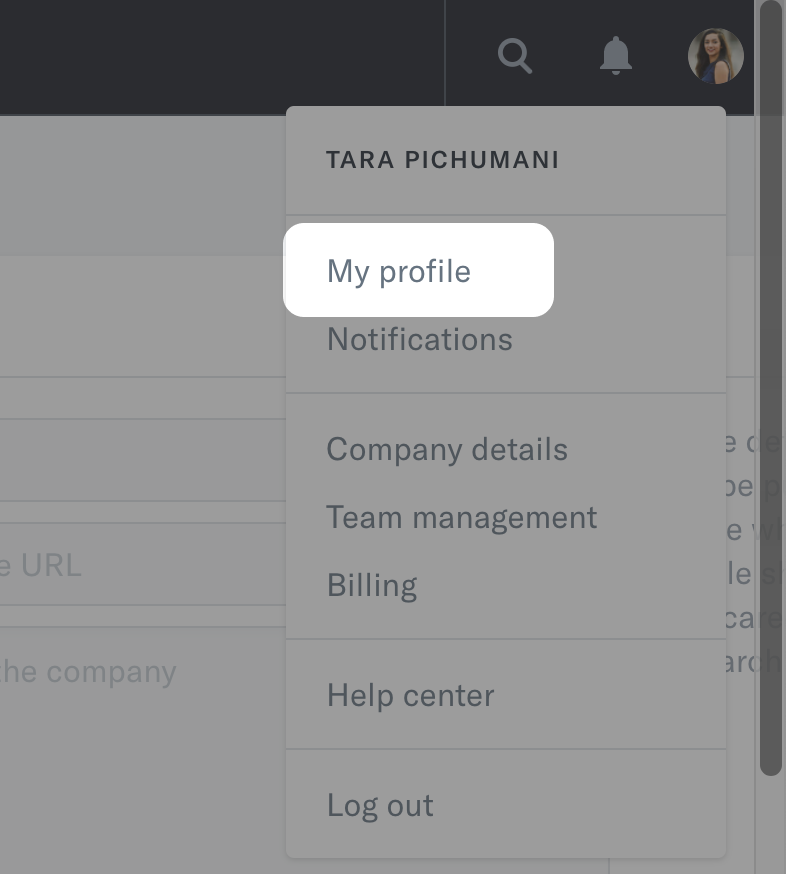
On the top right corner, click on your profile image and click Company details
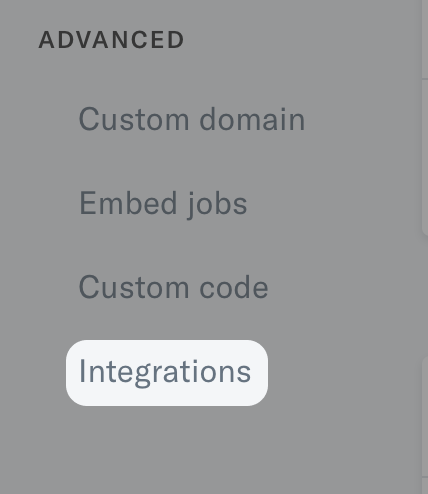
On the left hand panel, under Advanced, click on Integrations
At the bottom of the page, under API, click Show API Key.
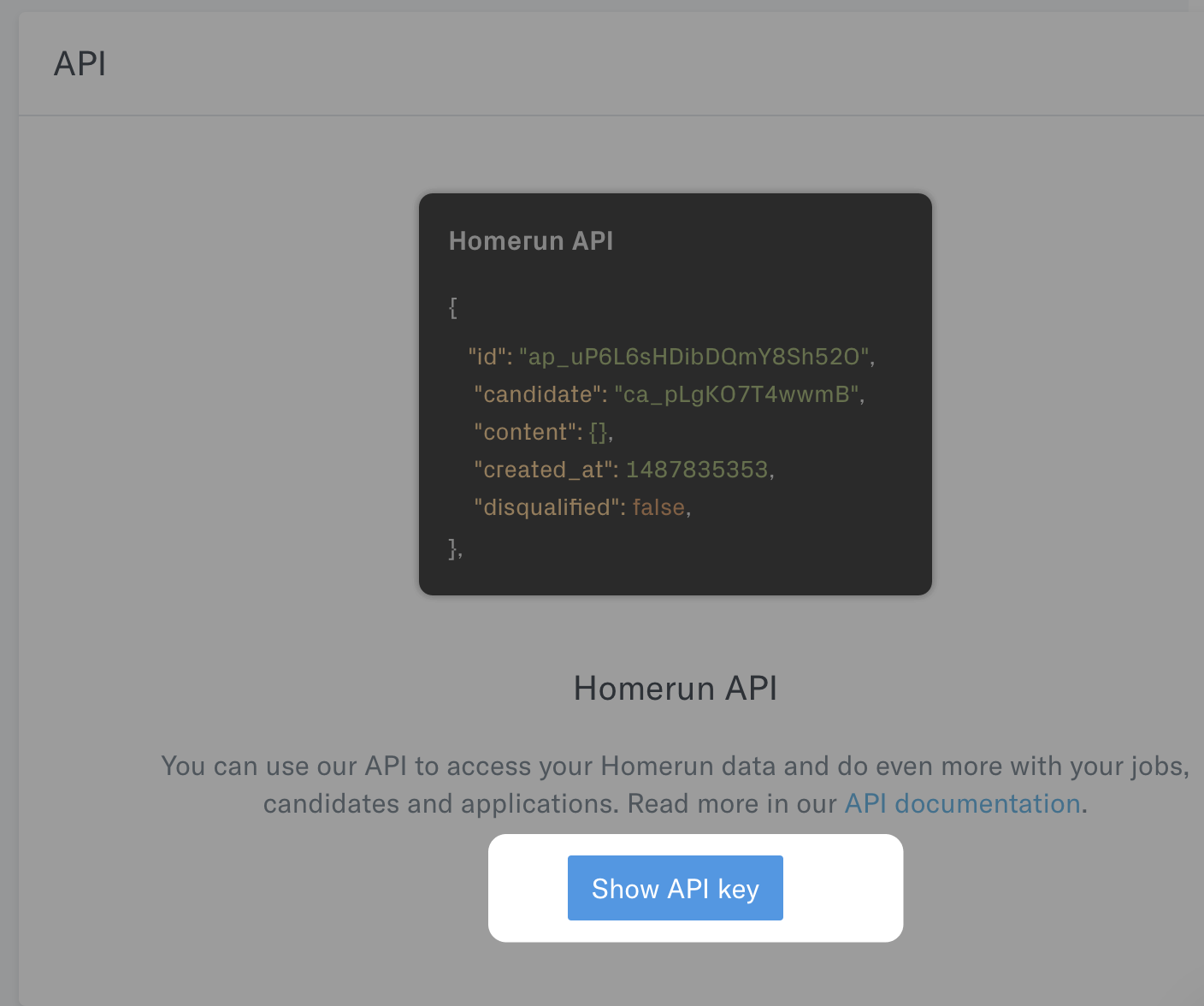
Copy the token that is shown.
Step 2: Enter your API key in the linking flow
Enter your API key from Step 1 into the linking flow