Gem - How do I link my account?
Last updated: December 3, 2025
Overview
To authenticate with Gem, you will need to provide the following information:
API key
Instructions
Step 1: Obtain the API key from Gem
Log in to Gem with administrator privileges.
In the Gem dashboard, go to Team Settings.
Open Additional Settings.
Scroll to the bottom and select + Create API Key (if one isn’t already present).
Copy the API key that’s generated and store it in a secure location
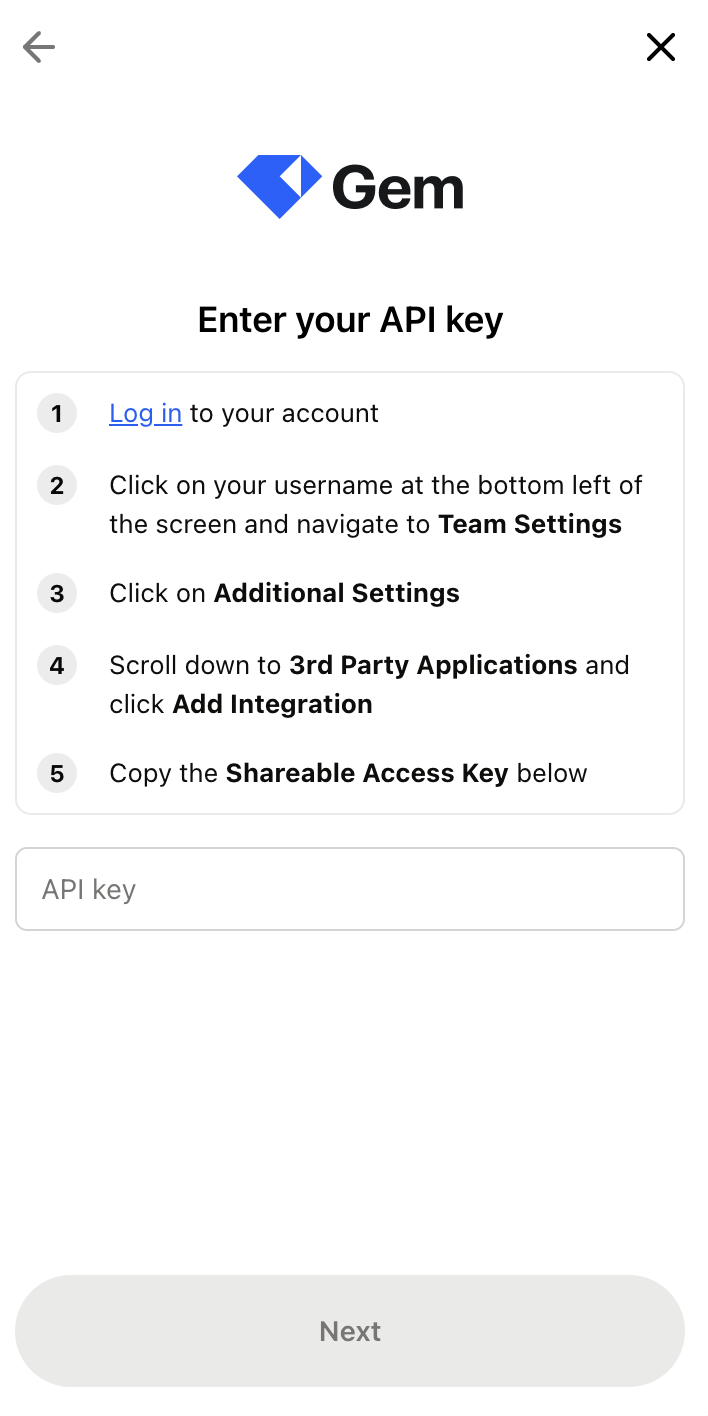
Step 2: Enter your API credentials in the linking flow
Enter the API key and click Next