7shifts - How do I link my account?
Last updated: May 7, 2026
Overview
To connect 7shifts, you’ll sign in to your 7shifts account and create an access token in Developer Tools.
Prerequisites
Before you begin, make sure you have:
Administrator access in your company’s 7shifts instance
Permission to access Developer Tools in 7shifts and create an access token
Instructions
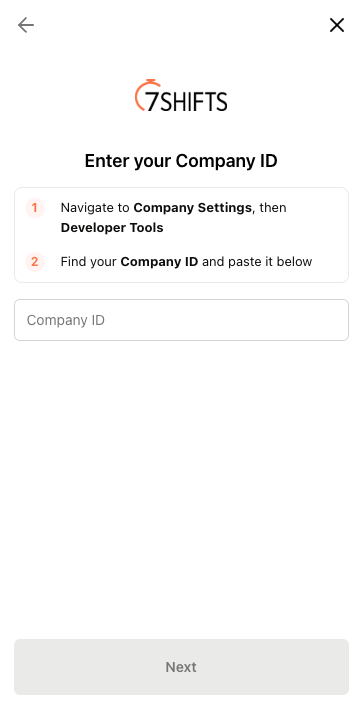
Step 1: Enter your Company ID
Navigate to Company Settings, then Developer Tools
Find your Company ID and paste it in the linking flow
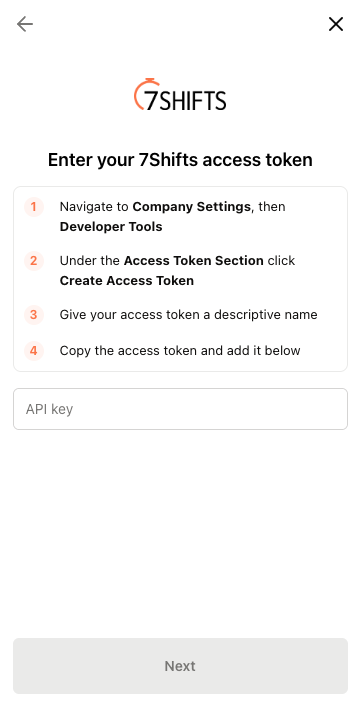
Step 2: Enter your 7Shifts access token
Navigate to Company Settings, then Developer Tools
Under the Access Token section click Create Access Token
Give your access token a descriptive name
Copy the access token and add it to the linking flow