Kallidus - How do I link my account?
Last updated: May 28, 2025
Overview
To authenticate Kallidus (formerly known as Sapling), you will need to provide the following information:
Subdomain
API key
This guide will walk you through finding or creating those credentials within Kallidus.
Instructions
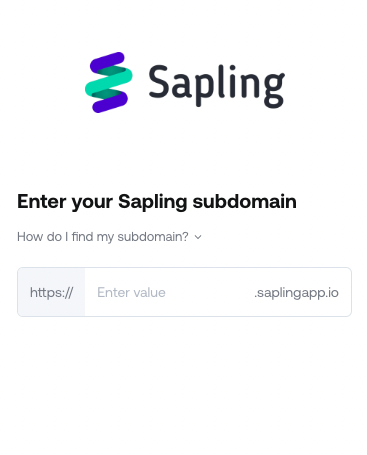
Step 1: Enter your Kallidus subdomain in the linking flow
For example, enter company-name for company-name.saplingapp.io
Do not enter {companydomain}.saplingapp.io
Step 2: Find your API key in Kallidus
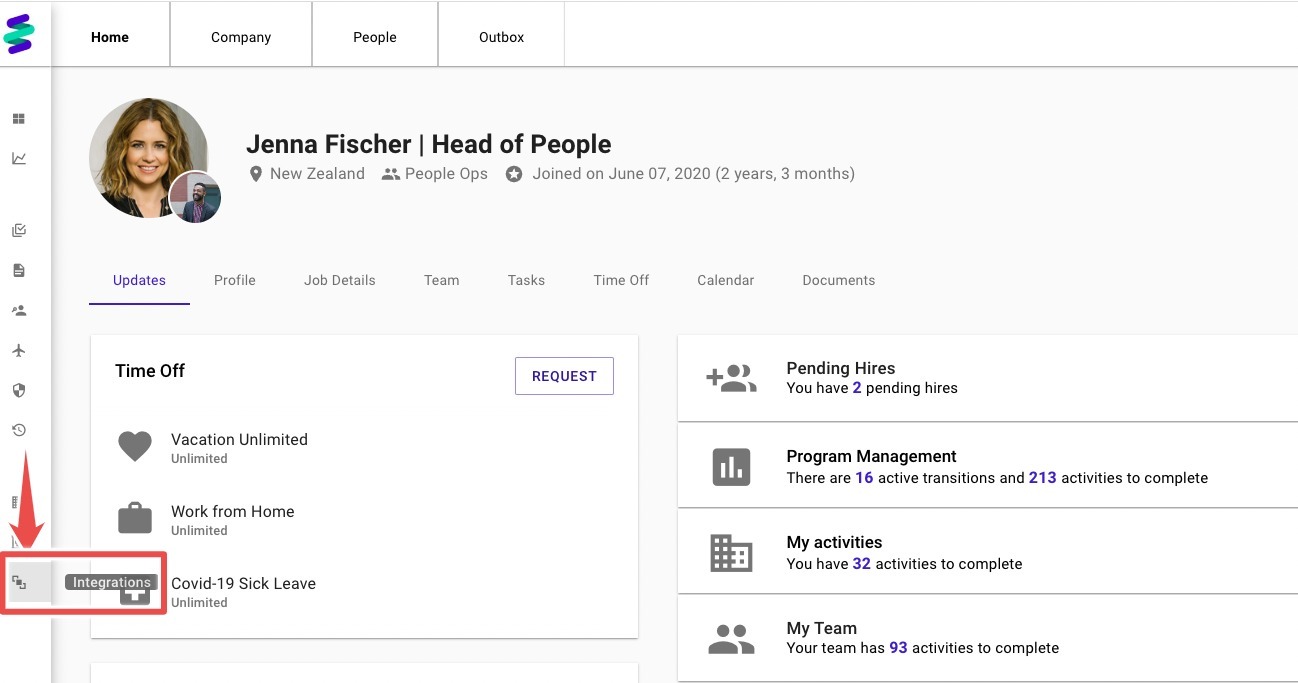
In Kallidus account, find Integrations
Open API Keys, Create New Key
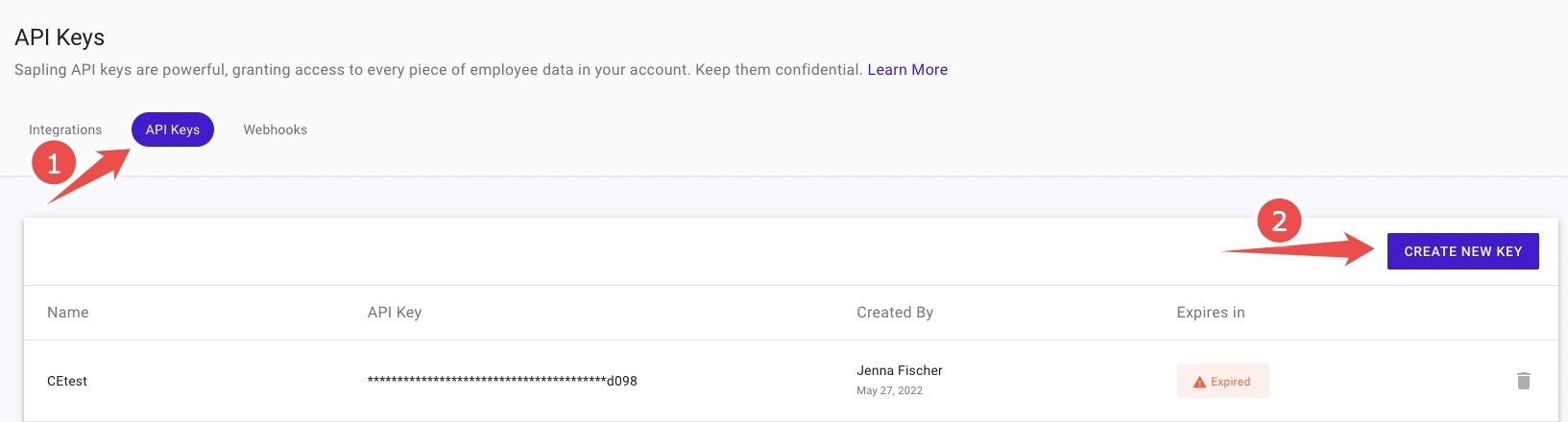
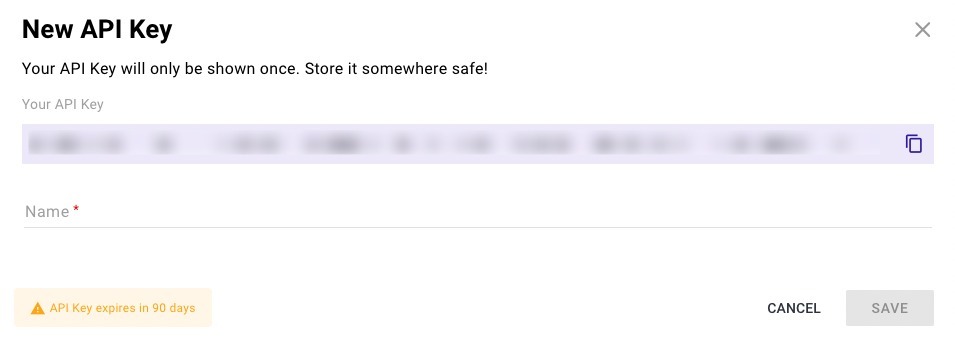
Copy the API Key, Name it, and Save
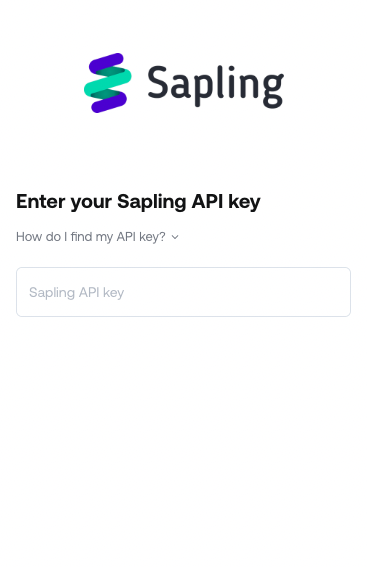
Step 3: Enter your API key in the linking flow