ServiceNow - How do I link my account?
Last updated: October 27, 2025
Overview
To authenticate ServiceNow, you will need to provide the following information:
Subdomain
Username
Password
This guide walks you through how to locate the necessary credentials in ServiceNow. We recommend connecting with an admin account for full access. However, you can also create a scoped application and assign a specific role to allow a non-admin user to connect.
Instructions
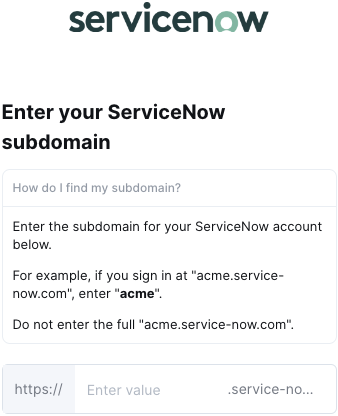
Step 1: Enter your subdomain in the linking flow
For example, if you sign in at "acme.service-now.com", enter "acme".
Step 2: Check if the account has admin roles & privileges
In ServiceNow, go to the upper-left corner of the page and click on All
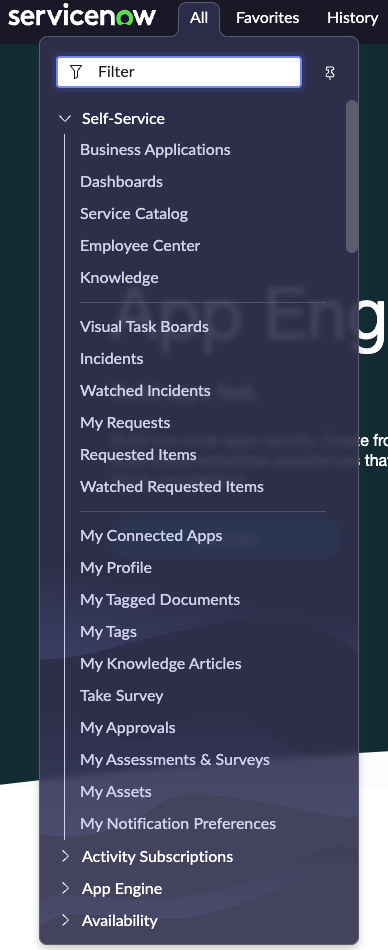
From here, navigate to User Administration > Users and then search for your user record

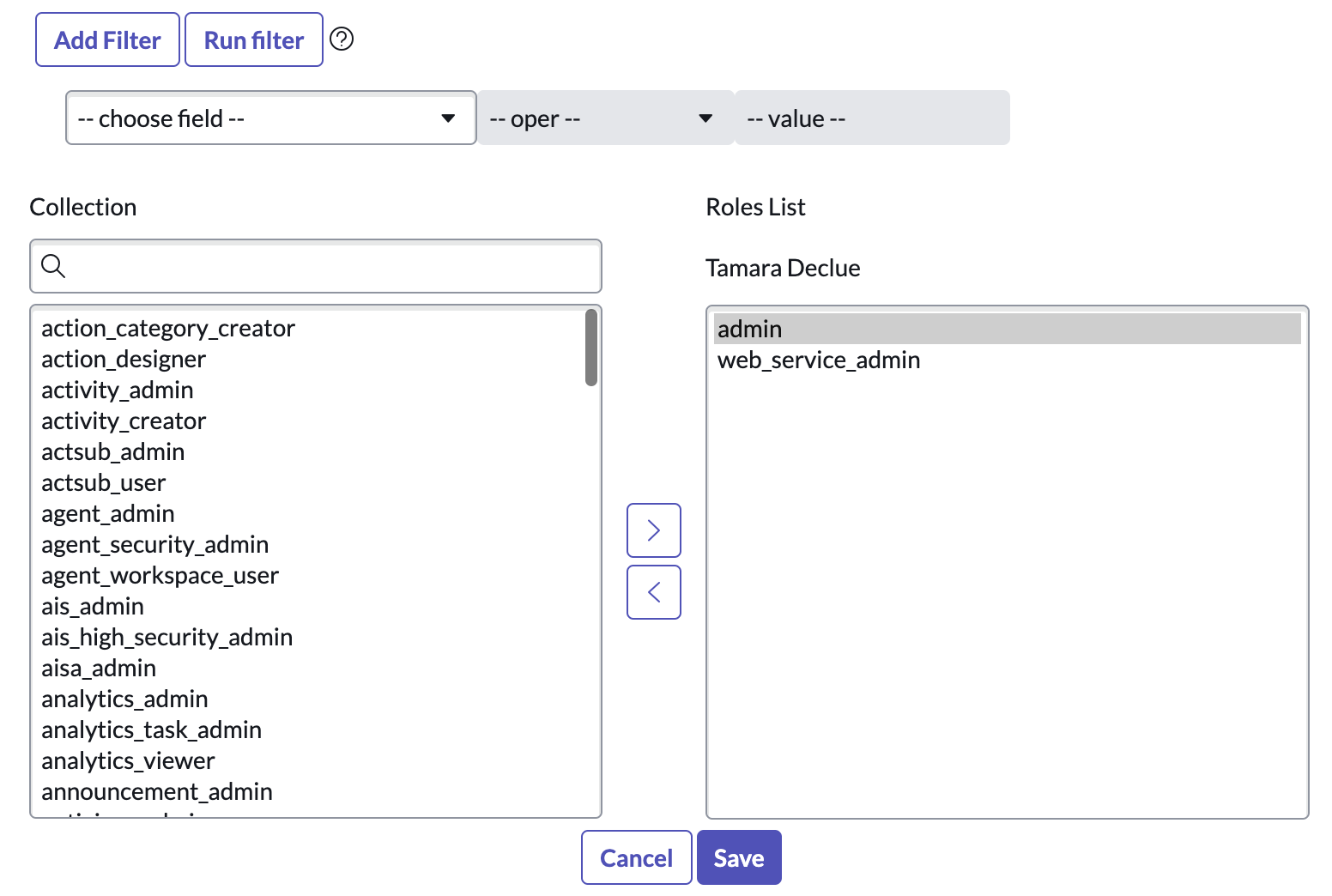
For full functionality we suggest adding the roles admin and web_service_admin. If these roles are not present in the Roles related list, click Edit.
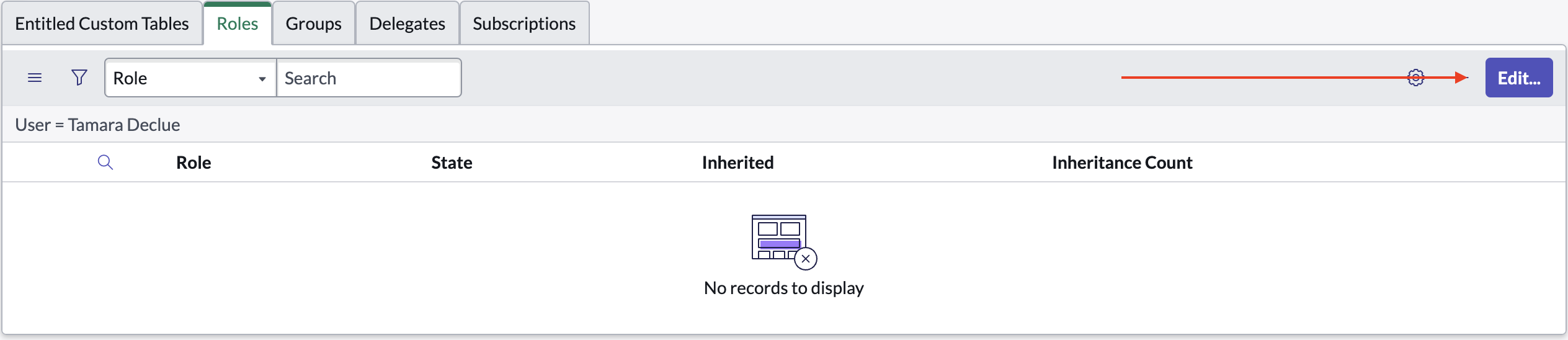
In the Collection list, look for each role (admin and web_service_admin) and add them by clicking on the right arrow. Once you have all the roles added click Save
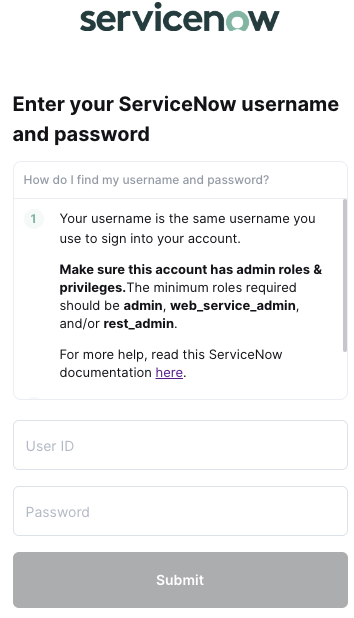
Step 3: Enter your ServiceNow username & password
Your username is the same username you use to sign into your account
Your password is the same password you use to sign into your account