Trello - How do I link using OAuth?
Last updated: May 29, 2026
Overview
To authenticate Trello via OAuth, you will need to provide your Trello account credentials and complete an authorization flow.
Instructions
Step 1: Navigate through the linking flow
When you go through the connection flow, you’ll be redirected to Trello to log in to your account.
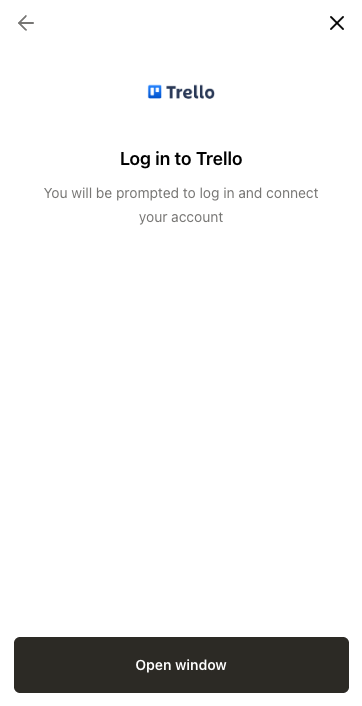
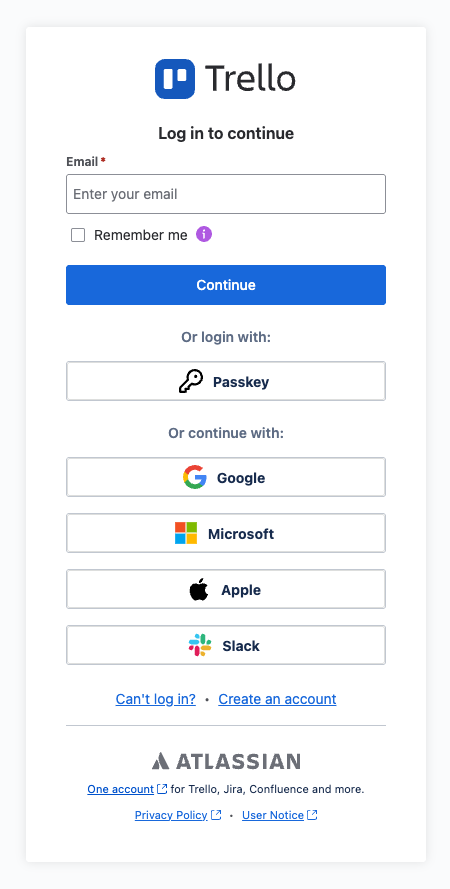
Step 2: Enter your Trello account credentials
If you are not logged in, you may be prompted with a permissions request screen that before logging in.
Permission requests may vary depending on your specific Trello use case. The below screenshot is just an example.
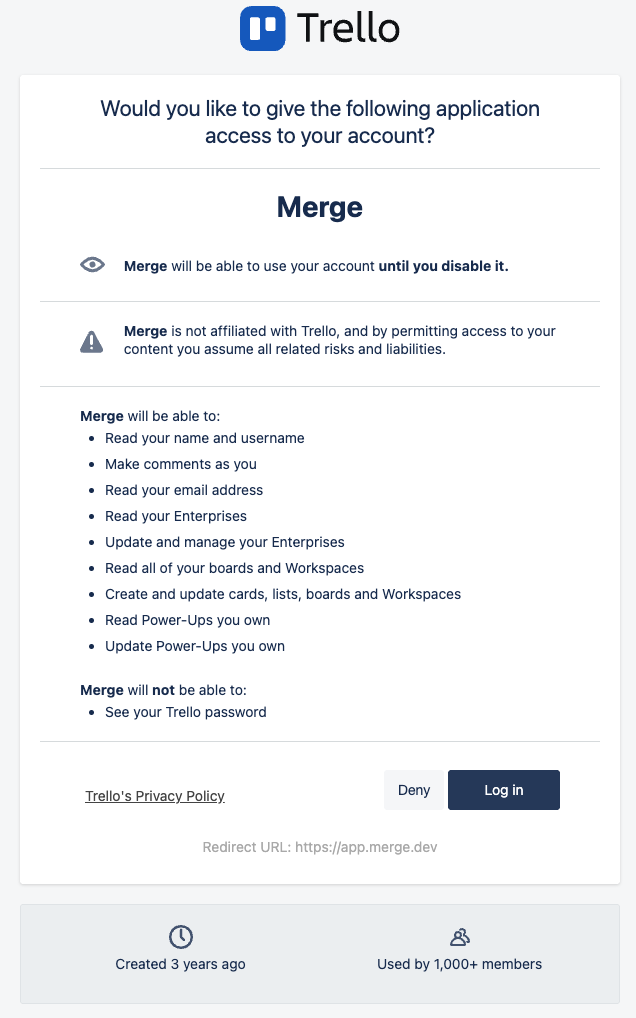
Select Log in and enter your credentials.
Step 3: Review and accept permissions
Review the requested permissions and select Allow to continue.
Permission requests may vary depending on the specific Trello use case for you. The below screenshot is just an example.
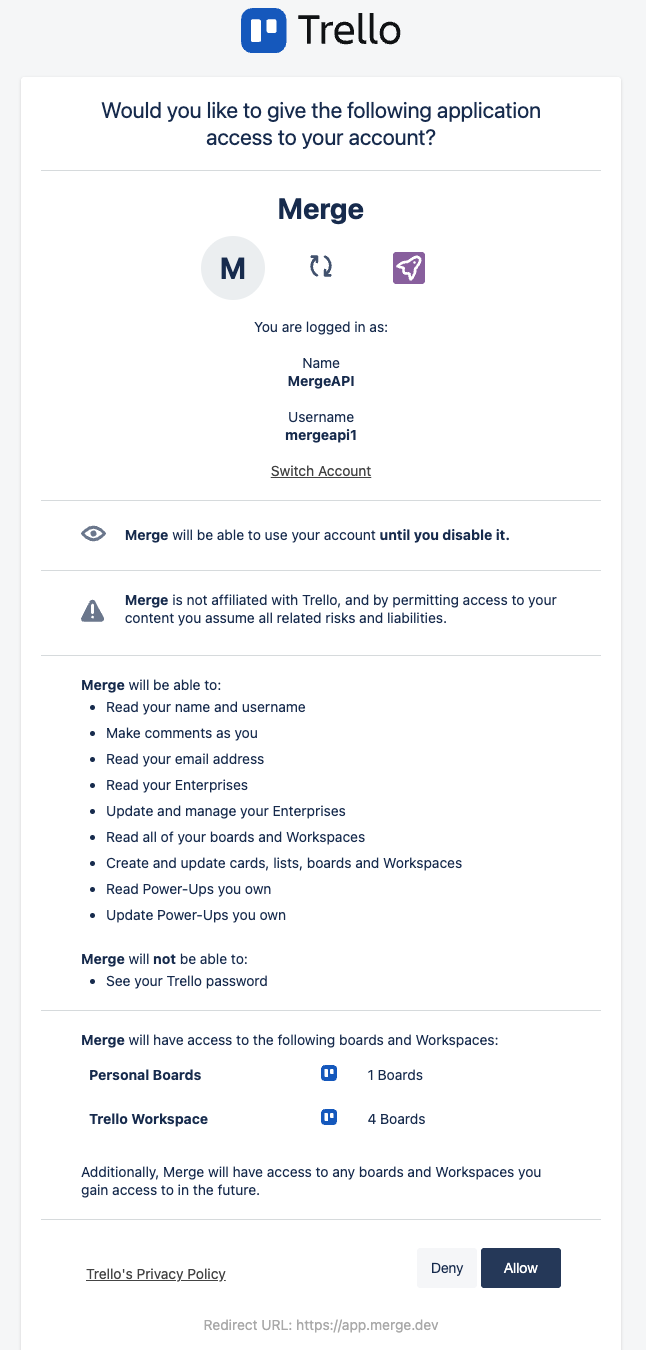
After you accept the permissions, you’ll be redirected back to the connection flow. Once you finish any remaining steps, your Trello account is successfully authenticated!