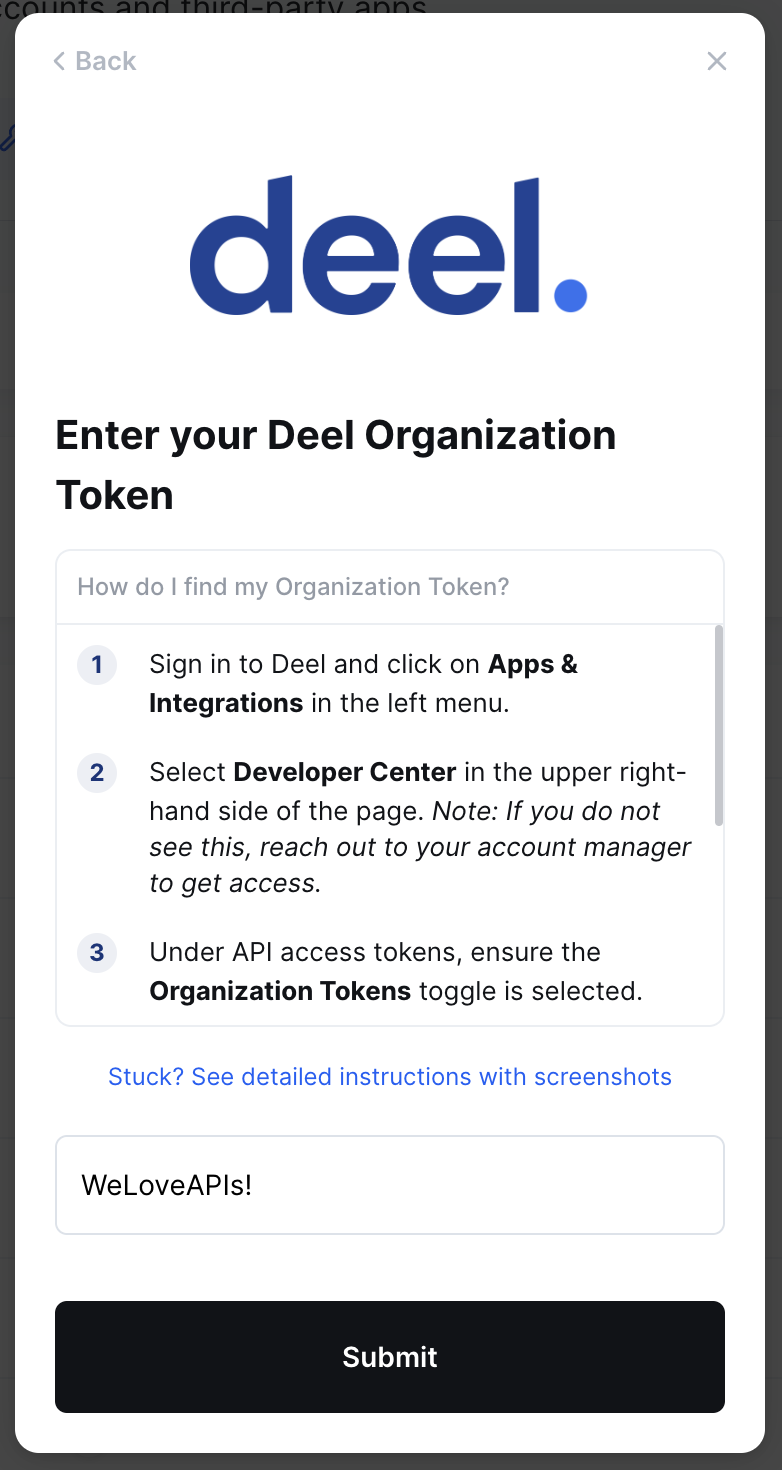
Deel - How do I link my account?
Last updated: August 10, 2026
Overview
To authenticate Deel, you will need to provide the following information:
Organization Token
Prerequisites
You must be a Deel admin to complete the linking flow
Your Deel account must have API access enabled. Contact your Deel account manager to confirm if you are unsure of this
Instructions
Step 1: Create an organization token
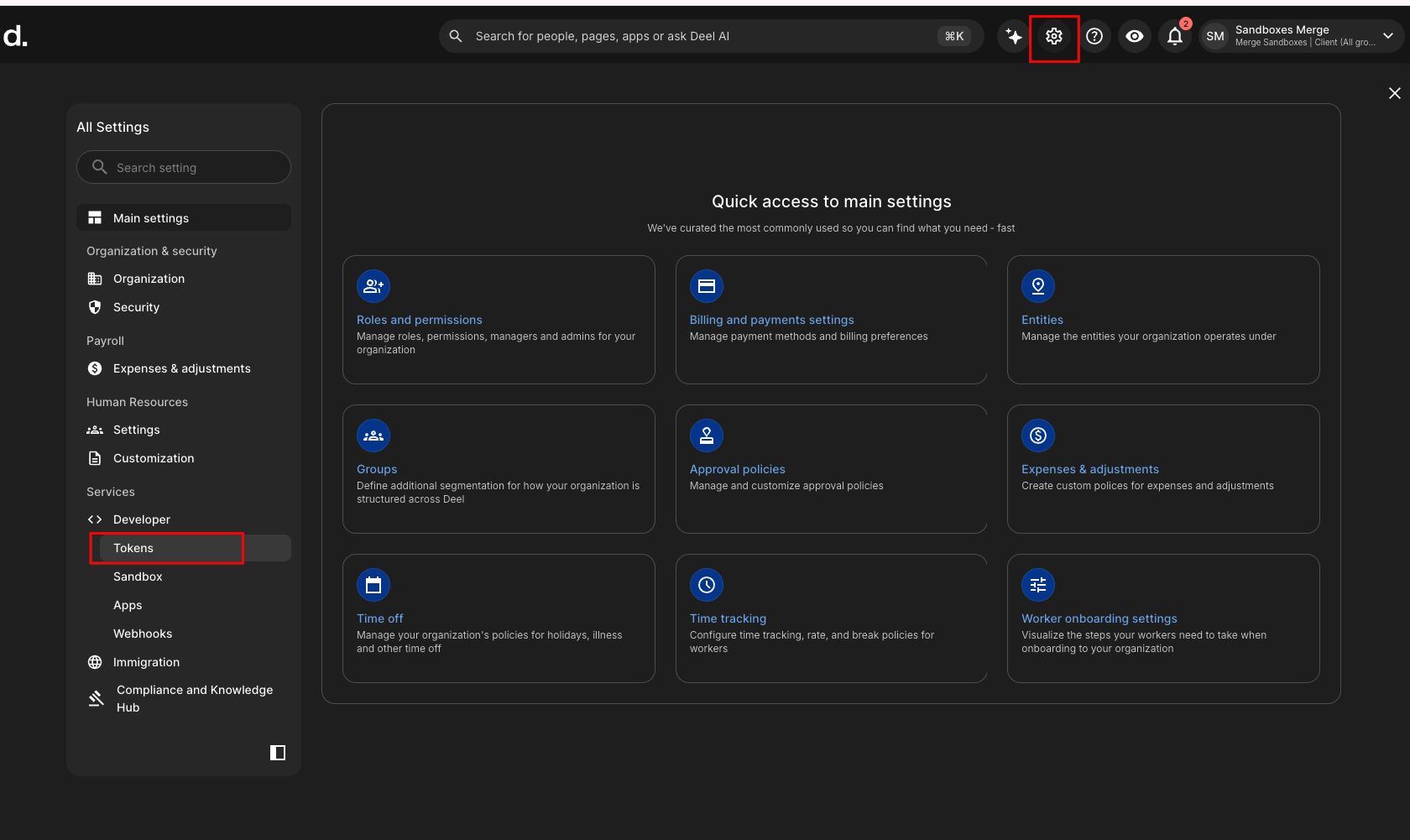
In your Deel portal, go to Developer -> Token from the Settings page
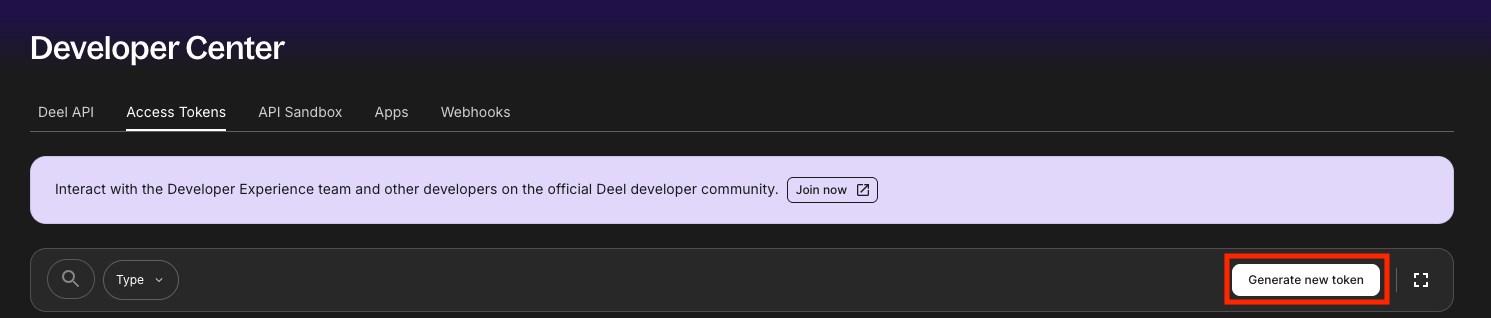
Under Access Tokens, select Generate new token
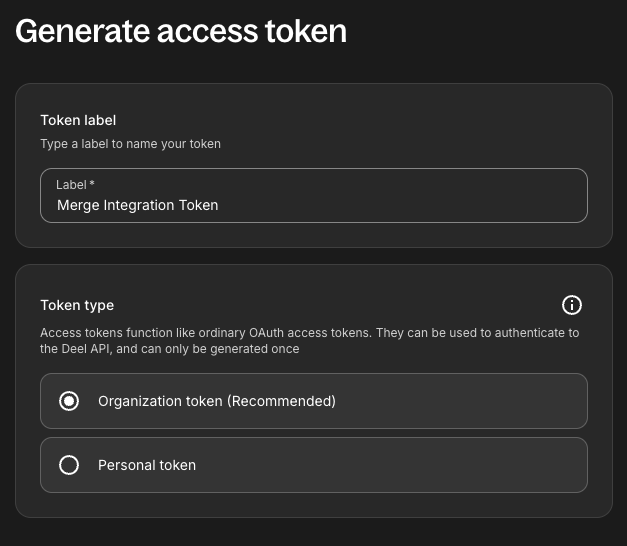
Label your token, choose Organization token (Recommended), and click next
Select the following scopes before clicking Generate. These are the minimum scopes required to sync your data:
Scope
Required for
Users:read
Employee, Employment, Location info
People:read
Employee, Employment, Location info
Organizations:read
Groups/Teams
Time-off:read
Time-off
Contracts:read
Groups/Teams
Accounting:read
Company info
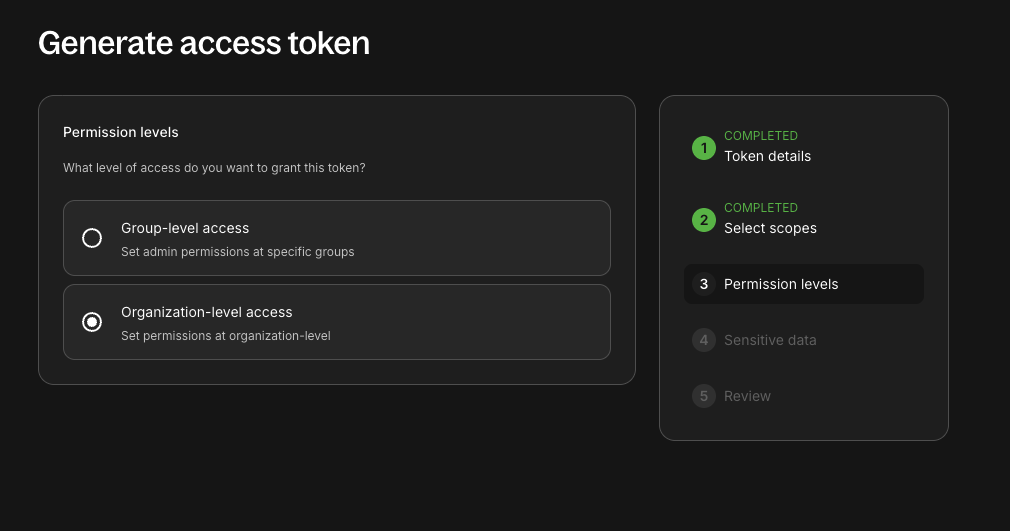
Choose Organization-level access to sync the data for all the employees.
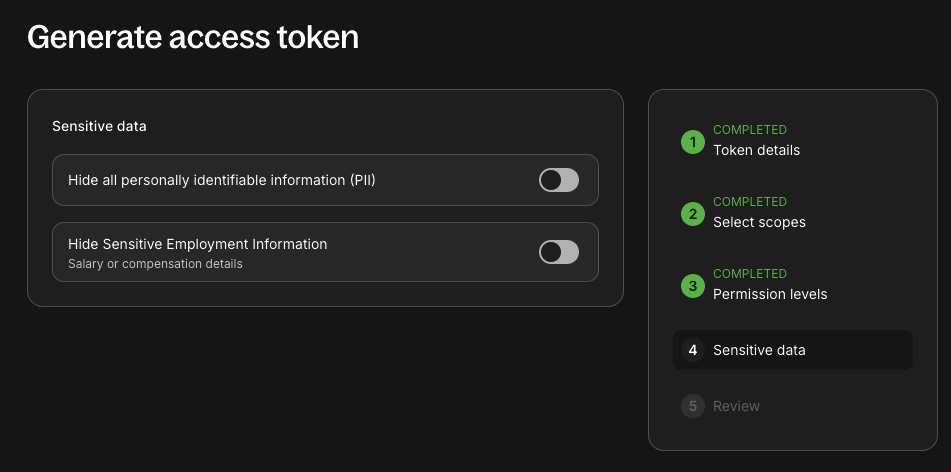
Leave the Sensitive data section as it is with both the options disabled.
Proceed to Generate access token and copy the token.
Step 2: Enter your token in the linking flow