Salesforce - How do I link my account with security token and organization ID?
Last updated: October 10, 2025
Overview
This guide will outline the steps needed to connect your Salesforce account. To connect your Salesforce account, you will need to provide the following information:
Subdomain
Username
Password
Security Token
Organization ID
Instructions
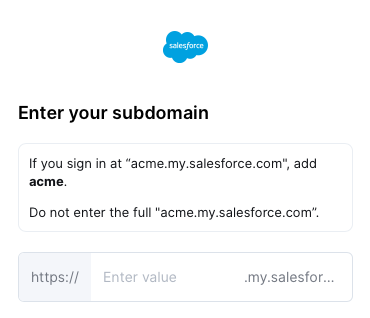
Step 1: Enter your subdomain in the linking flow
Login to your Salesforce account and note your subdomain
For example, if you sign in at "acme.service-now.com", enter "acme".
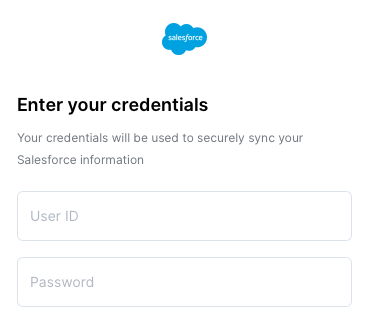
Step 2: Enter your Salesforce credentials in the linking flow
Enter your username and password that you use to log into your Salesforce account
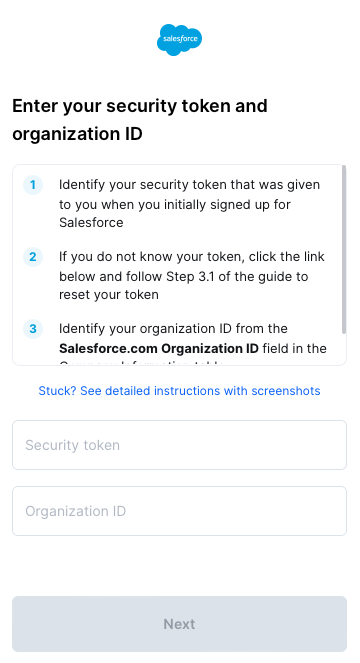
Step 3: Enter your Security Token and Organization ID
Identify your Salesforce security token, which is given to you with you initially sign up with Salesforce.
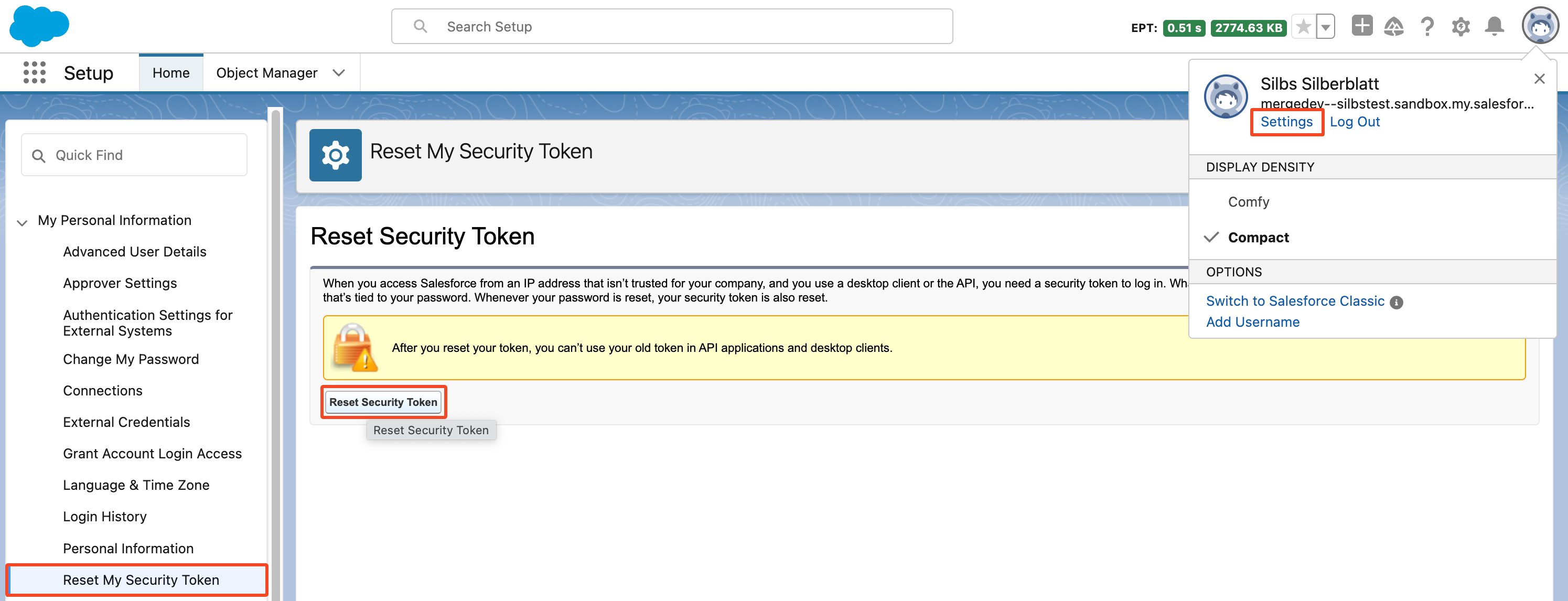
If you forgot your token:
From your personal settings, in the Quick Find box, enter Reset, and then select Reset My Security Token.
Click Reset Security Token. The new security token is sent to the email address in your Salesforce personal settings.
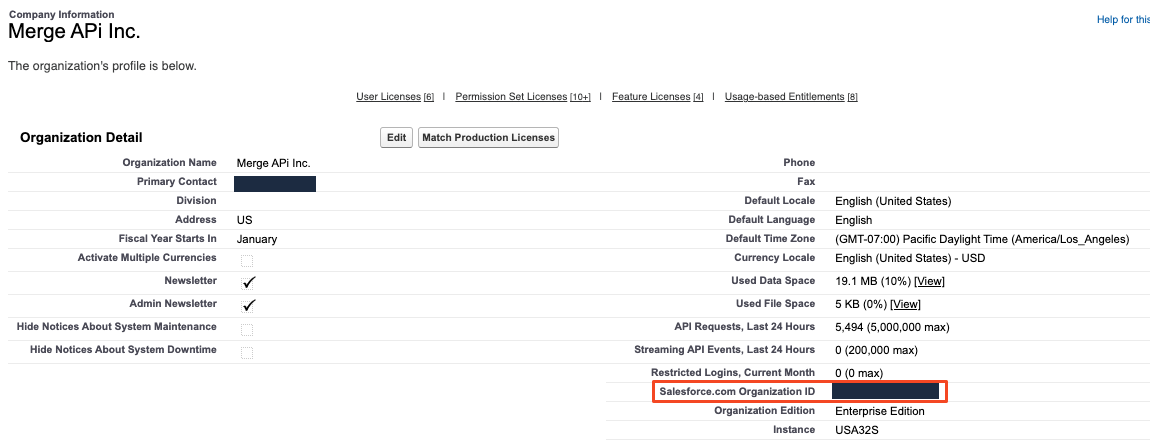
Identify your Salesforce.com Organization ID
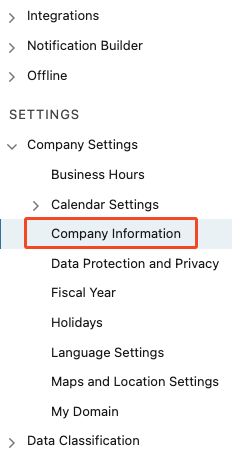
For Classic: Click on Setup | Under Administer | Company Profile | Company Information
For Lightning: Click on Gear Icon | Setup | Company Settings | Company Information
Locate your Salesforce.com Organization ID
Enter your Security Token and Organization ID into the linking flow