Pipedrive - How do I link using an API key?
Last updated: June 16, 2026
Overview
To authenticate Pipedrive via an API Key, you will need to find your personal Pipedrive API token and complete an authorization flow.
Instructions
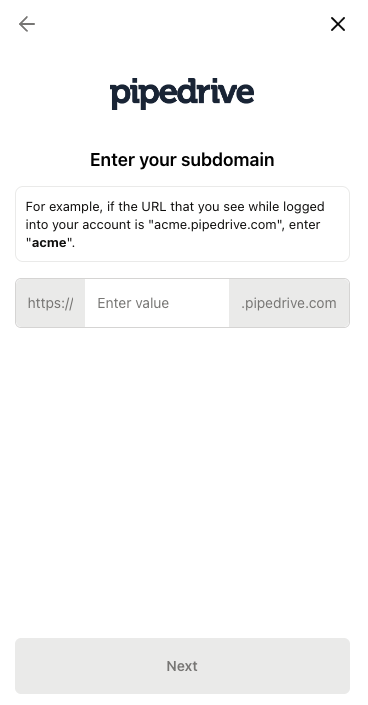
Step 1: Add your Pipedrive subdomain
When you go through the connection flow, you’ll be redirected to Pipedrive. Log in using your Pipedrive credentials.
Step 2: Create your API token
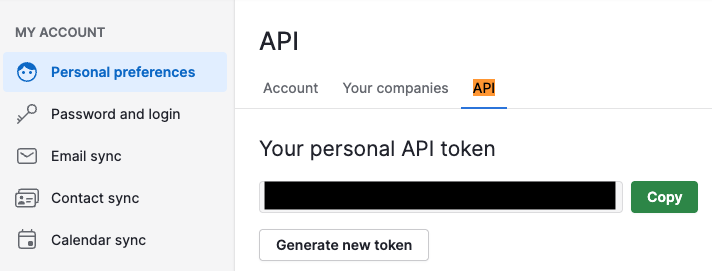
Sign into your account
Click on your account name on the top right
Click on Personal Preferences
Click on API tab
Find and copy your personal API token
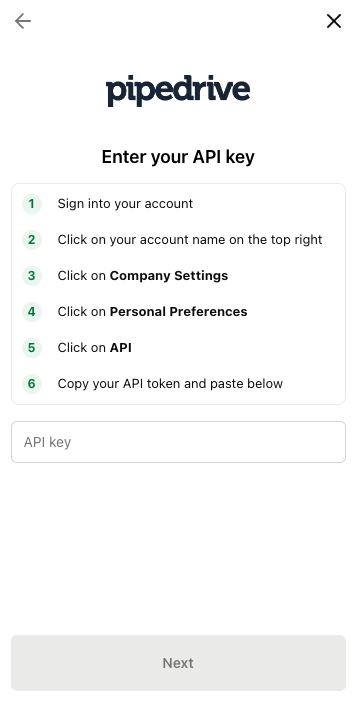
Step 3: Enter your API Key into the linking flow
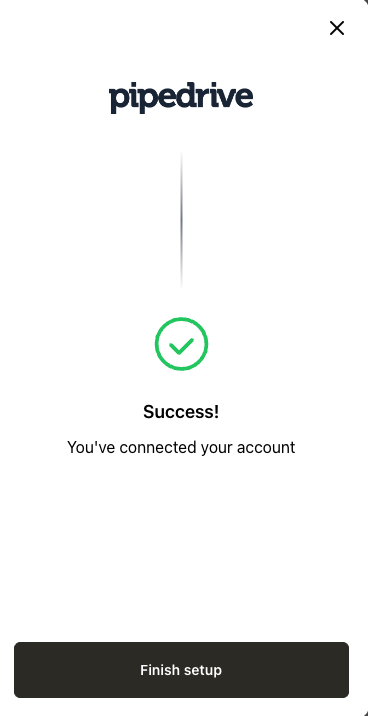
Once we’ve validated your API token, your Pipedrive account is successfully authenticated! Complete any remaining steps to finish the linking flow.