Salesforce - How do I link my account with OAuth?
Last updated: October 10, 2025
Overview
This guide explains how to connect your Salesforce account using OAuth authentication.
Step 1: Start the linking
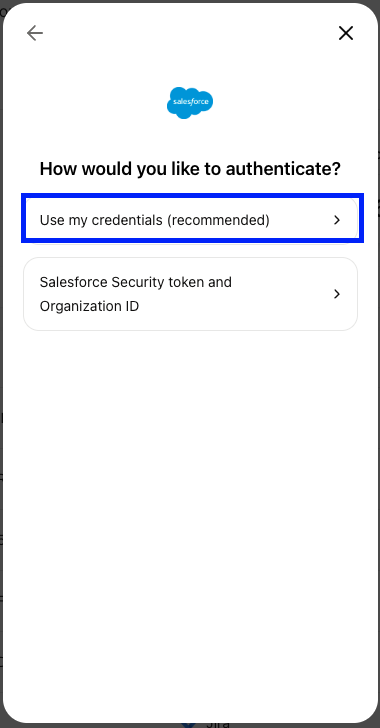
Select the
Use my credentails(recommended)option
Step 2: Enter your subdomain in the linking flow
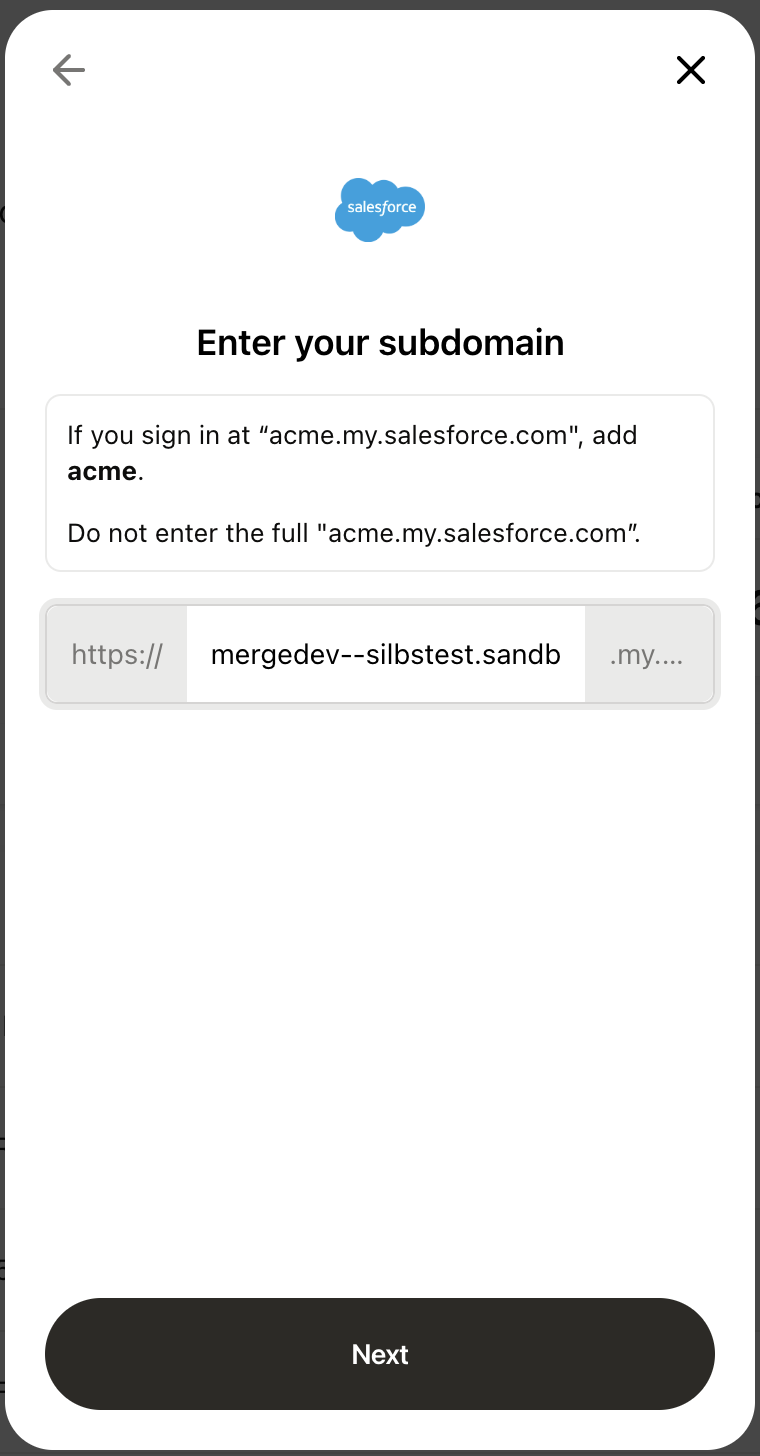
Login to your Salesforce account and note your subdomain
For example, if you sign in at "acme.service-now.com", enter "acme".
Enter the subdomain in the linking flow.
The subdomain is the text between
https://and.my.salesforce.comin your login URL.
Step 3: Complete the linking process
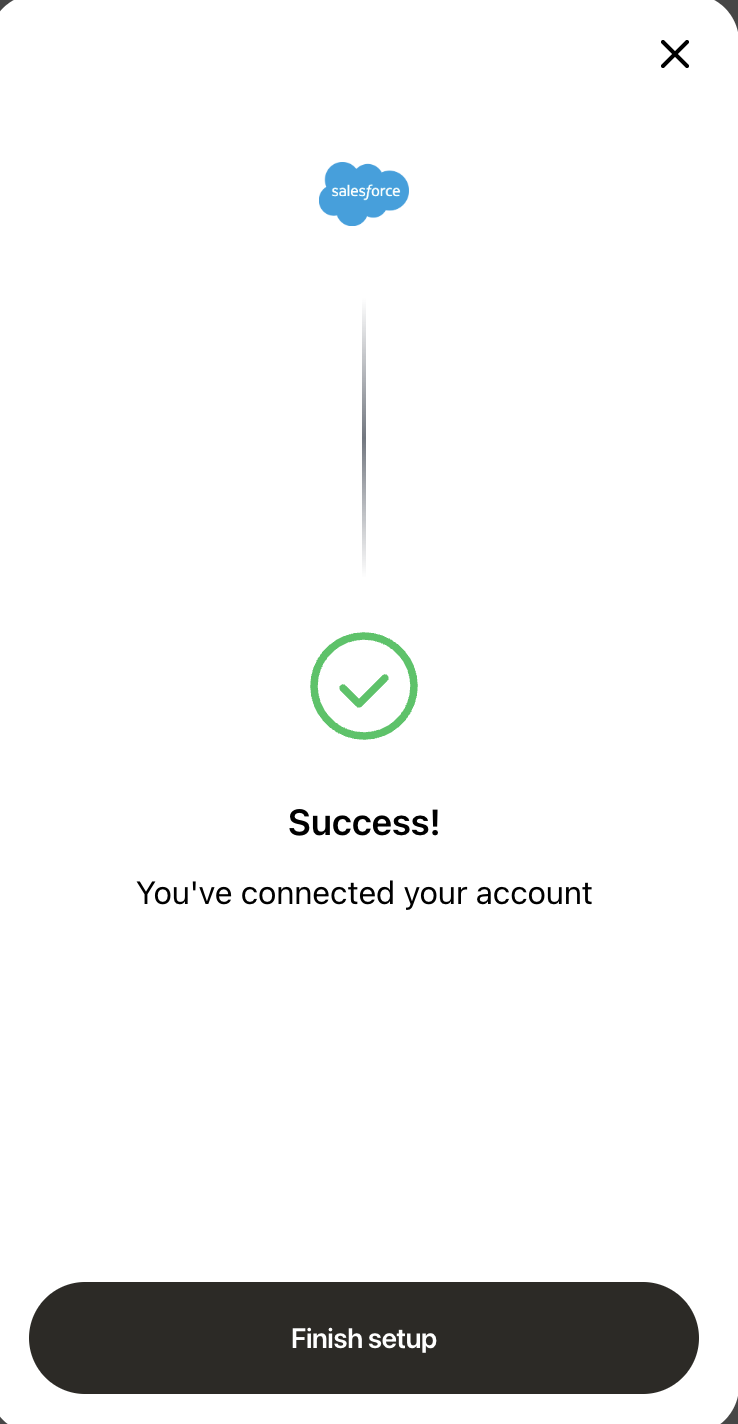
After entering the subdomain, the linking process is complete.
Troubleshoot a failed linking attempt
Please follow these steps below If you see the error "Error authenticating. Please close the window and try again"
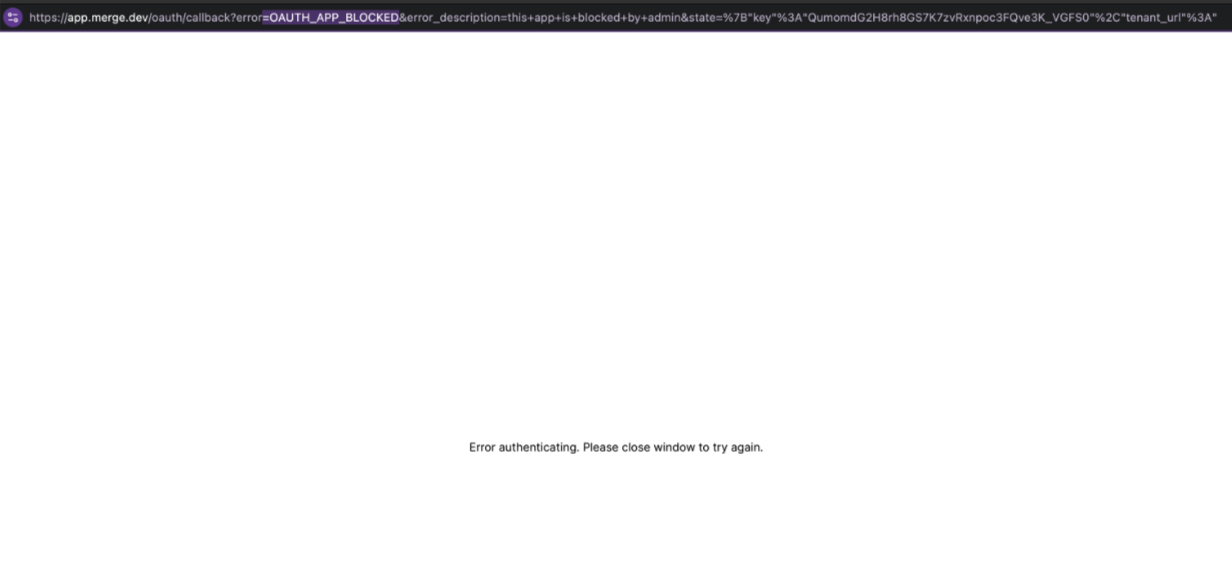
Access the Connected Apps settings:
A Salesforce admin must navigate to: https://
{your-subdomain}.my.salesforce-setup.com/lightning/setup/ConnectedAppsUsage/home Replace{your-subdomain}with the subdomain from the "Enter your subdomain" step.
Check for a blocked Merge app in Salesforce:
Locate the Merge connected app in the list.
If it’s blocked, click Unblock in the Actions column.
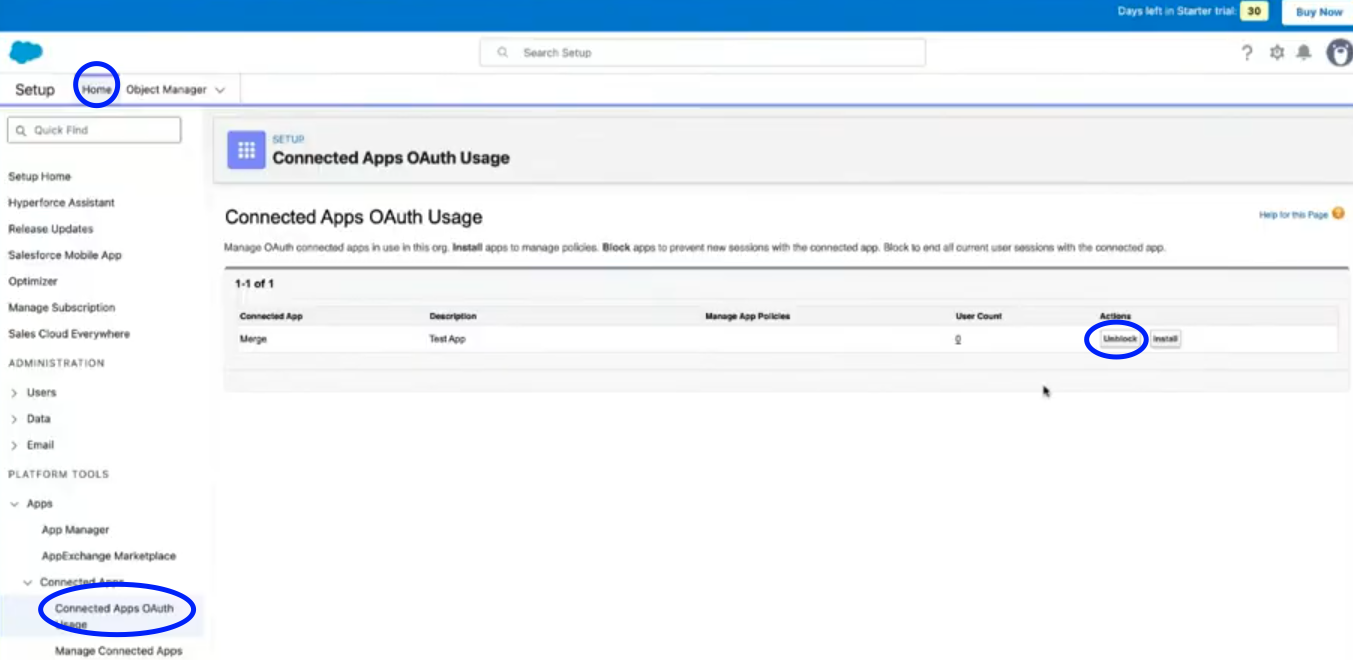
Retry the linking process:
Repeat the steps above after unblocking the Merge app.