Humaans.io - How do I link my account?
Last updated: July 10, 2025
Overview
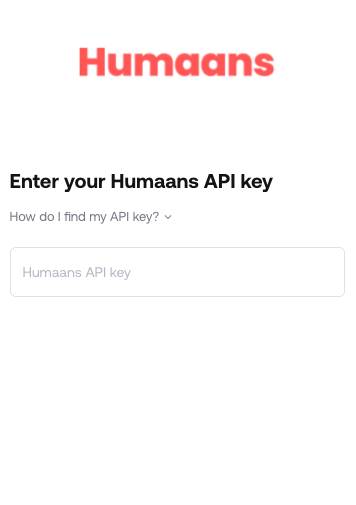
To authenticate Humaans.io, you will need to generate an API Key and paste it into the linking flow.
Prerequisites
Please ensure you have Admin permissions in your company's Humaans.io instance or someone has shared their access with you.
Instructions
Step 1: Generate your API key
Log into the platform
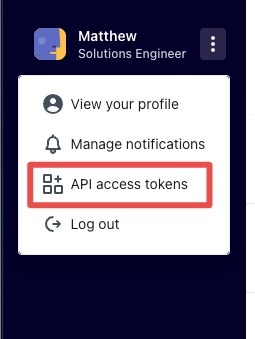
From the sidebar, click the three dots to extend the drop-down menu. Then click "API access tokens."
3. Create or edit an existing API Key
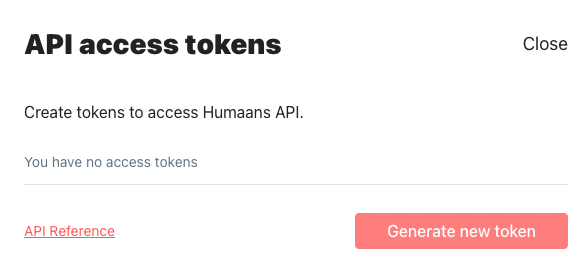
If you have an existing API key, you can use the edit button to update the scopes on the key
If you do not have an existing key, use the "Generate new token" button to create a new key:
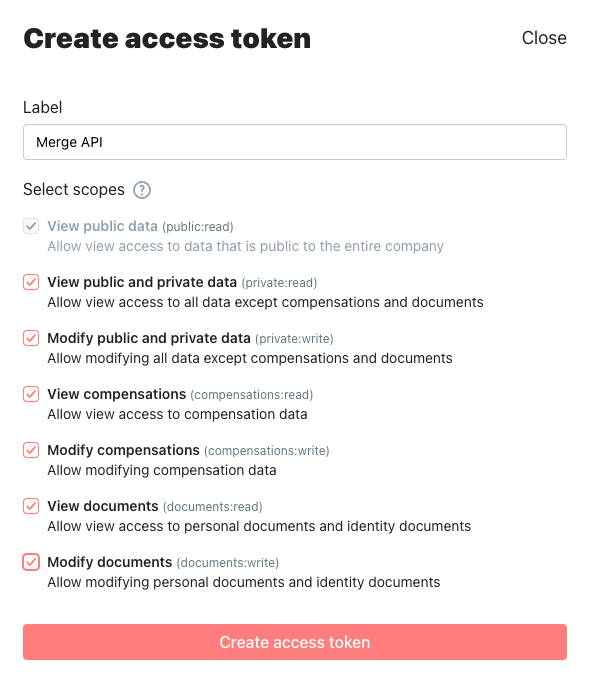
4. Configure the scopes you will need for your integration
At a minimum, you will need "View public data" to retrieve basic employee data like name, email, and job title
"View public and private data" is required for to pull pre-hires to detect off-boarded employees. Without this scope, employees will not be picked up until their date of hire and employees will not be identified as terminated.
Enabling "View public and private data" allows us to read information including:
gender
date of birth
country
city
state
zip_code
remote_id
job_title
phone_number
email_address
data for new hires and offboarded employees
If you need compensation data for your integration, enable "View compensations"
You can reference the Humaans docs for more details on API key scopes
Step 2: Paste your API key into the linking flow