Gusto - How do I link my demo account?
Last updated: May 28, 2025
Overview
To authenticate a Gusto demo account, you will need to log in with your credentials. This guide will walk you through all of those steps.
Prerequisites
Please ensure you fulfill all the requirements to set up the integration:
You have Administrator or Manager permissions in your company's Gusto instance or someone has shared their access with you.
Make sure your Gusto account is a Gusto demo account. A Gusto demo typically has"[email protected]" as the URL.
Instructions
Step 1: Check partner credentials
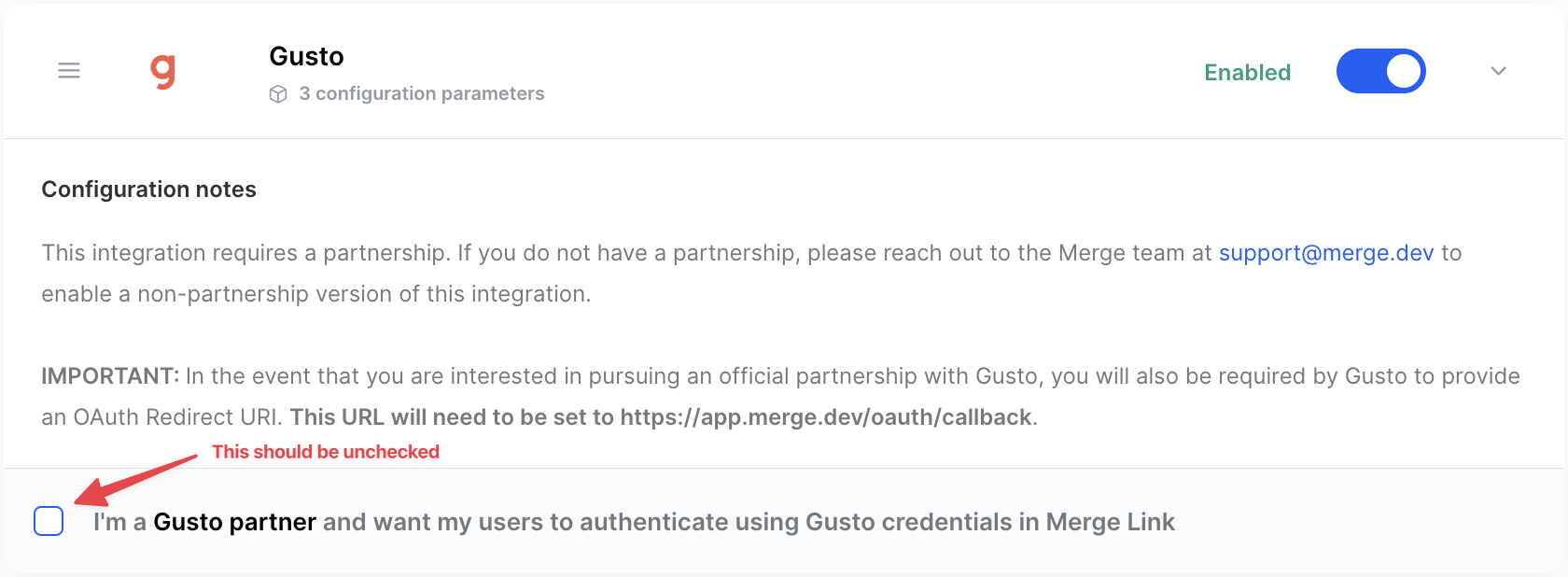
Go to Integrations > Gusto in your Merge dashboard
Ensure the partnerships box is unchecked
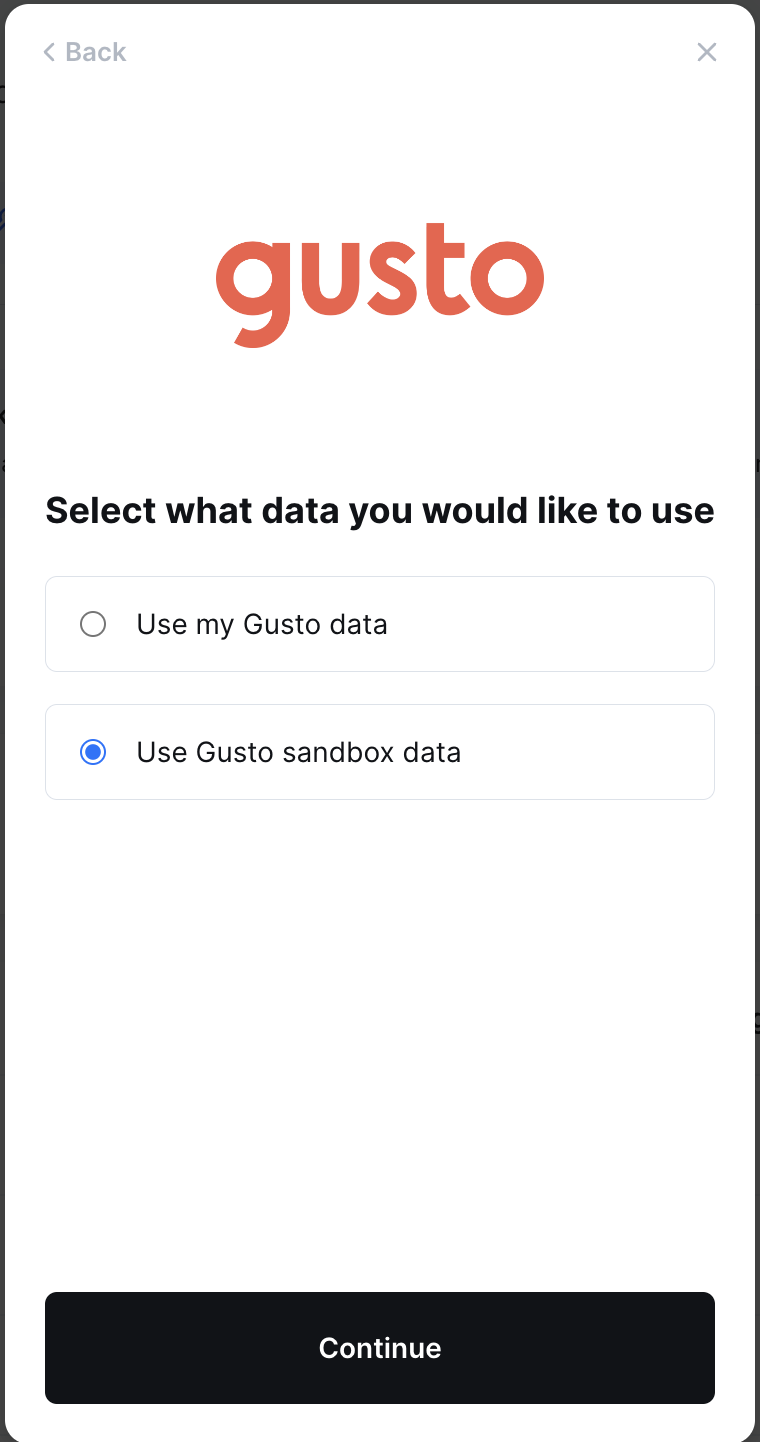
Step 2: Select Gusto sandbox data in the linking flow
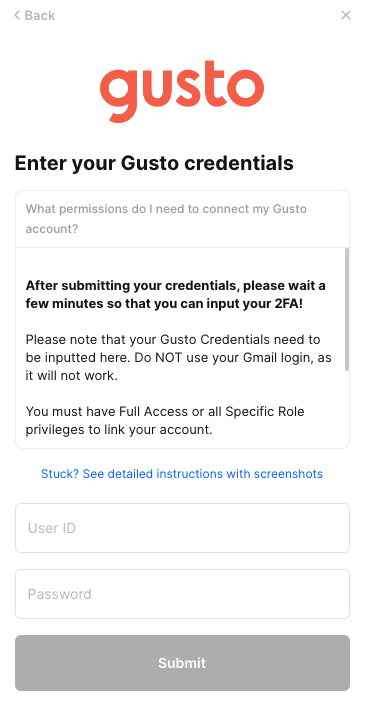
Step 3: Put in your Gusto credentials to the linking flow