HR Partner - How do I link my account?
Last updated: May 28, 2025
Overview
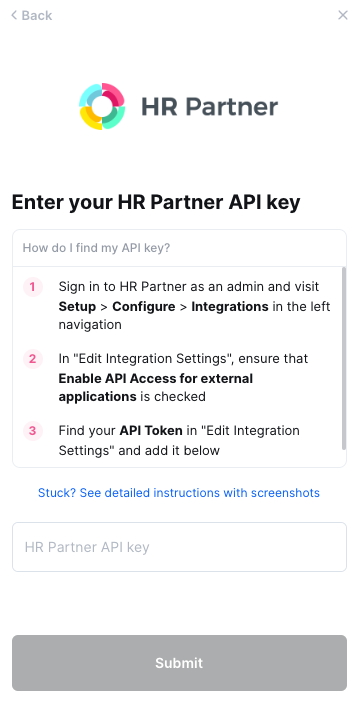
This guide will walk you through creating an API key within HR Partner and entering it into the linking flow
Prerequisites
Please ensure you fulfill all the requirements to set up the integration:
You are an Admin in your company's HR Partner instance
Instructions
Step 1: Finding your HR Partner API Key
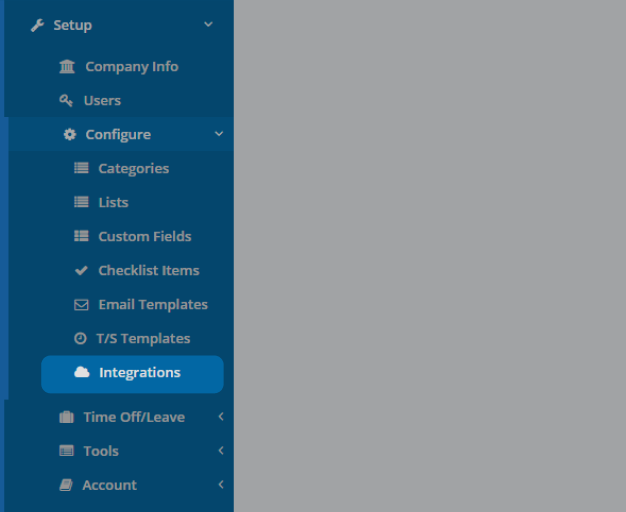
Log into your HR Partner as an admin for your organization, and click on the Setup button on the left navigation bar. Once the Setup menu is expanded, go to Configure and click Integrations
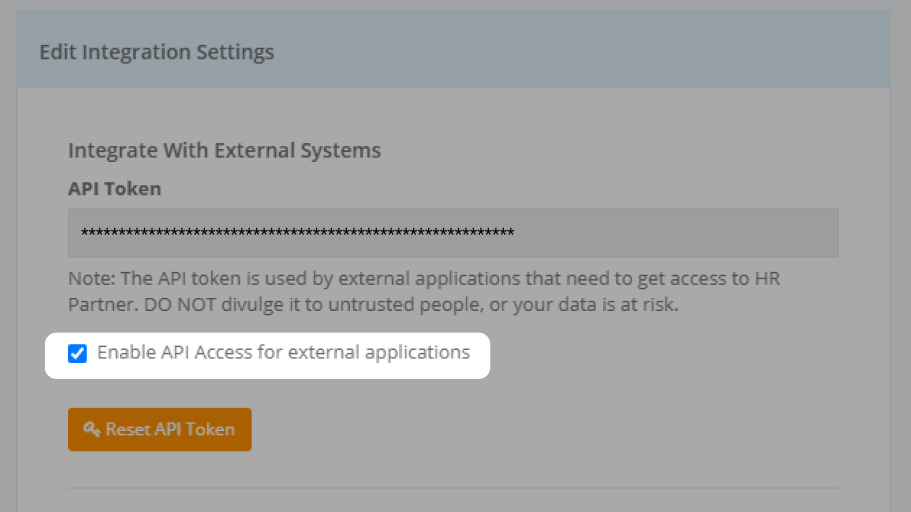
At the top of the integrations page, you'll see your integrations settings. Make sure that "Enable API Access for external applications" is checked
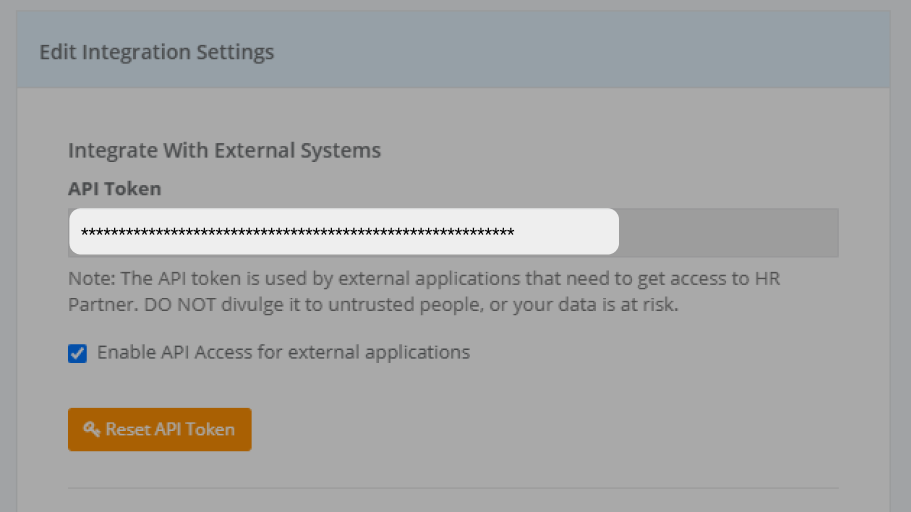
Copy the API Token
Step 2: Enter your API Key Into the linking flow