PrismHR - How do I link using a Web Service User?
Last updated: April 9, 2026
Overview
This guide will walk you through creating a web service user within PrismHR and connecting it in the linking flow.
Prerequisites
You have Admin permissions in your company's PrismHR instance or someone has shared their access with you. Confirm your API URL with your system administrator before proceeding.
Instructions
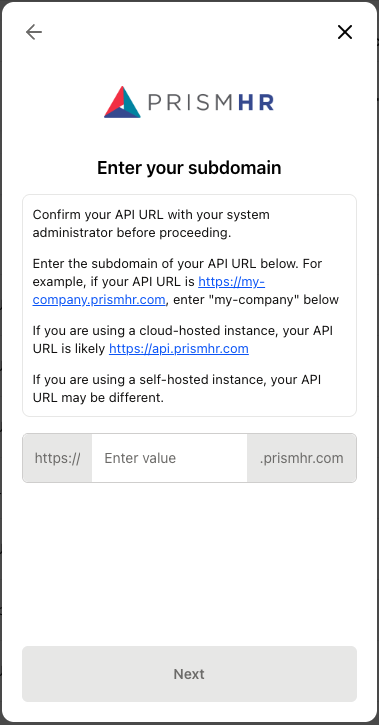
Step 1: Retrieve and enter the subdomain
Log in to your PrismHR account and identify the API URL. For example, if your API URL is https://my-company.prismhr.com, then the subdomain is "my-company".
If you are using a cloud-hosted instance, your API URL is likely https://api.prismhr.com, then your subdomain is "api".
If you are using a self-hosted instance, your API URL may be different. Please check with your admin if you do not know how to find this.
Input the subdomain into the linking modal.
Step 2: Set up your Web Service User
Follow the steps in this link to set up the PrismHR Web Service User.
The Web Service User is created in PrismHR's System Parameters with the following steps:
From the Back Office menu in PrismHR, go to System | Change ⇒ System Parameters.
In the Actions menu in the upper-right corner, select Web Service Users.
Note: If Web Service Users is not listed, then you likely don't have API access enabled for your account. Reach out to your account manager to get access if needed.
Continue through in the Web Service User creation from step 3 through 7 in the guide linked above.
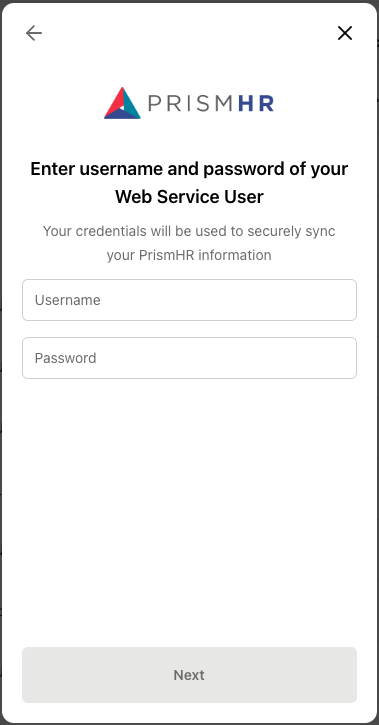
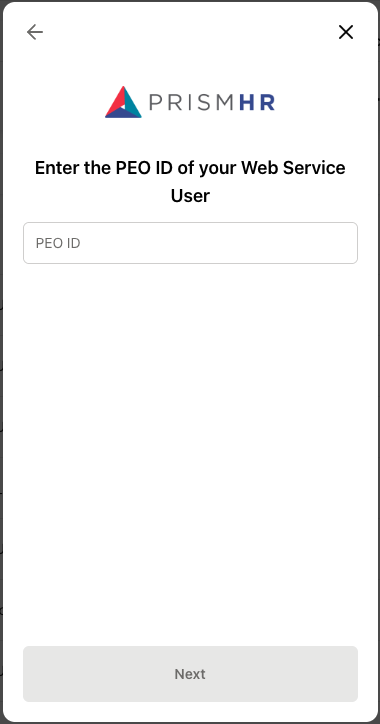
Input the Username, Password, and PEO ID of the user created in PrismHR.
Note: the Allowed Methods for the PrismHR integration are listed below.
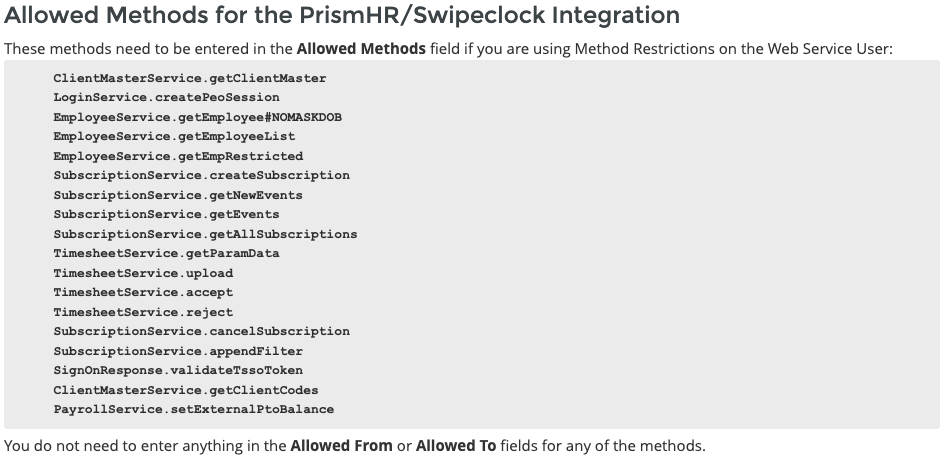
The following methods are required:
ClientMasterService.getClientMaster
LoginService.createPeoSession
EmployeeService.getEmployeeList
EmployeeService.getEmpRestricted
SignOnResponse.validateTssoToken
ClientMasterService.getClientCodes
EmployeeService.getEmployee#NOMASKDOB
The following methods are optional:
SubscriptionService.createSubscription
SubscriptionService.getNewEvents
SubscriptionService.getEvents
SubscriptionService.getAllSubscriptions
TimesheetService.getParamData
TimesheetService.upload
TimesheetService.accept
TimesheetService.reject
SubscriptionService.cancelSubscription
SubscriptionService.appendFilter
PayrollService.setExternalPtoBalance