JumpCloud - How do I link using an API key?
Last updated: March 24, 2026
Overview
This guide walks through how to generate a JumpCloud API Key and use it to connect your JumpCloud account to Merge.
Prerequisites
You have Admin permissions in your company's JumpCloud's instance or someone has shared their access with you.
Instructions
Step 1: Obtain your API Key
1. Log in to your JumpCloud account.
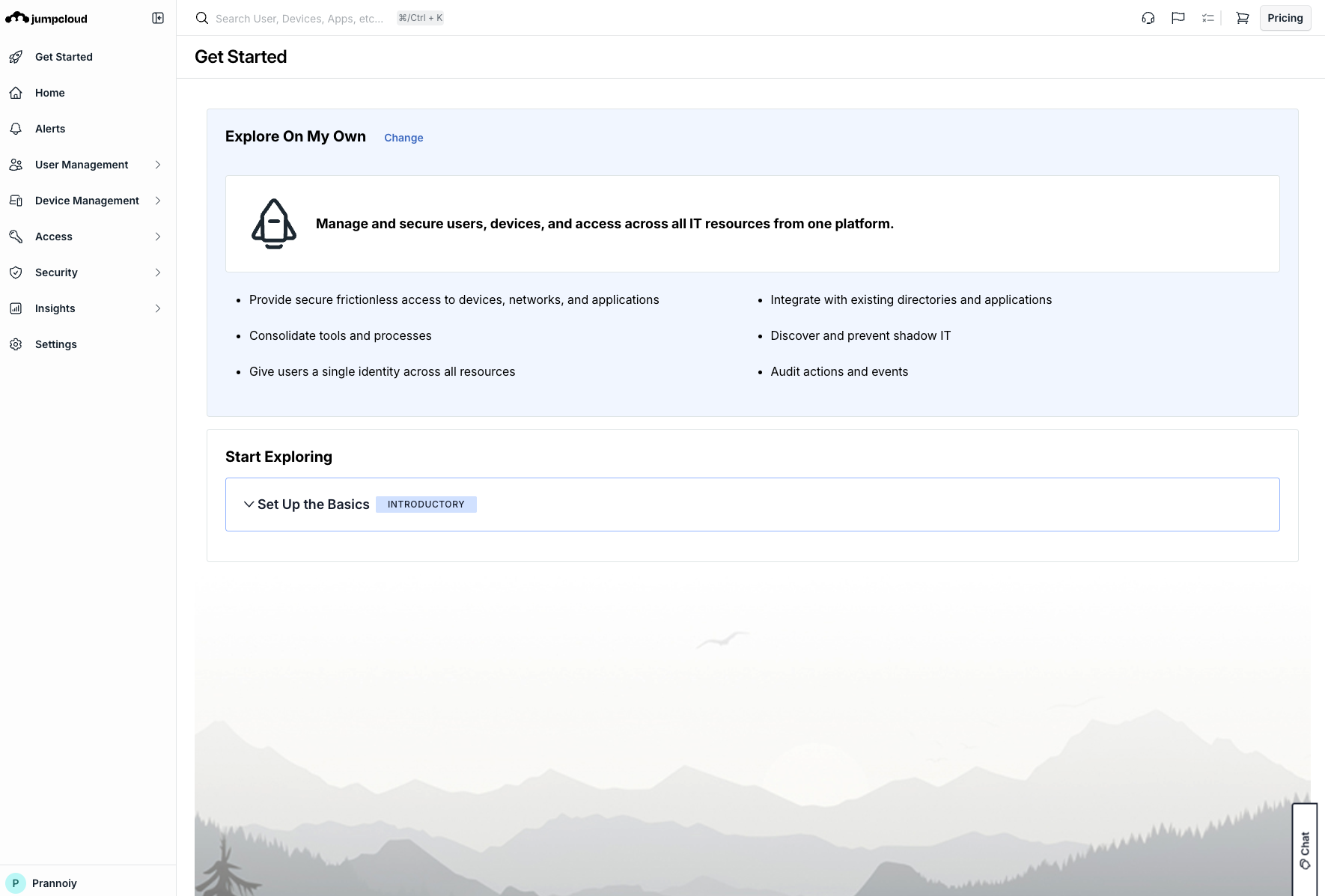
2. In the bottom left corner, hover over your name/profile.
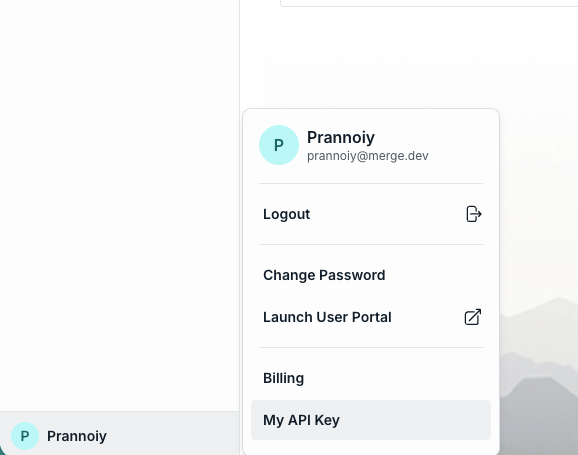
3. Select My API Key from the pop-up menu.
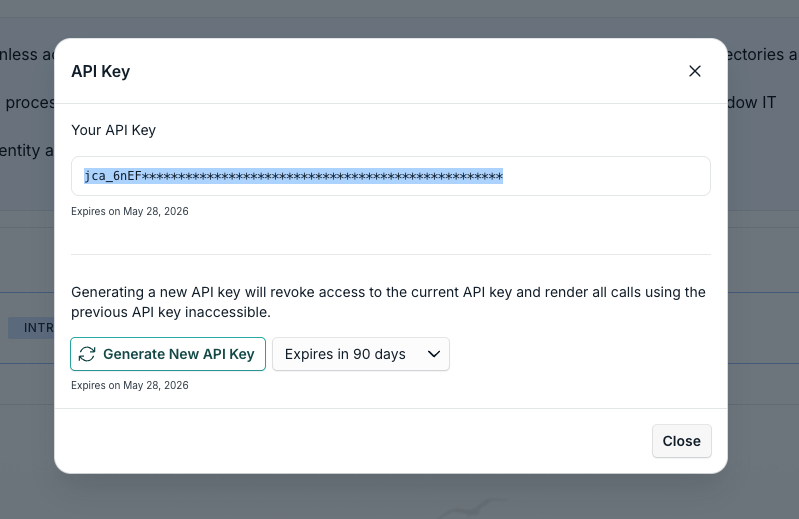
4. Click Generate New API Key
Note: Ensure there is no expiration date set on the API Key.
5. Copy the API Key and store it in a secure location.
Step 2: Connect JumpCloud to Merge
Navigate to Merge Link.
When prompted, input the API Key you copied in Step 1.
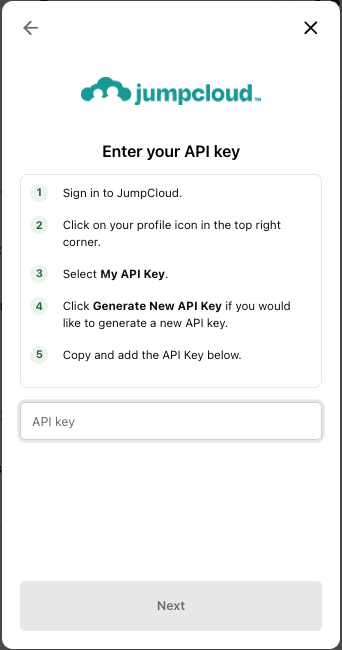
Your JumpCloud account is now connected to Merge!