Jira - How do I link using OAuth?
Last updated: July 23, 2026
Overview
To authenticate Jira via OAuth, you will need to provide your Jira account credentials.
Prerequisites
If you are connecting as an admin, on behalf of your company, before connecting you must:
Have admin access.
You have Admin access in your company's Jira instance
Allow for emails to be accessed (not always required).
This step is required if you need email addresses for your users.
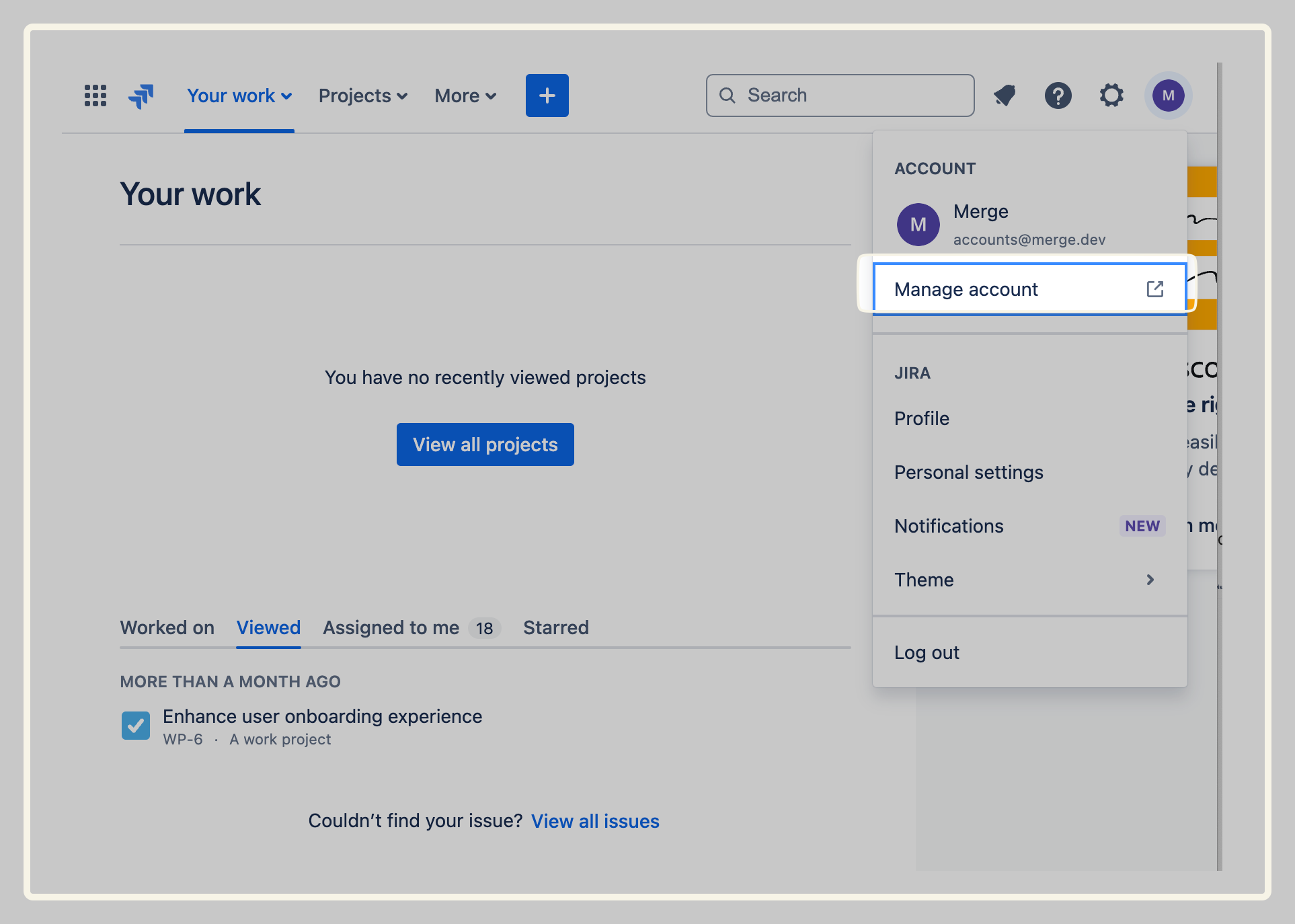
Navigate to Manage account > Profile and visibility on the top navigation bar.
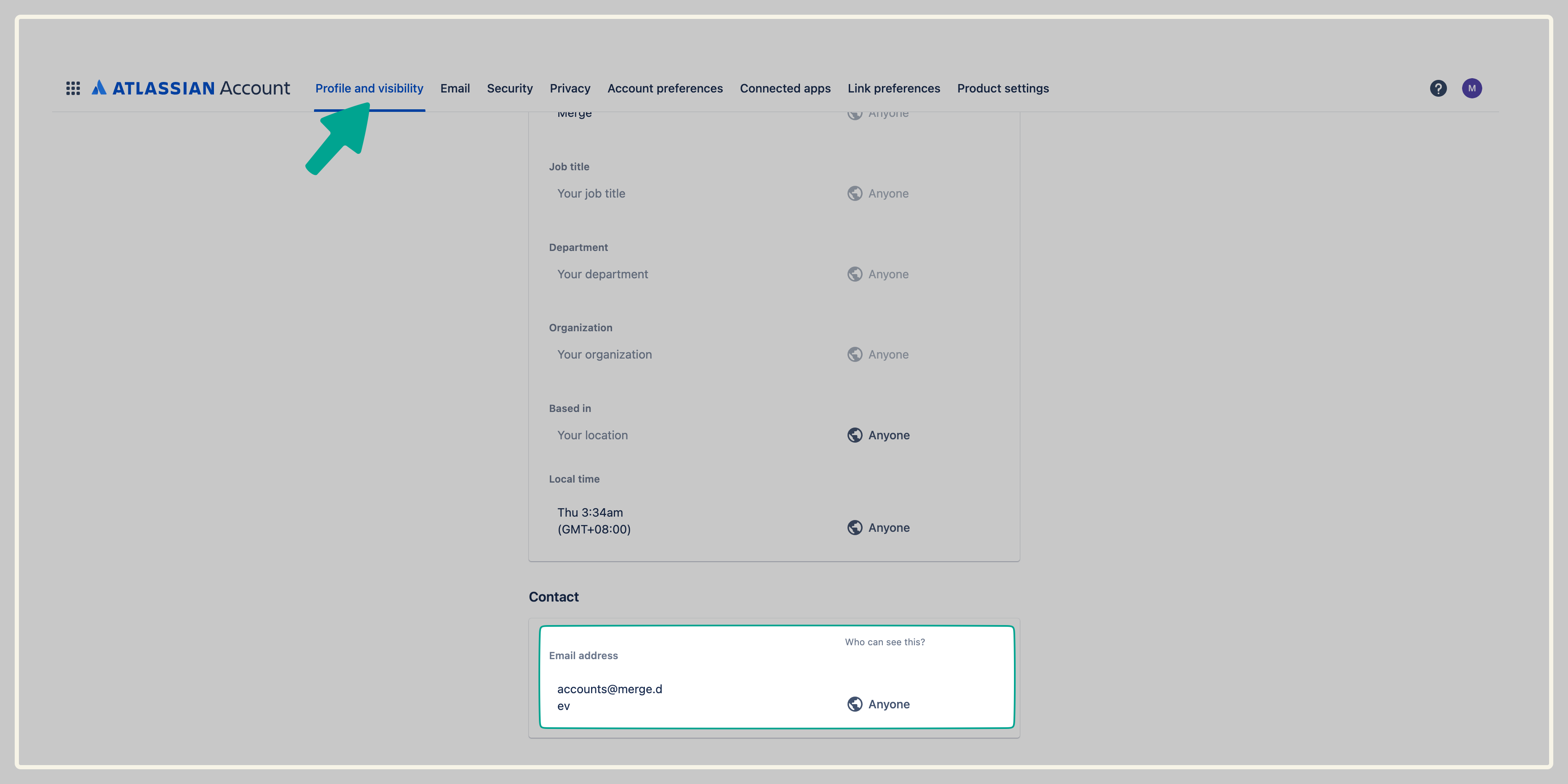
Ensure all users have their emails marked as visible by Anyone.
Instructions
Step 1: Provide your Jira URL
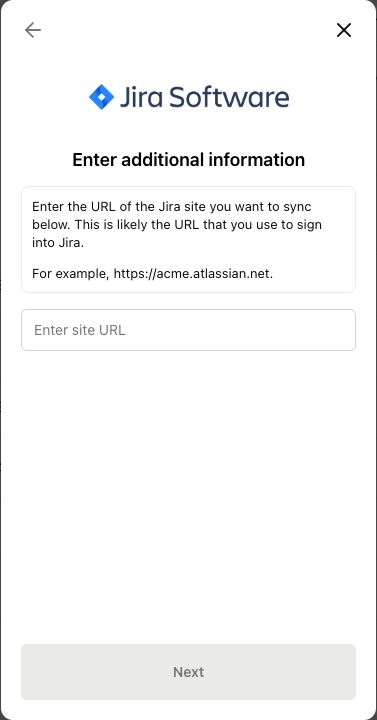
Enter your Jira URL, for example https://acme.atlassian.net and click Next.
Step 2: Log in to Jira
You'll be redirected to Atlassian to log in to your account.
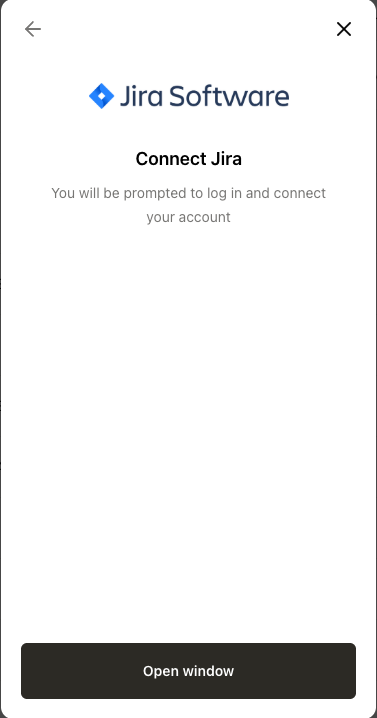
Step 3: Accept scopes
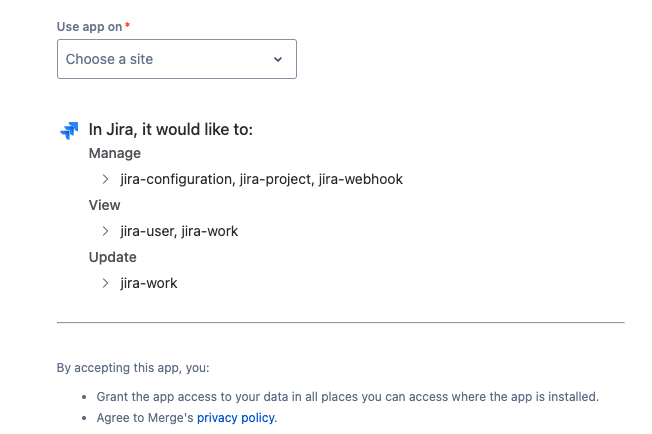
Review the list of Jira scopes being requested.
Under Use app on, select the same Jira site you entered in Step 1.
Click Accept.