Zendesk - How do I link using OAuth?
Last updated: April 28, 2026
Overview
To authenticate Zendesk via OAuth, you will need to provide your Zendesk account credentials and account subdomain.
Prerequisites
Please ensure you fulfill all the requirements to set up the integration:
You have admin access in your company's Zendesk instance or someone has shared access with you
OR
You are linking a user account that is associated with your company.
Instructions
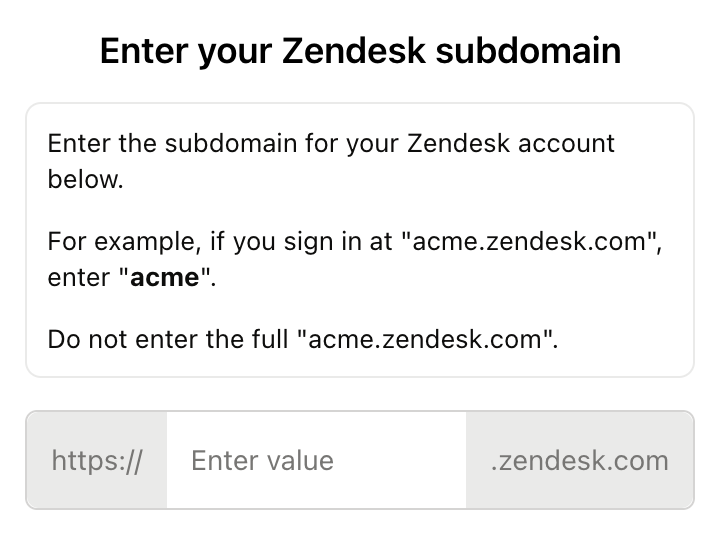
Step 1: Add your Zendesk subdomain
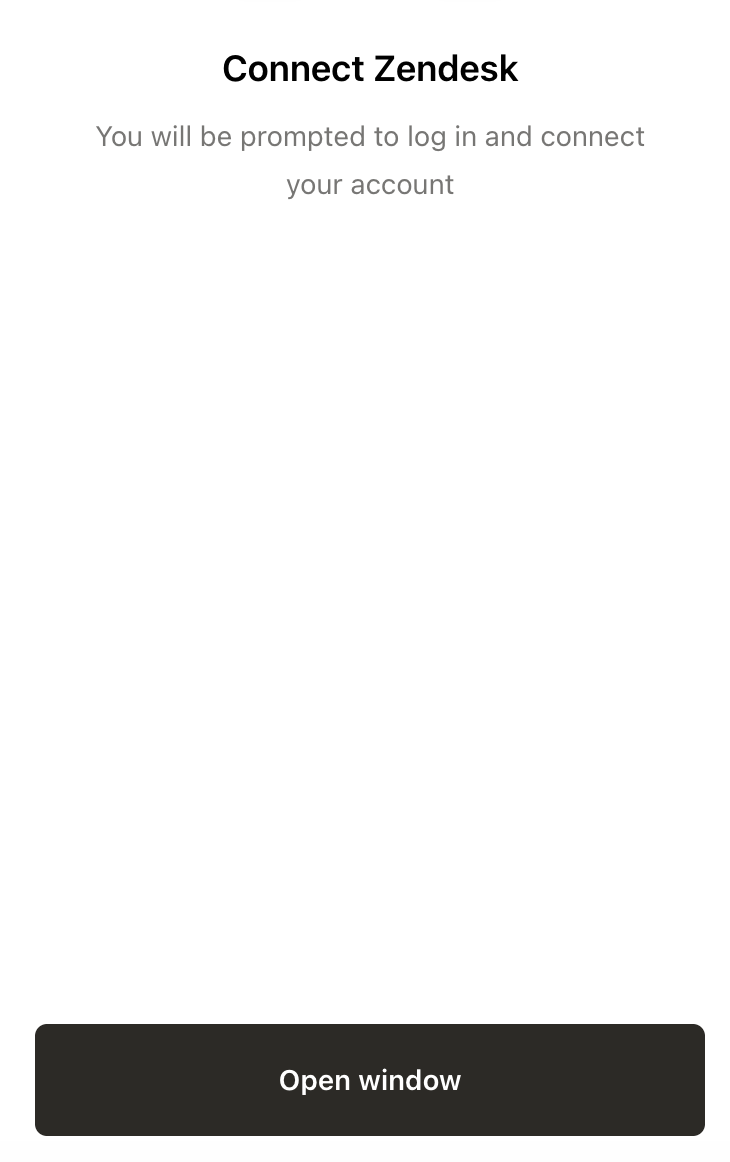
Once the subdomain is added, you will open up window to the Zendesk login pop-up to authenticate to your account.
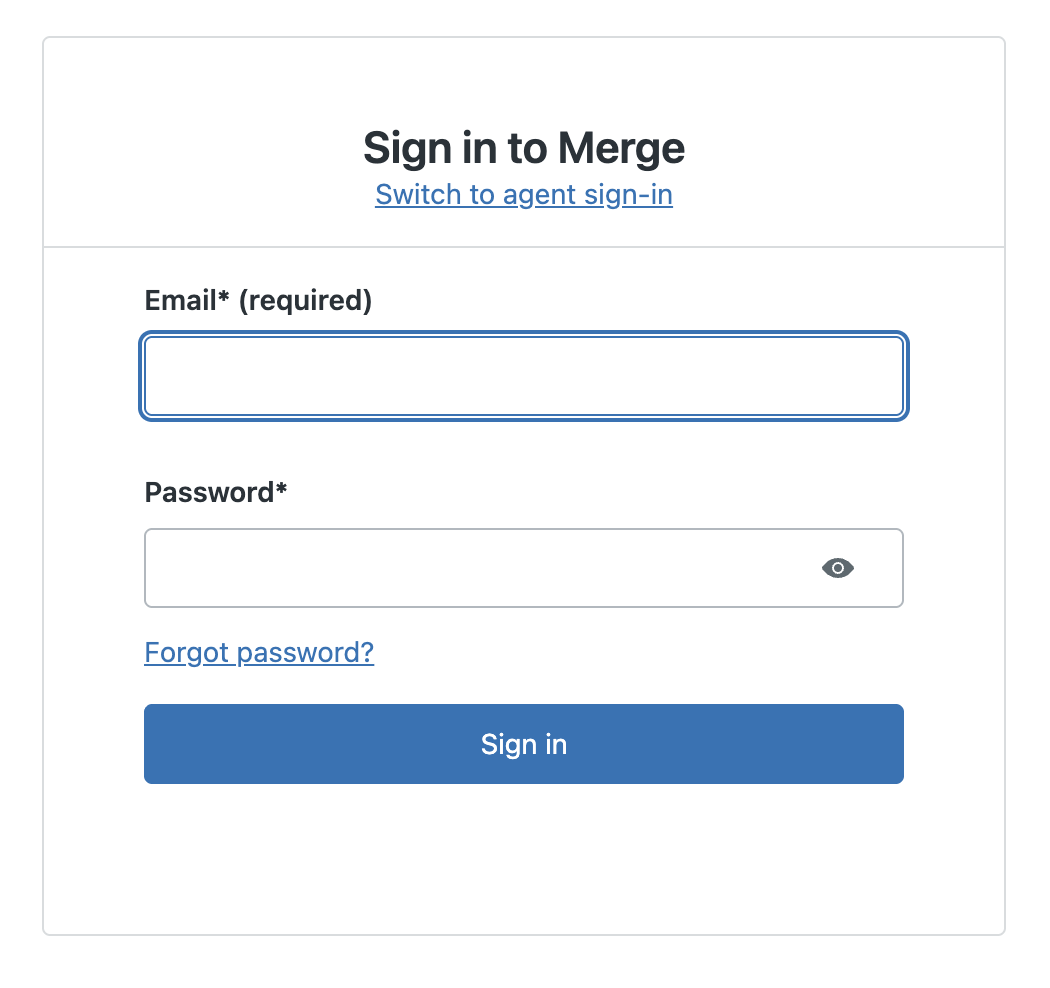
Step 2: Enter your Zendesk account credentials
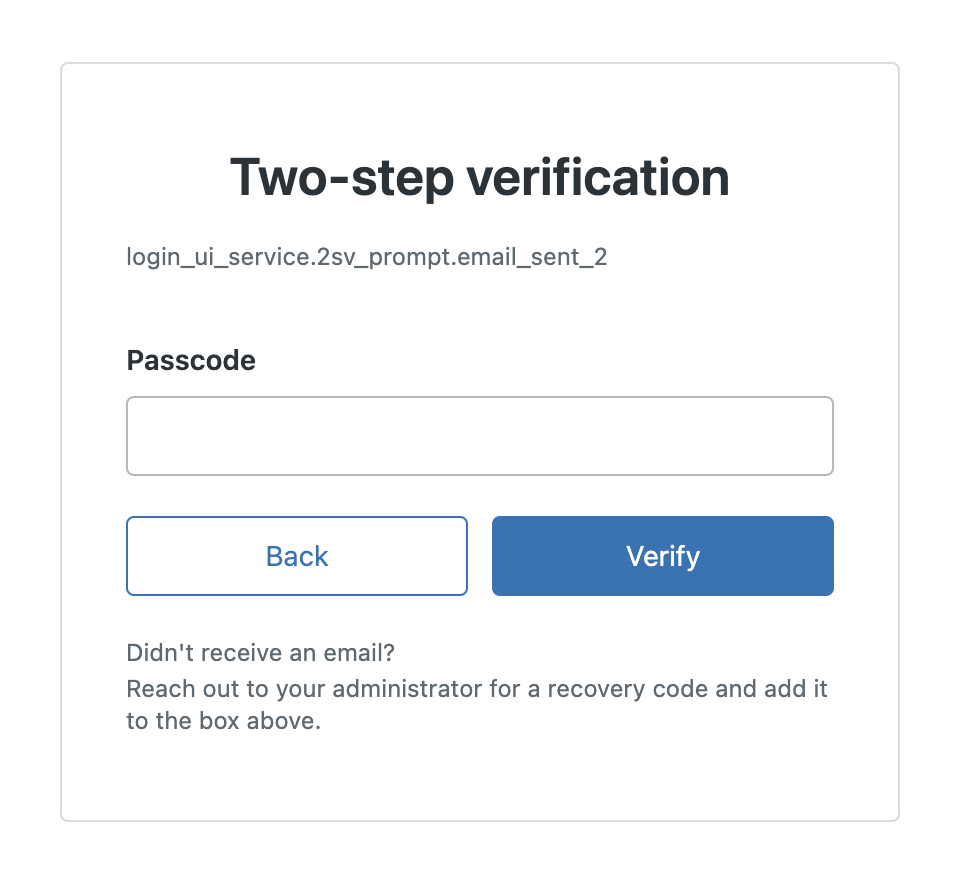
Step 3: Complete two-step verification
A one-time passcode will be sent to your account's email. Input this passcode into the Zendesk login pop-up.