Employment Hero - How do I link my account?
Last updated: May 6, 2026
Overview
To connect Employment Hero, you’ll sign in to your Employment Hero account and complete an authorization flow.
Prerequisites
Before you begin, make sure you have:
Administrator access in your company’s Employment Hero instance
An Employment Hero plan on Platinum or higher, since Employment Hero API access is currently only available on Platinum+ plans
Instructions
Step 1: Sign in to Employment Hero
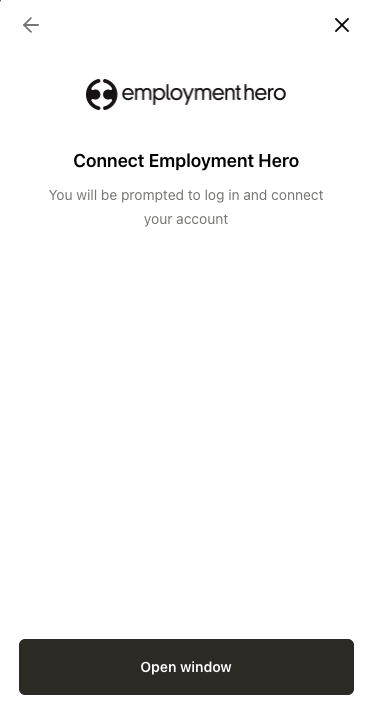
When you go through the connection flow, you’ll be redirected to Employment Hero. Log in using your Employment Hero credentials.
Step 2: Authorize the Single Sign On (SSO) organization (if prompted)
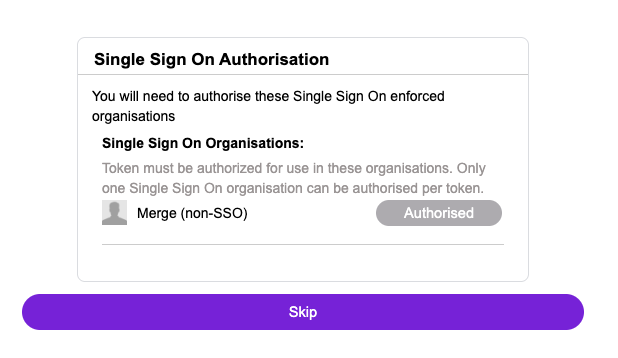
After signing in, you may be asked to authorize a Single Sign On organization.
If you don’t have an SSO organization set up, or you’ve already authorized it, you can select Skip. The below screenshot is an example.
Step 3: Review and accept permissions
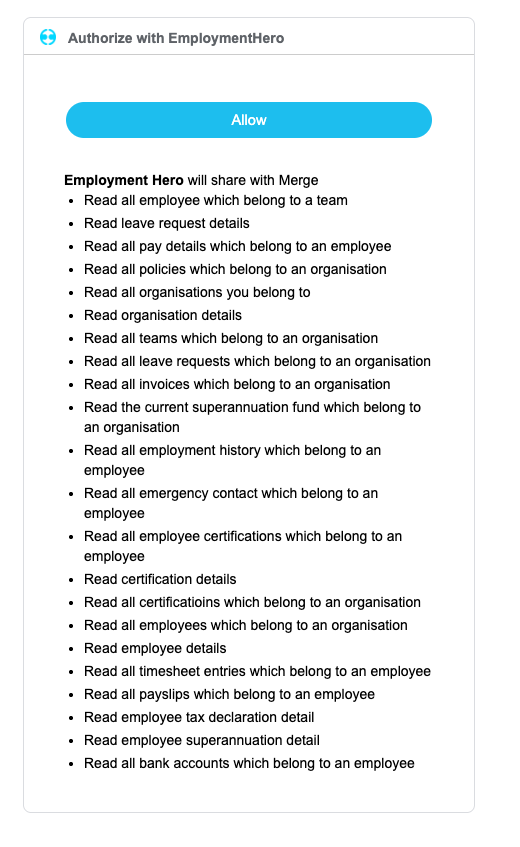
Review the requested permissions and select Allow to continue.
Permission requests may vary depending on the specific Employment Hero use case for your organization. The below screenshot is just an example.
After you accept the permissions, you’ll be redirected back to the connection flow. Once you finish the remaining steps, your Employment Hero account is successfully authenticated!