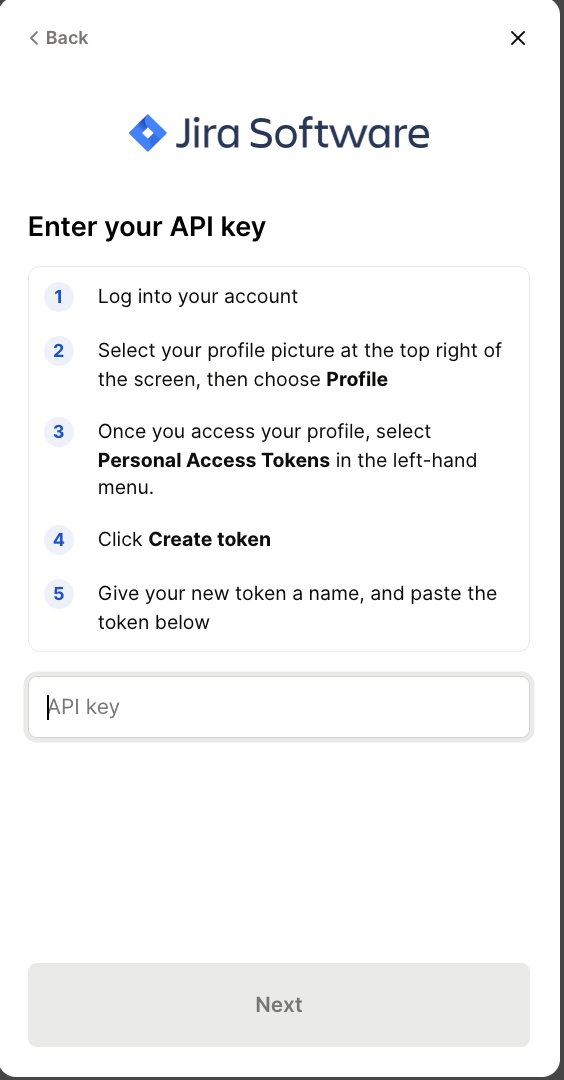
Jira Data Center - How do I link using a Personal Access Token?
Last updated: July 8, 2025
Overview
To authenticate your Jira Data Center account, you will need to provide the following information:
Personal Access Token
Instructions
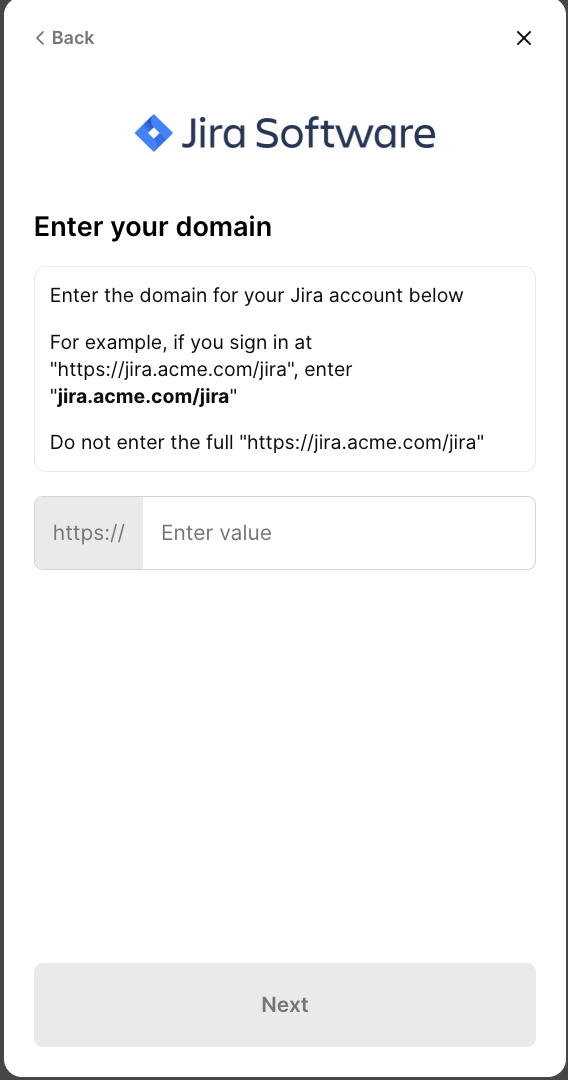
Step 1: Enter your subdomain in the linking flow
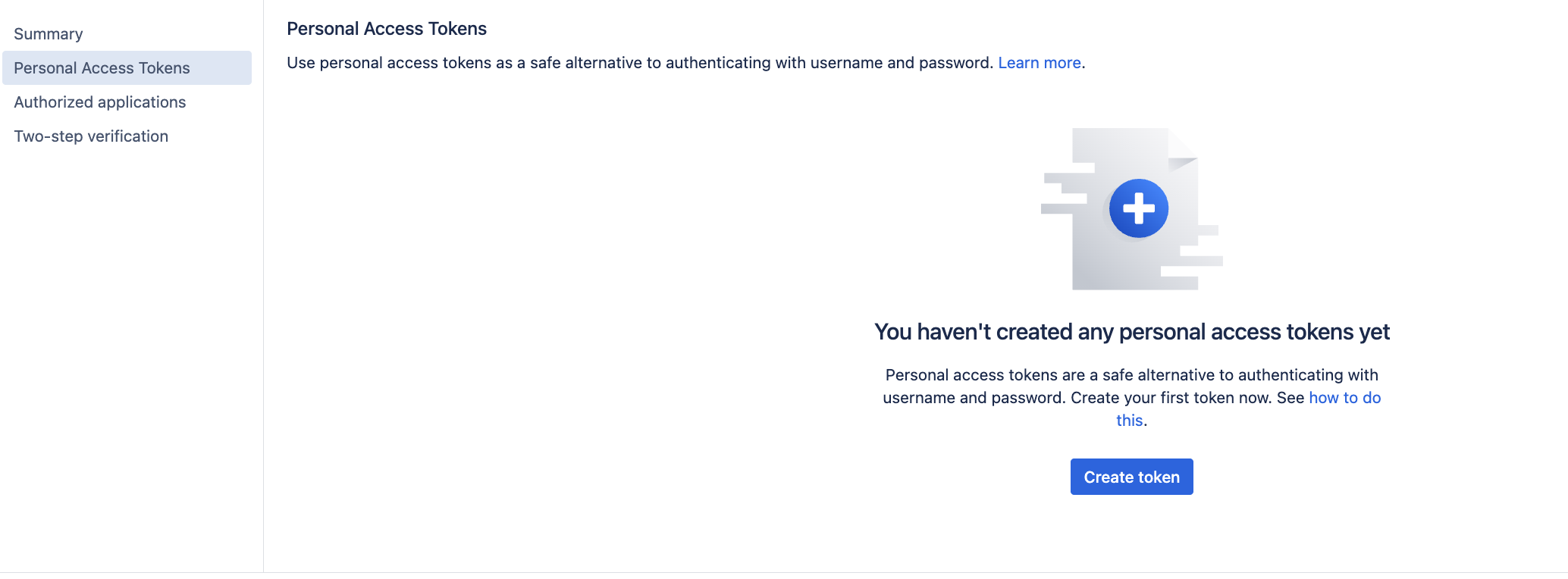
Step 2: Create a Personal Access Token (PAT)
Log into your instance of Jira Data Center and click on the profile icon.
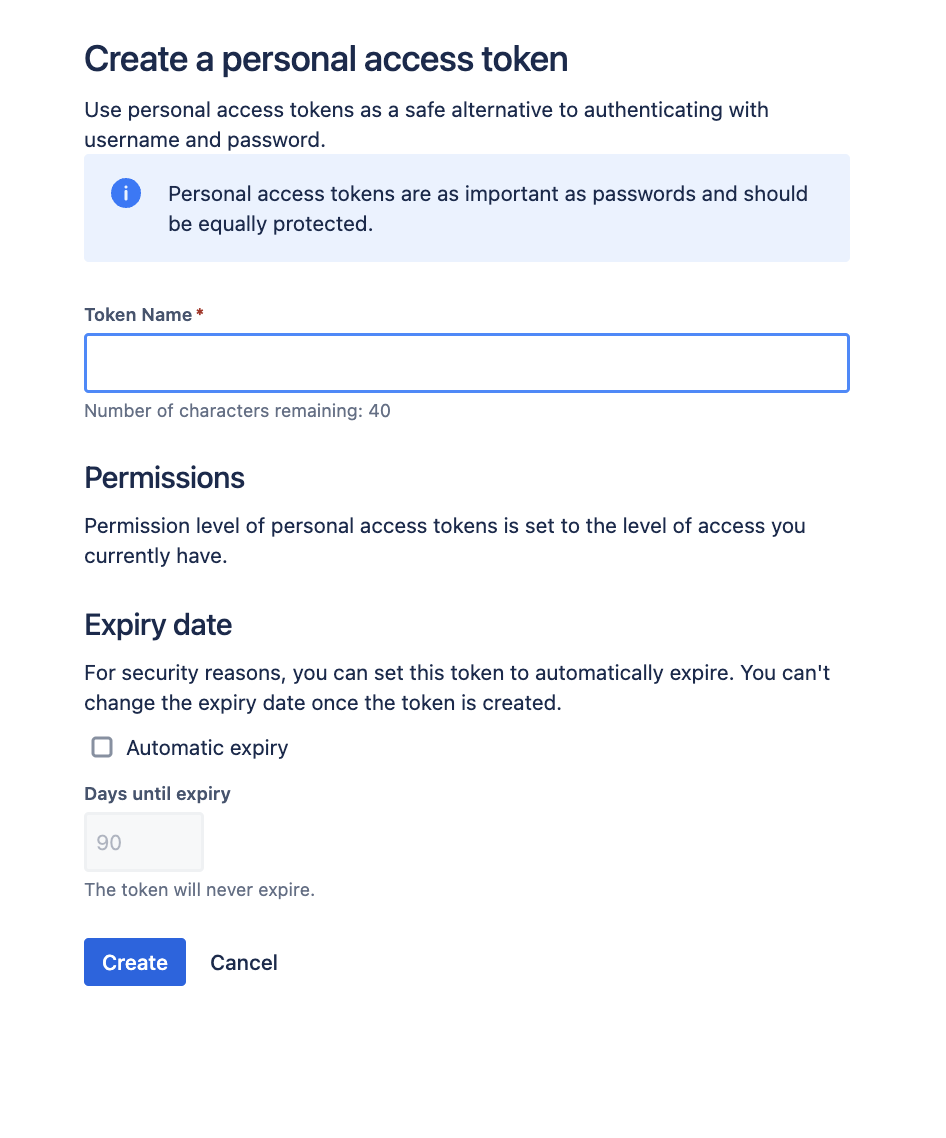
Enter a token name, and optionally set an automated expiry date
Step 3: Enter your Jira Data Center token in the linking flow