Notion - How do I link using OAuth?
Last updated: February 17, 2026
Overview
To authenticate Notion via OAuth, you will need to provide your Notion account credentials and confirm the scopes and pages you wan to provide access to
Prerequisites
Before linking a Notion workspace via OAuth, confirm the following:
You must have
Full Accessto any pages or databases you want to sync. If you do not haveFull Access, Notion will not let you share that content with the integration, and it will not sync.
Instructions
Step 1: Navigate through the linking flow
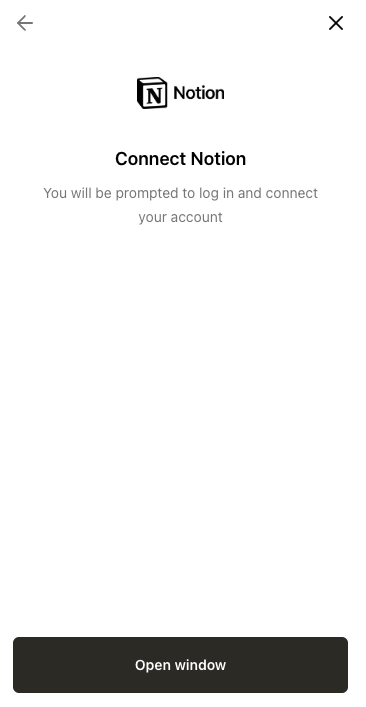
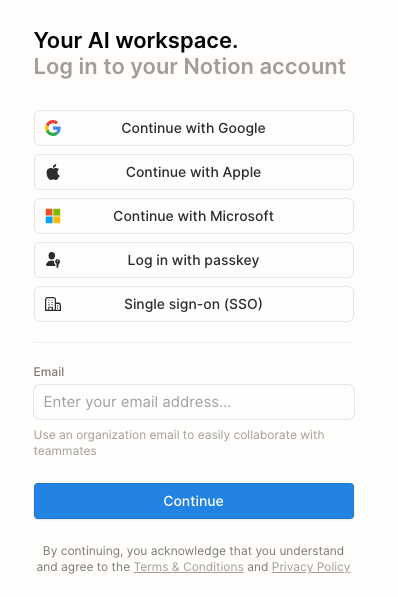
Step 2: Authorize your Notion account
A new window will open, allowing you to enter your Notion credentials to authenticate.
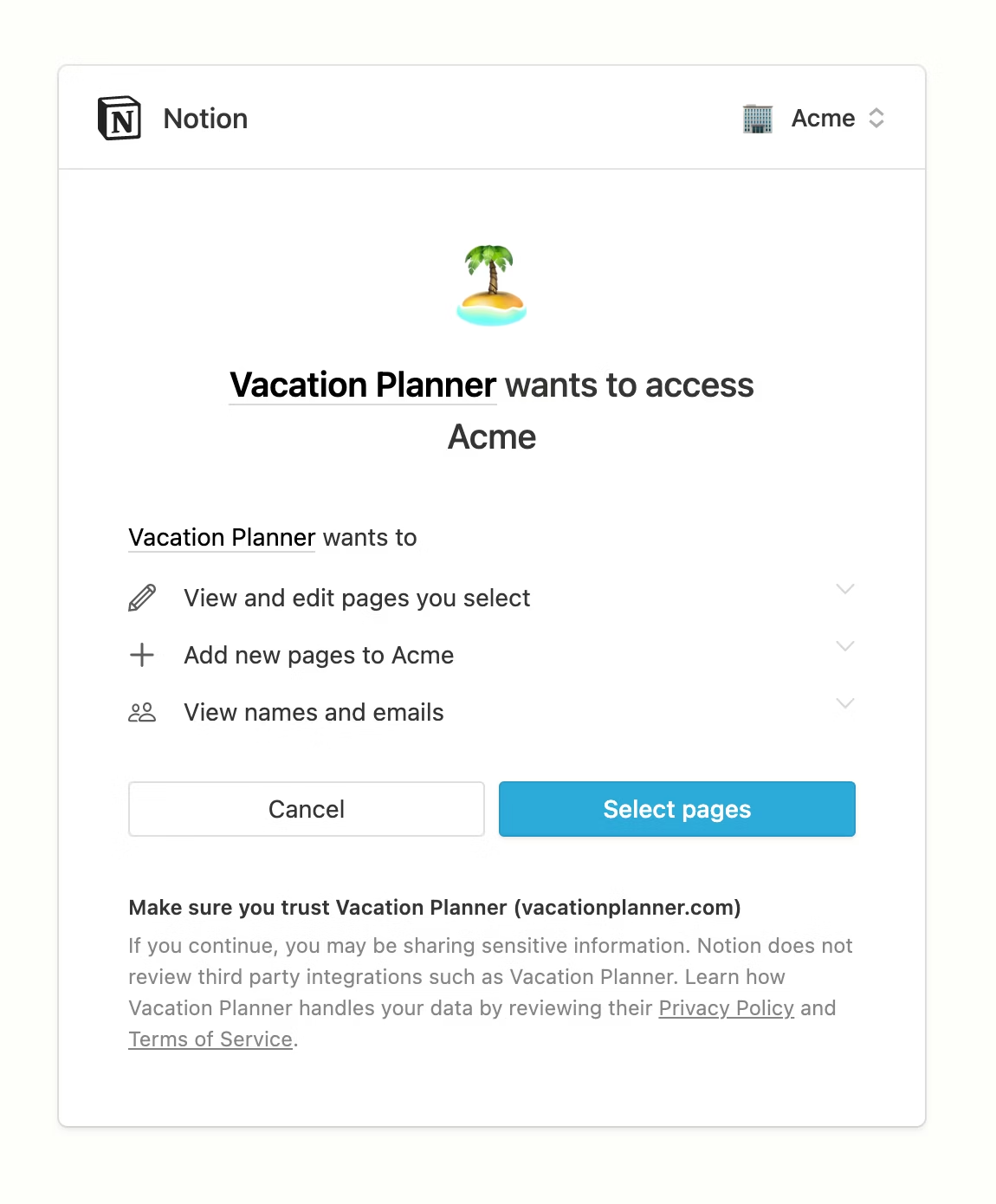
Step 3: Review access
Please review the scopes and click Select pages.
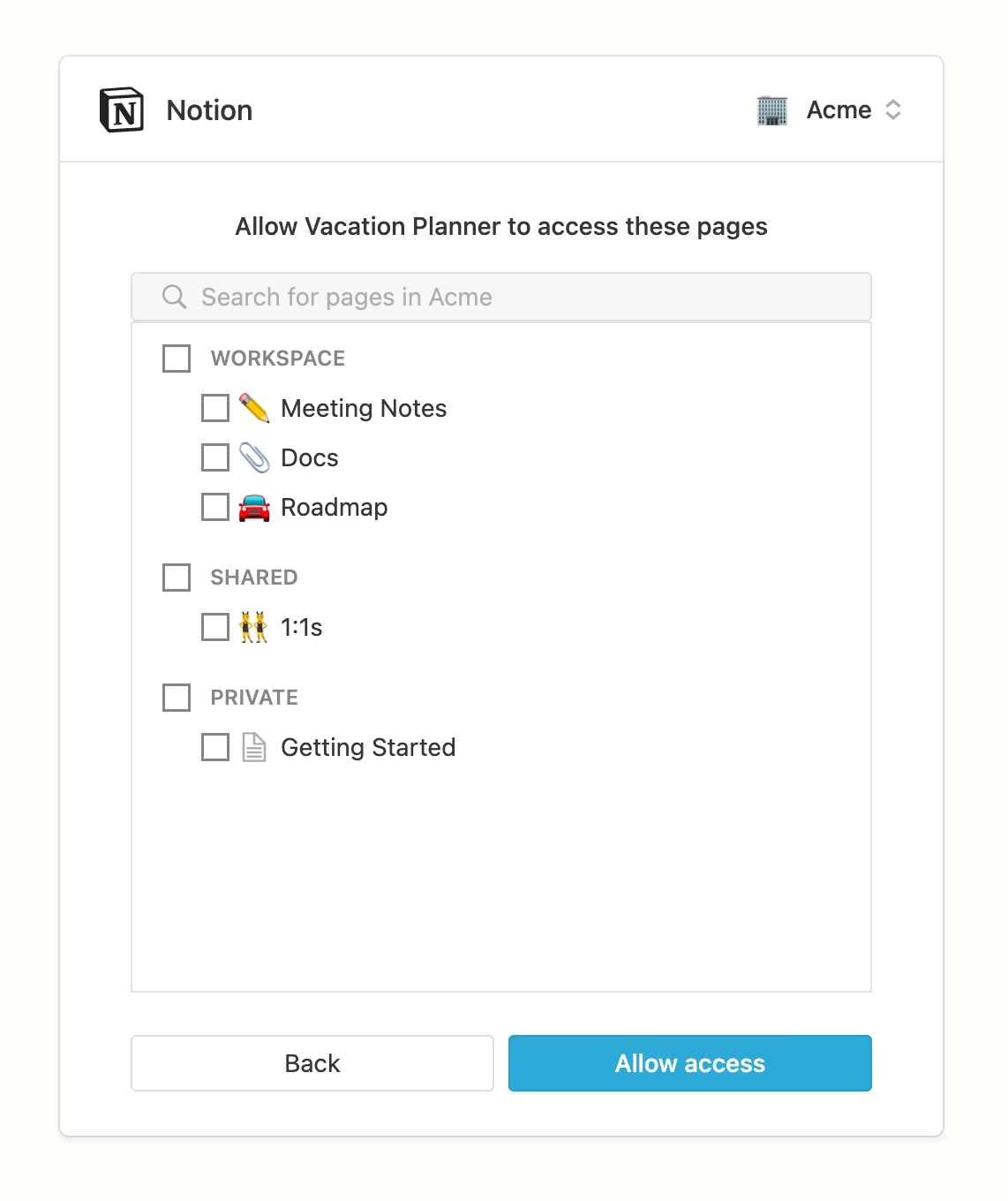
Step 4: Select pages
Please select the pages that you want to sync and click Allow access.
Step 5: Complete the connection
The window should close, and you will be redirected to the linking flow showing a successful connection!