Linked Account IDs
Last updated: July 22, 2025
Overview of the Merge Linked Account ID, and how to find it.
What is A Linked Account ID?
A Linked Account ID is a unique identifier for a Merge linked account. They are unique with your organization, as well as across all Merge organizations. They are generated after a linking flow has been initiated, meaning at least some credentials have been collected for the account.
Linked account IDs are persistent, and do not change for the lifetime of the linked account. If a linked account is deleted, the accompanying linked account id is also deleted.
How to find your Linked Account ID:
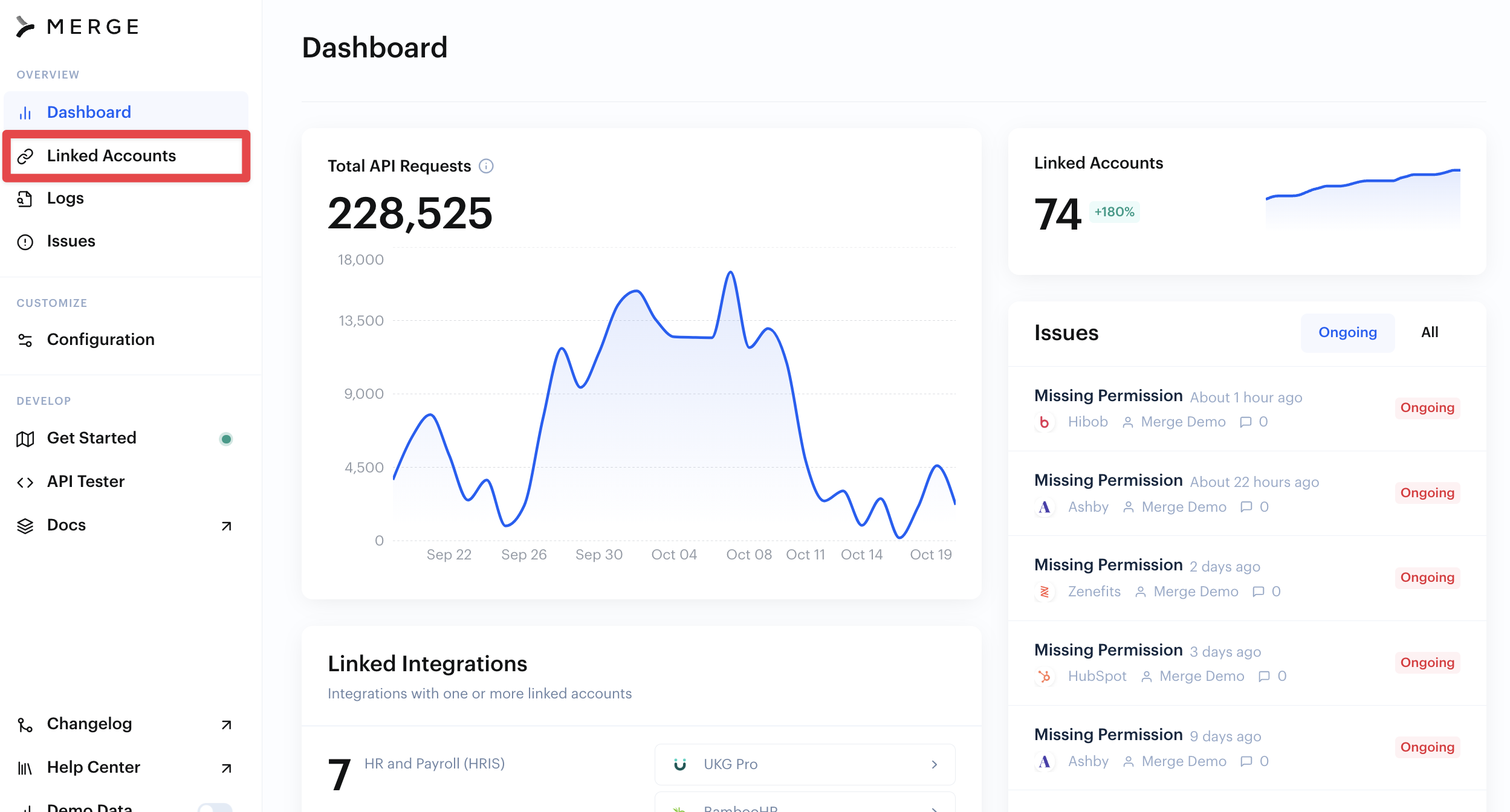
From your Merge Dashboard, click into Linked Accounts
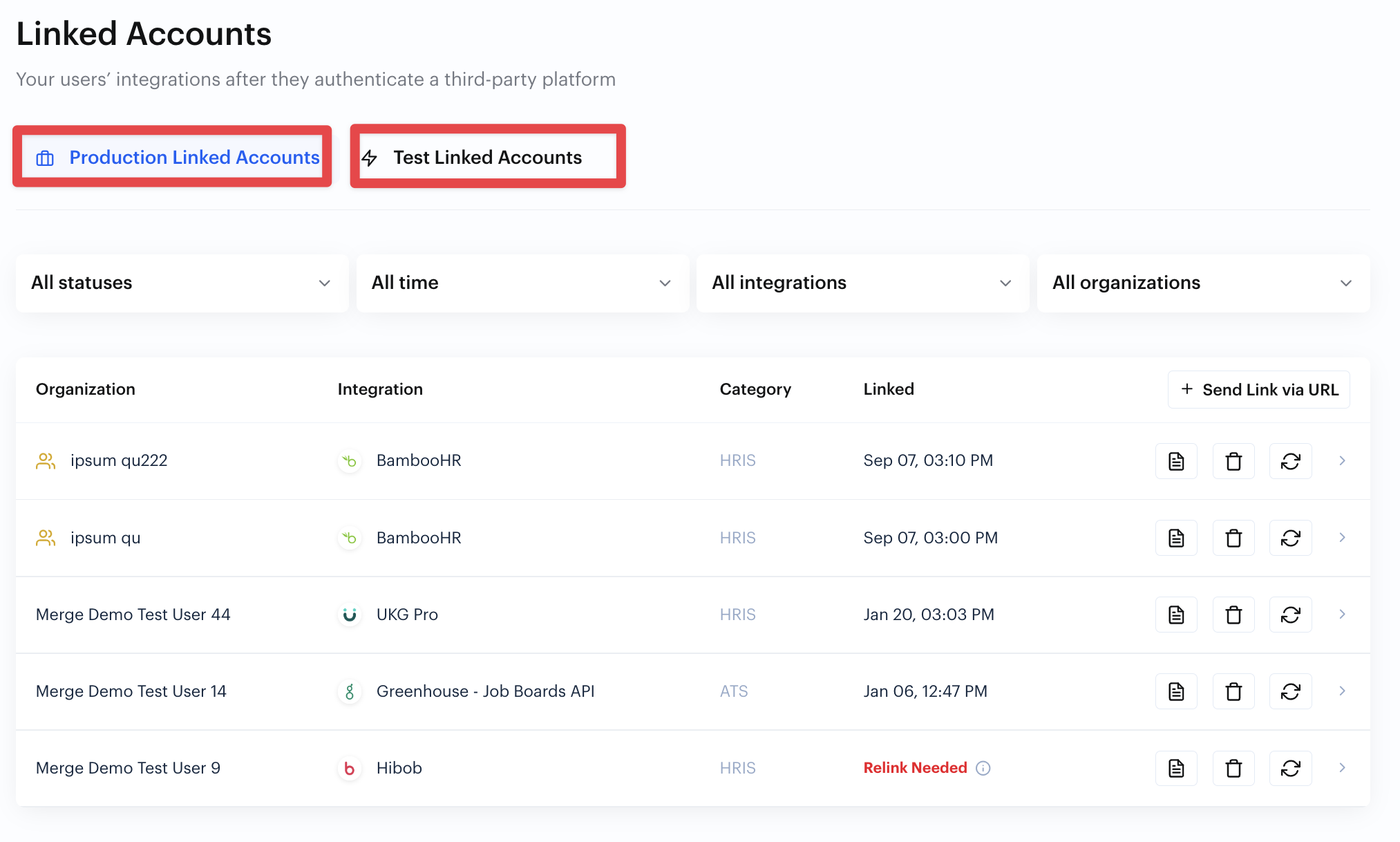
Find the account you are having issues with (there are two tabs, one for Production accounts & one for Test Linked Accounts), click into the account
The Linked Account ID will be available in a grey box on the right side of the page
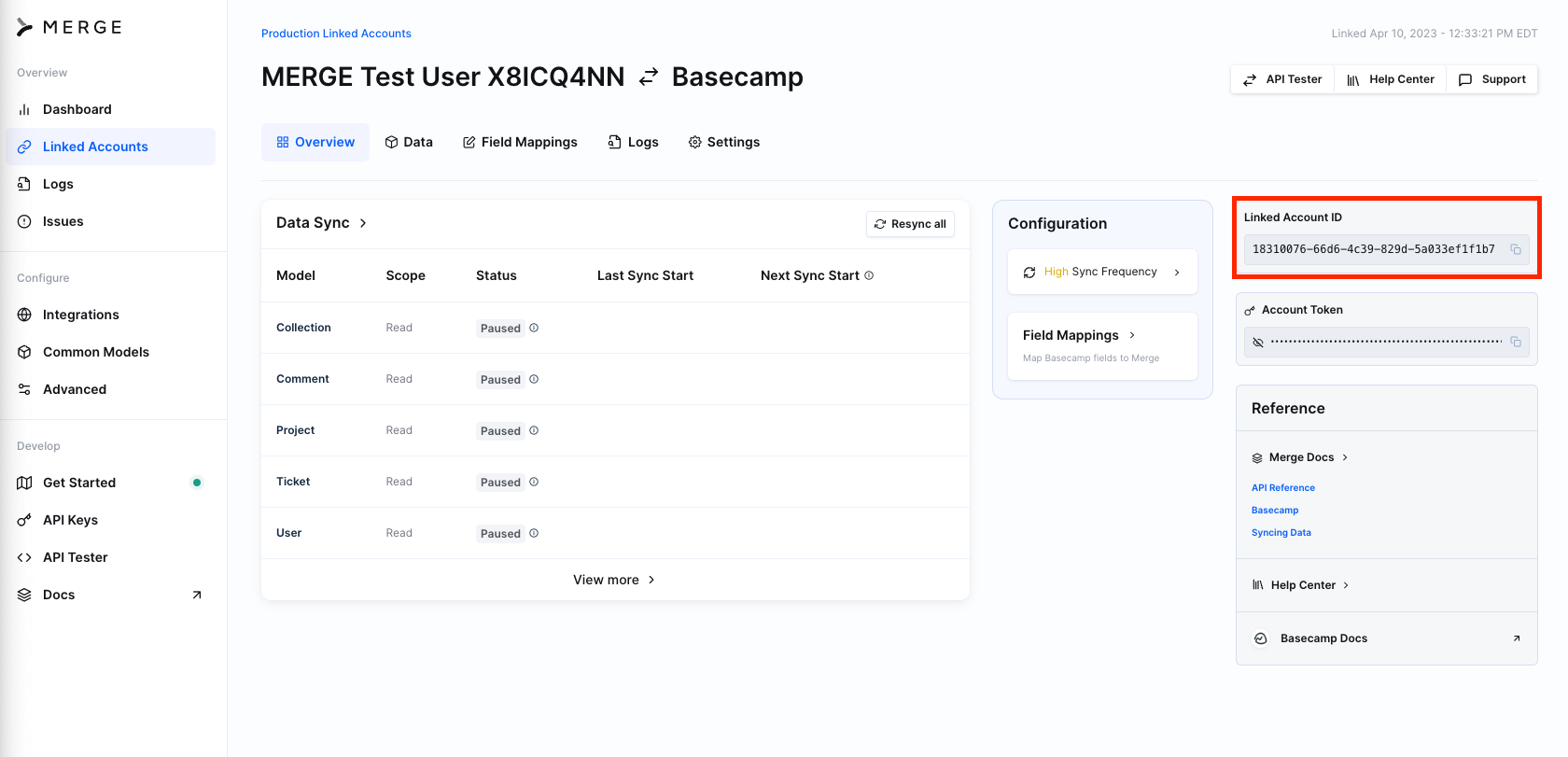
The URL of the page will also include the Linked Account ID!
https://app.merge.dev/linked-accounts/account/15a56fb2-6efd-4fb6-a63b-f1ee3a4895e1/overviewIn this example, the Linked Account ID is: 15a56fb2-6efd-4fb6-a63b-f1ee3a4895e1
You can also return the Linked Account ID from the /linked-accounts and /account-details endpoints!