How do I troubleshoot SFTP integrations?
Last updated: June 23, 2026
SFTP is available to Professional and Enterprise Plan customers. For file naming, supported fields, and schema constraints, see the SFTP standards and requirements spreadsheet.
Overview
This guide highlights potential issues that could disrupt a customer's SFTP connection. Merge detects these issues and provides detailed remediation steps that can be sent to your customers to quickly resolve the connection problems.
Issue types and resolution
There are two categories of SFTP Issues that Merge will create:
Required intervention — your customer must take action before a successful SFTP connection can be established.
Warning — surfaced to flag potential missing data due to file formatting; resolvable or mutable once the customer confirms no data is missing.
Required intervention issues
Unrecognized file name
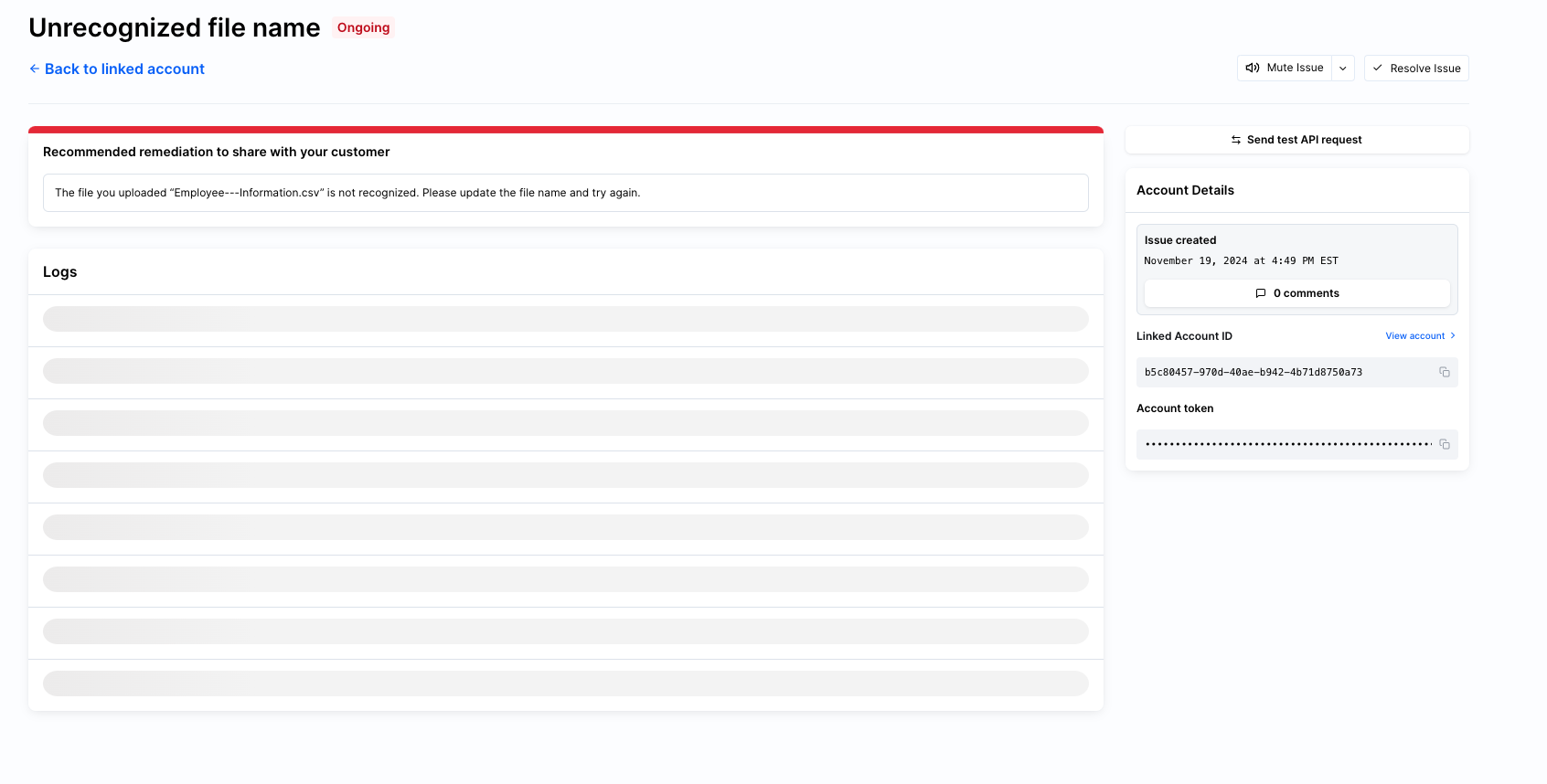
This Issue is generated when a customer sends a file with a name that is not listed in our SFTP guides. The customer should rename their SFTP files to one of the recognized report template names — see the SFTP standards and requirements spreadsheet for the supported names.
Unsupported file type
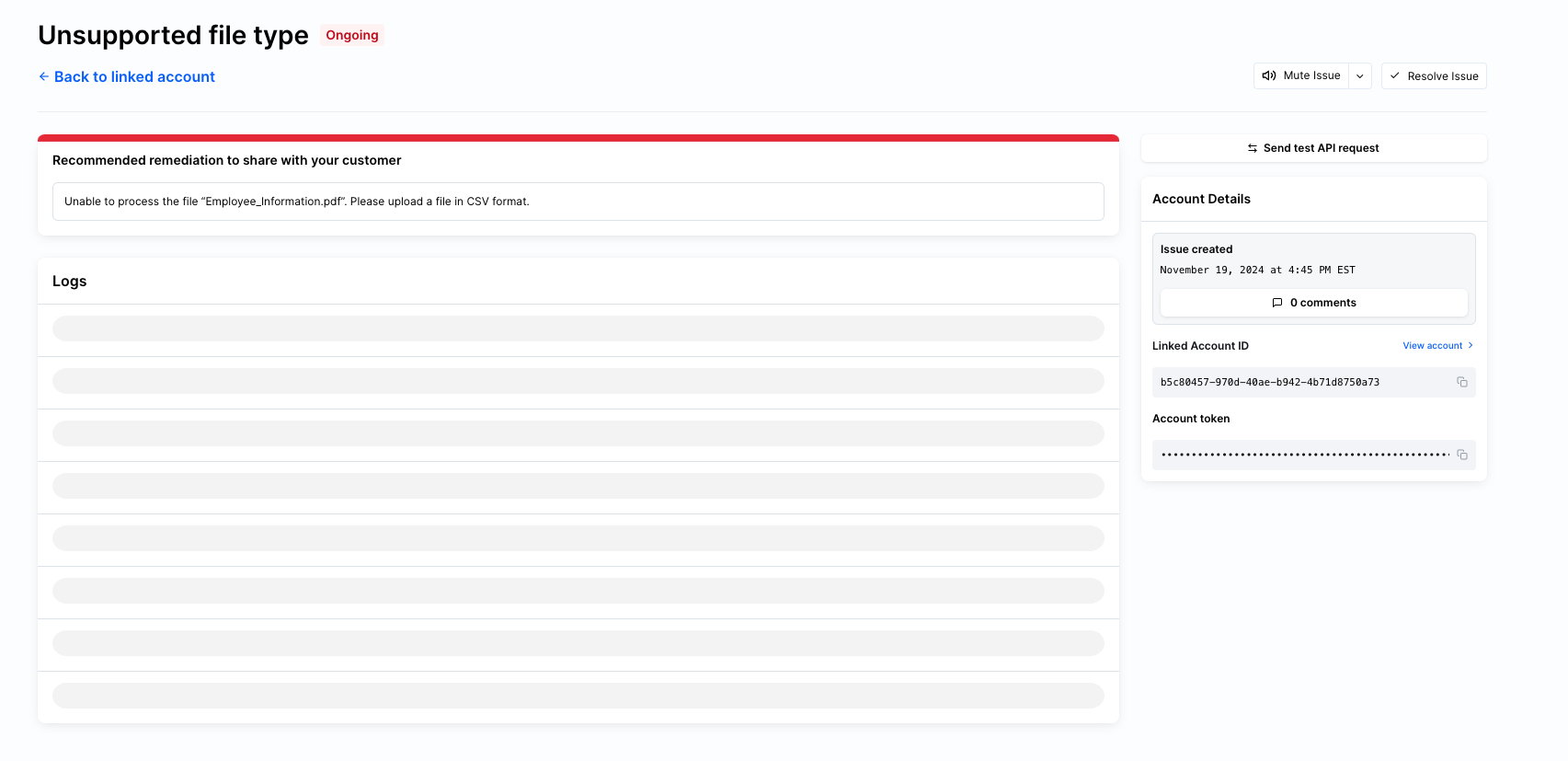
This Issue is generated when the customer sends a non-CSV file. The customer should update the SFTP files to be .csv file types.
Warning issues
Incorrectly formatted row
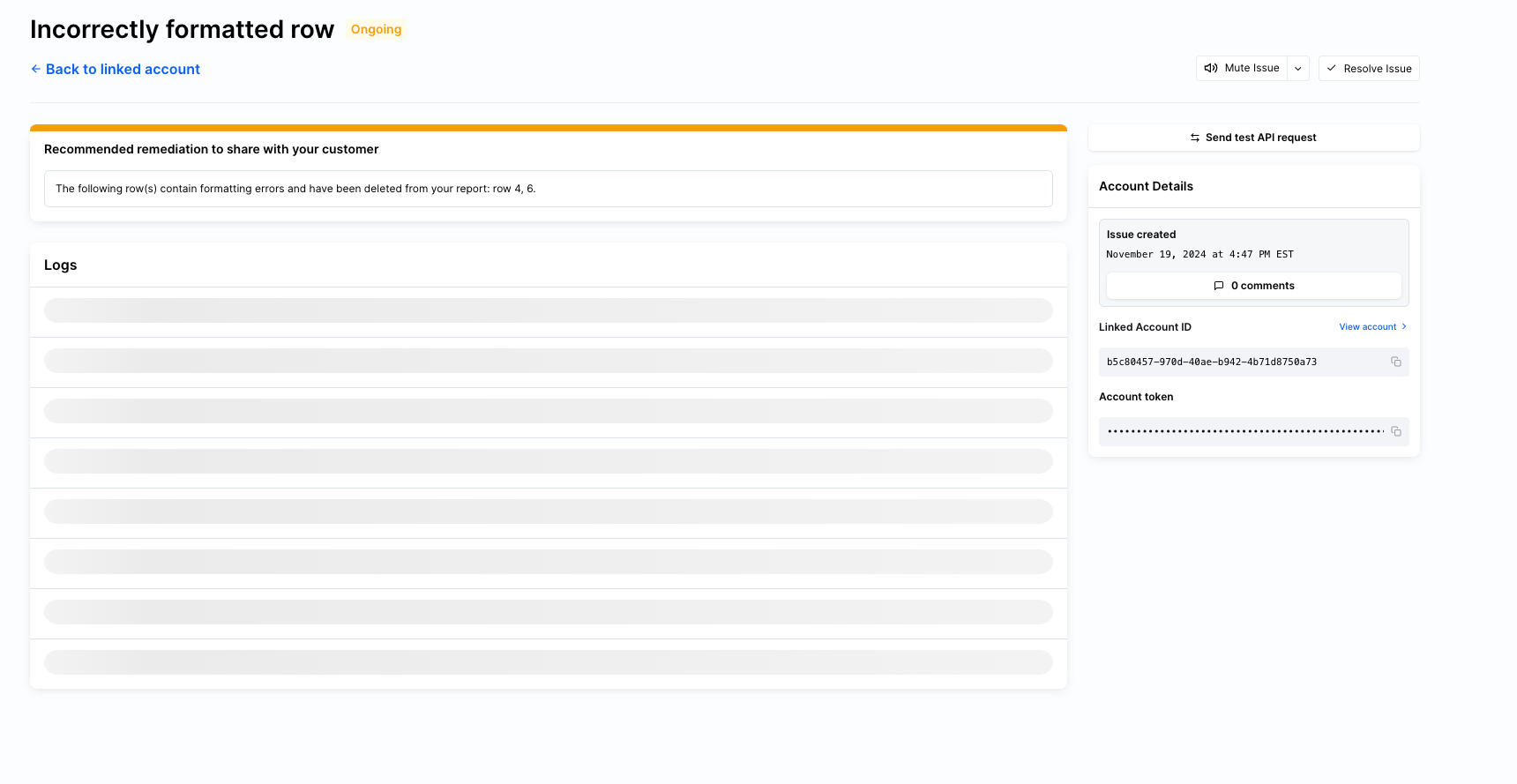
This Issue is generated as a warning when there is an incorrectly formatted row within the SFTP file that was sent — for example, cells within the SFTP file that are incorrectly merged.
This warning gives you and your customer a chance to validate whether important data is being missed due to the merged rows. If the customer confirms there is no missing data, the Issue can be resolved or muted.
Required fields missing
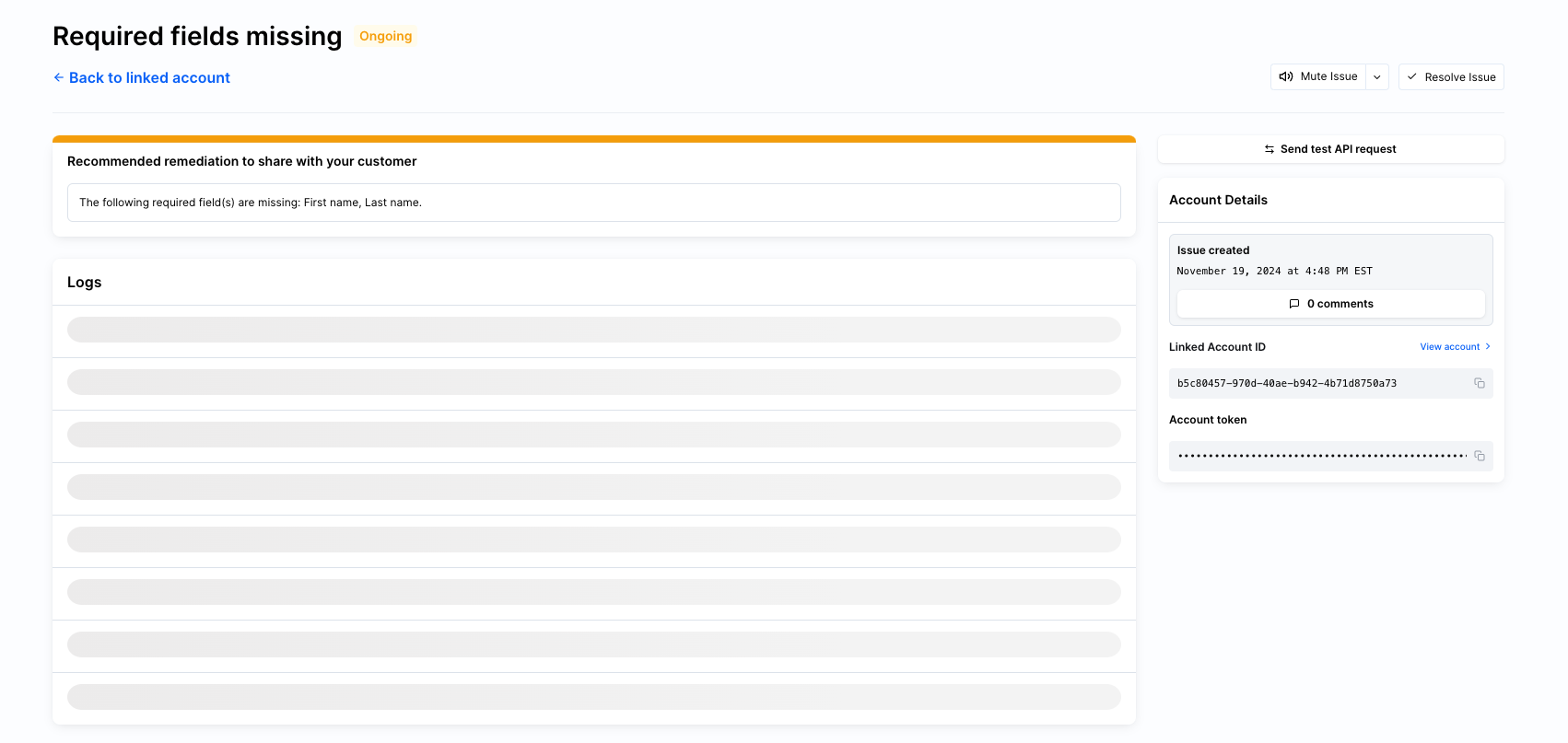
This Issue is generated as a warning when required column headers are missing from the SFTP file. See the SFTP standards and requirements spreadsheet for the full list of required columns.
This warning gives you and your customer a chance to validate whether important data is being missed because standard columns were not included in the report. If the customer confirms there is no missing data, the Issue can be resolved or muted.
Who should I contact for help?
If you need help resolving an SFTP Issue or have questions about the requirements, reach out to us at [email protected].