Connecting to an Oracle Fusion Cloud sandbox account
Last updated: July 21, 2026
Overview:
This guide outlines how to connect and log in to Merge's Oracle Fusion Cloud sandbox. If you are connecting to your own sandbox, feel free to use the below guide as a reference.
Instructions for UI access:
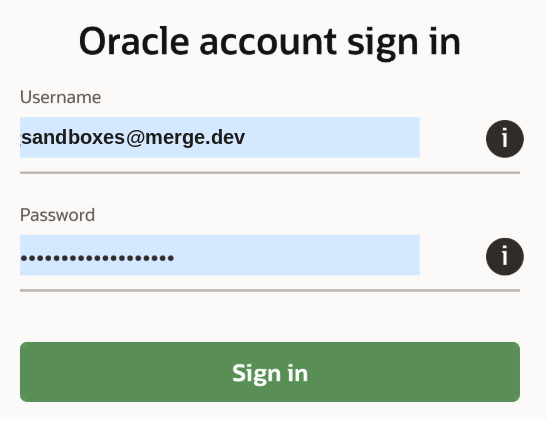
Log into the Oracle website using the credentials from the shared 1Password link:
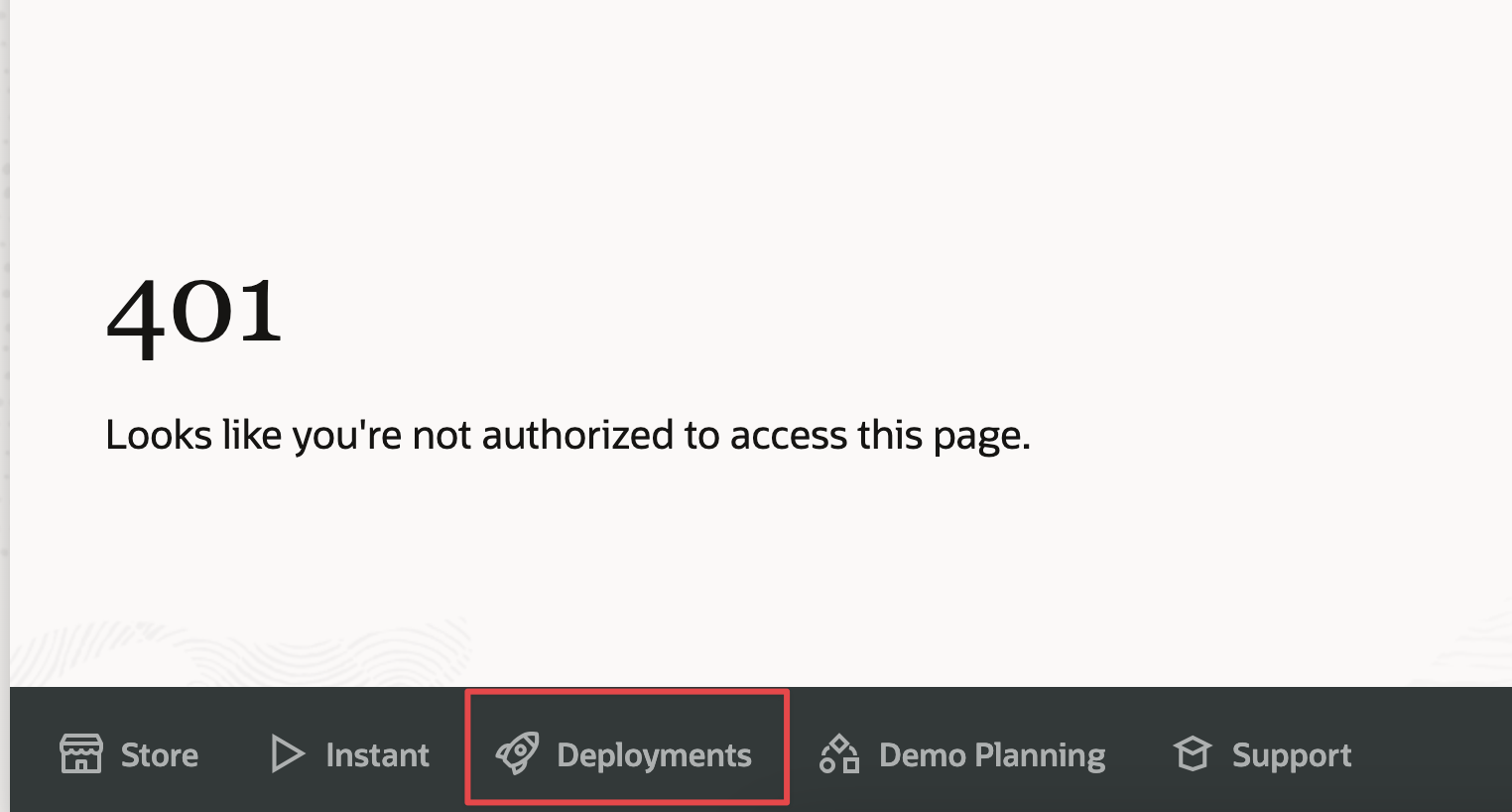
Click on Deployments (bottom left). Don't worry if the page shows a 401.
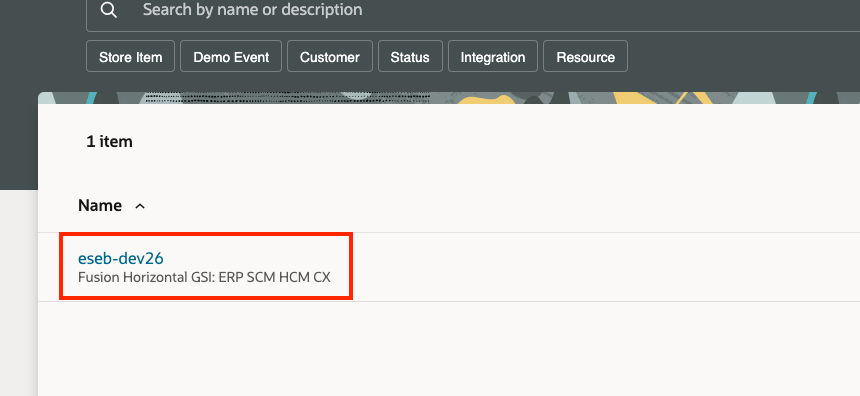
On the list of deployments, find the deployment that lists Fusion Horizontal GSI: ERP SCM HCM CX
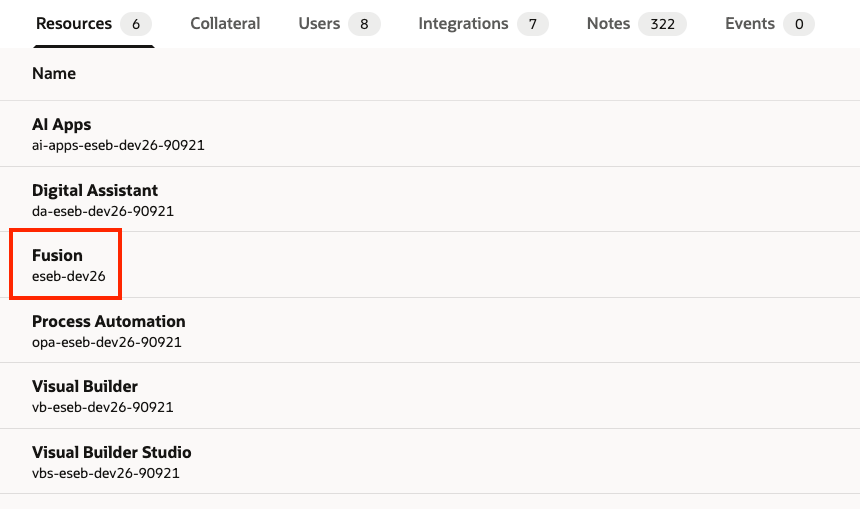
Once within the eseb-dev26 deployment, find Fusion
You'll find just the password to the account on this page. Once you have the password copied, click Fusion Launchpad

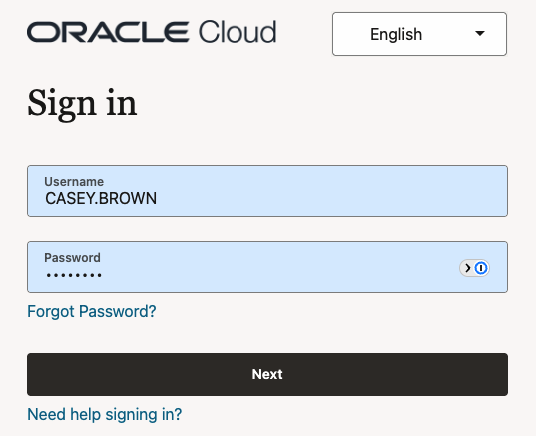
Click the ERP and SCM Cloud Login tab

The username for the login will be CASEY.BROWN, and the password will be the copied password from step 5 (above)
Linking instructions:
This will be the entire URL once you are logged into Oracle Fusion Cloud. If you are connecting the Merge sandbox account, the URL will be:
idcs-396421e97e124f9d88ff0bc63f24238c.identity.oraclecloud.comThe credentials to connect will be the same as the ones used to log into the URL i.e CASEY.BROWN and the password.