Which multi-tenants does Merge offer?
Last updated: February 27, 2026
Merge offers tenants in multiple regions across the globe. Here's your quick start guide to understanding which tenants we offer and how to choose one!
Selecting a tenant
When you sign up for Merge, you can decide which tenant you'd like your Merge organization to reside in by selecting your region from the drop-down menu in the upper right of the sign-in screen.
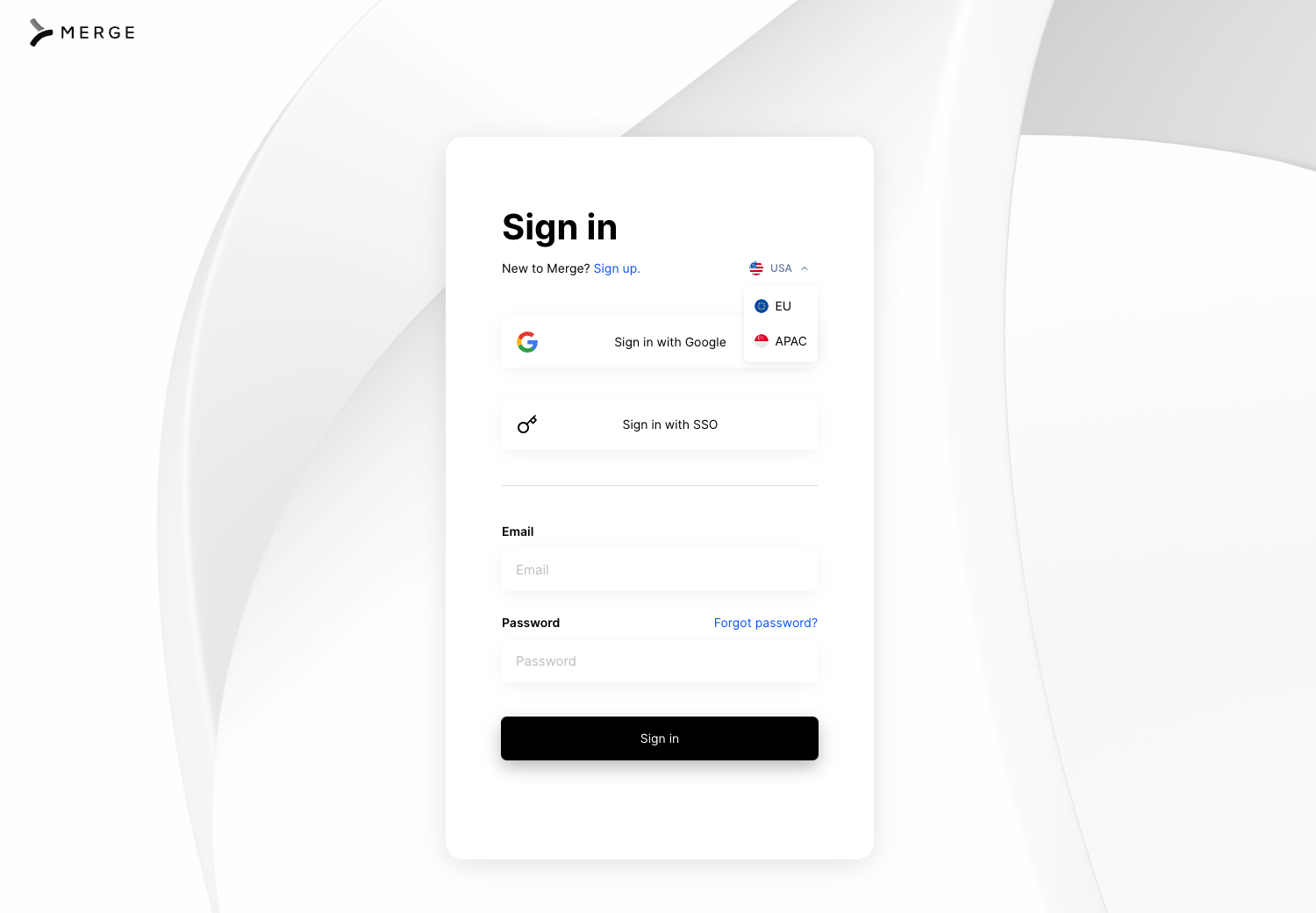
If you want to use Merge in multiple regions, you will need to create a new separate Merge organization in each region. After creation, contact your Customer Success Manager or Merge Support to have it aligned with your existing tenant.
Storage
Depending on your tenant, Merge will store that tenant's data in the following AWS regions.
Tenant | Region |
US | North Virginia, United States (US East) |
EU | Stockholm, Sweden |
APAC | Asia Pacific, Singapore |
Supporting multi-tenant implementations
You will need to manage your Production and Test API Keys for each separate tenant you decide to support.
Each tenant has their base URL for the endpoints that you will hit.
Tenant | Base URL | Example for the Employees Common Model |
US | api.merge.dev | https://api.merge.dev/api/hris/v1/employees |
EU | api-eu.merge.dev | https://api-eu.merge.dev/api/hris/v1/employees |
APAC | api-ap.merge.dev | https://api-ap.merge.dev/api/hris/v1/employees |
Data migration
Currently, there is no current way to migrate data between tenants.
If you decide that you want to switch a Linked Account to a new tenant, you will need to relink in that new tenant
Tenant-specific FAQ
For more info on each tenant, check out their respective FAQ pages here: